Paste your data
Paste or type your YAML data into the input field.
Convert YAML to JSON format. Automatic parsing and formatting. Free, no registration.
YAML is human-readable and widely used for configuration files (Docker Compose, Kubernetes, GitHub Actions, Ansible). However, APIs, programming languages, and most tools process JSON natively. Converting YAML to JSON is essential when you need to submit configuration data to an API, validate structure programmatically, or use the data in JavaScript/Python code.
JSON is strictly typed (strings, numbers, booleans, null, arrays, objects) and does not depend on indentation — making it less error-prone for automated processing. Converting YAML to JSON also helps validate YAML syntax: if the conversion succeeds, your YAML is valid.
The converter handles all YAML features: nested objects, arrays, multiline strings, anchors, and aliases. Output is properly formatted JSON with 2-space indentation.
All processing happens locally in your browser — nothing is sent to any server. No registration, no limits, no tracking.
| Feature | YAML | JSON |
|---|---|---|
| Nested/hierarchical data | ✓ | ✓ |
| Tabular data | — | — |
| Schema validation | — | ✓ |
| Human readable | ✓ | ✓ |
| API standard | — | ✓ |
| Compact syntax | ✓ | ✓ |
YAML (YAML Ain't Markup Language) uses indentation and minimal syntax to represent structured data, while JSON (JavaScript Object Notation) uses curly braces, square brackets, and explicit quotation marks. The converter parses the YAML structure and outputs equivalent JSON with proper formatting.
YAML indentation becomes JSON nesting, YAML dash-prefixed items become JSON array elements, and YAML key-value pairs become JSON object properties. Data types are preserved: strings, numbers, booleans, null values, arrays, and objects all map directly between the two formats.
Converting YAML to JSON is useful when integrating configuration data into web applications, REST APIs, or any system that expects JSON input. The conversion runs entirely in your browser — no data is sent to any server.
A few tips to help you avoid common issues during conversion:
Yes, this converter is completely free with no limits. No registration, no watermarks.
No. All processing happens locally in your browser. Your files never leave your device.
Yes, the converter supports batch conversion. Add multiple files and convert them all simultaneously.
Yes, the converter works on any device with a modern web browser, including smartphones and tablets.
Yes. The entire conversion runs locally in your browser. Your data is never sent to any server. When you close the page, all data is automatically cleared from memory.
No. JSON does not support comments, so any # comments in your YAML file are discarded during conversion. Keep your original YAML file if you need to preserve comments.
Yes for data values. All strings, numbers, booleans, null values, arrays, and objects are preserved exactly. Only YAML-specific features like comments and anchors are not carried over to JSON.
Have an idea, found a bug, or want to suggest a feature? Drop us a message – we respond within 24 hours.
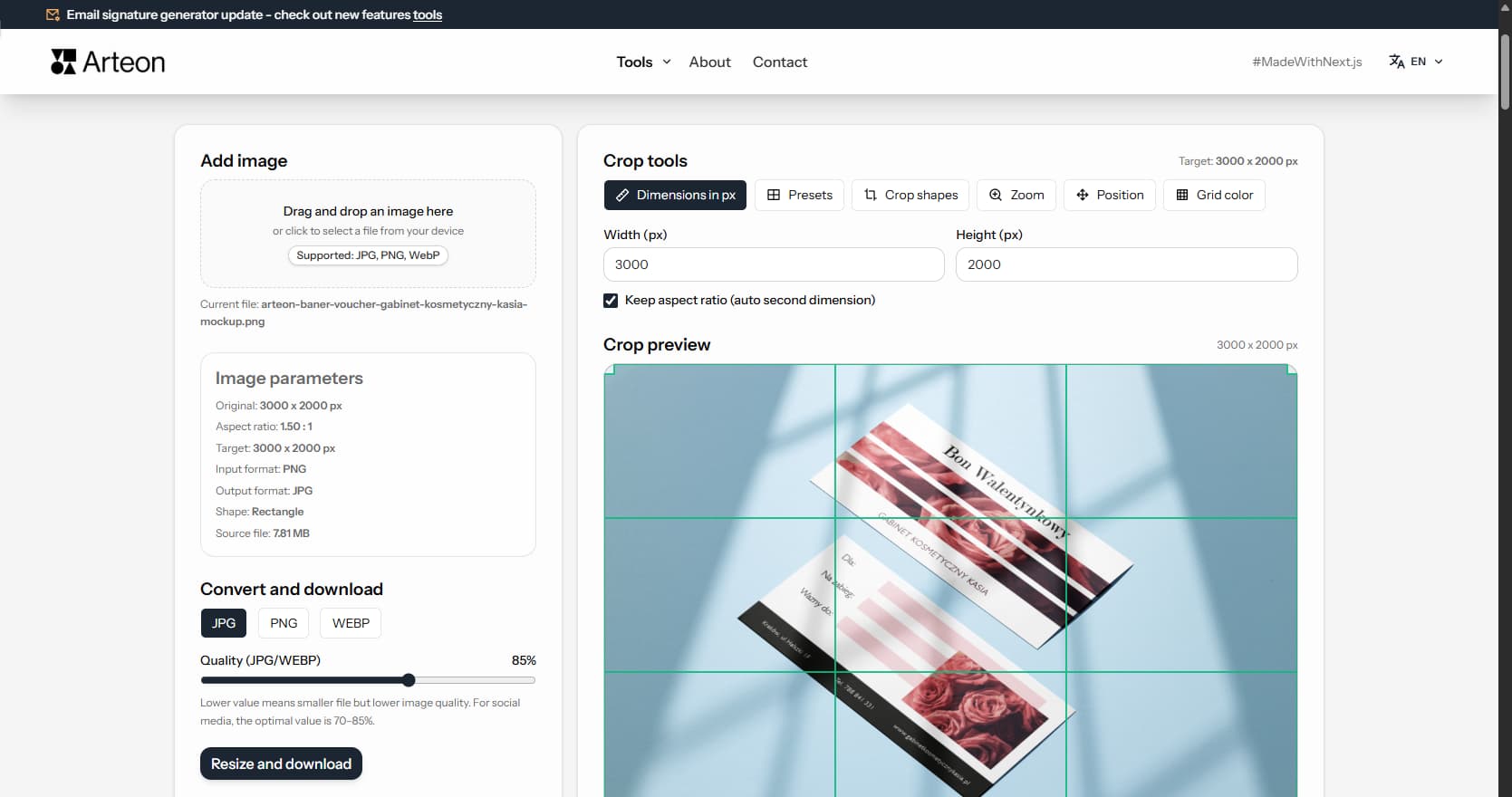
Resize, crop and convert your image. Ready-made formats for social media, circular avatars, export to JPG/PNG/WebP.

Check title and description length in pixels. Live Google preview and optimization tips.
Convert PNG files to JPG in your browser. No file limits, no signup, no server uploads.
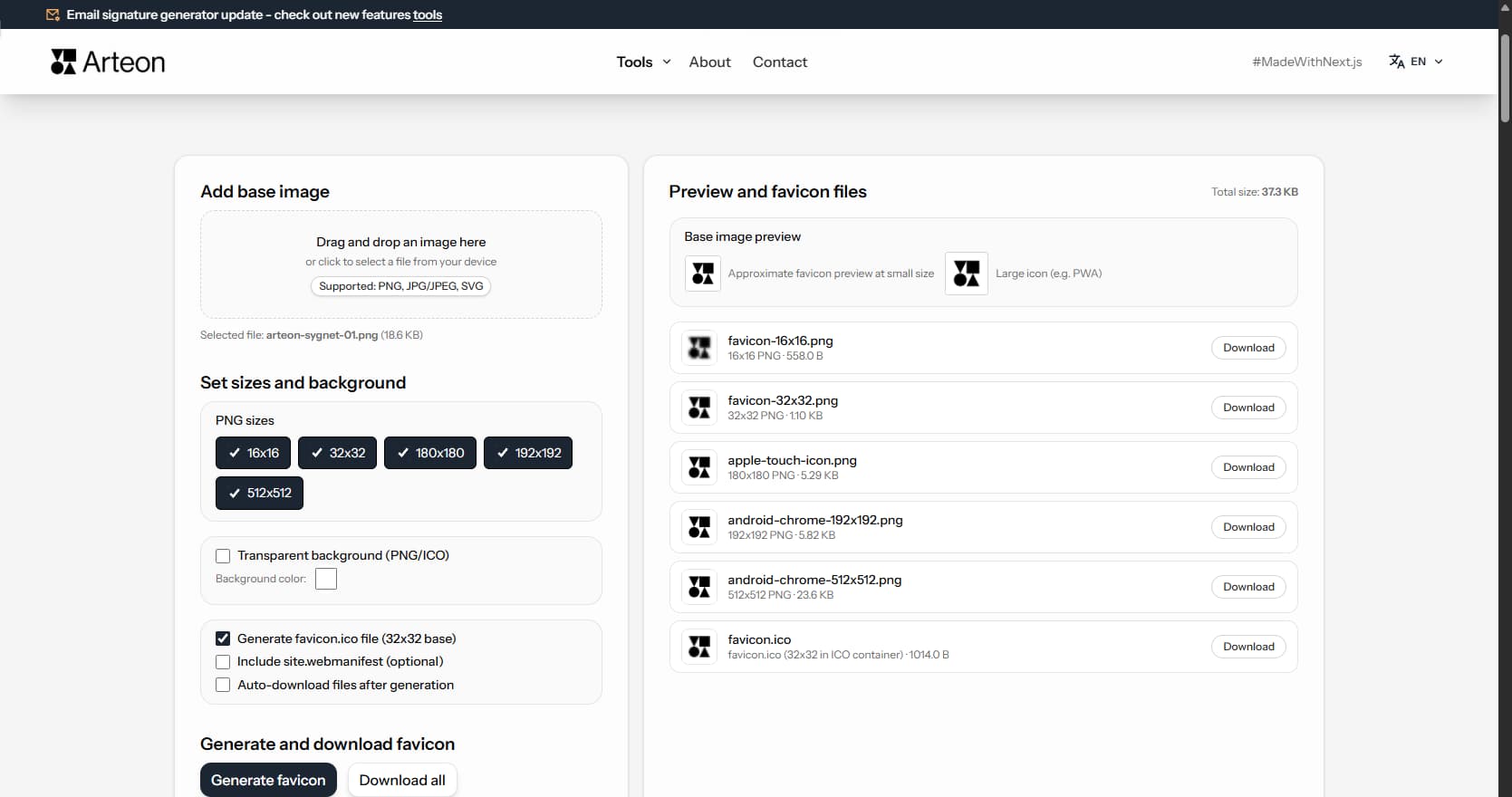
Create a complete favicon.ico set for your website from one image. All required sizes, no login.
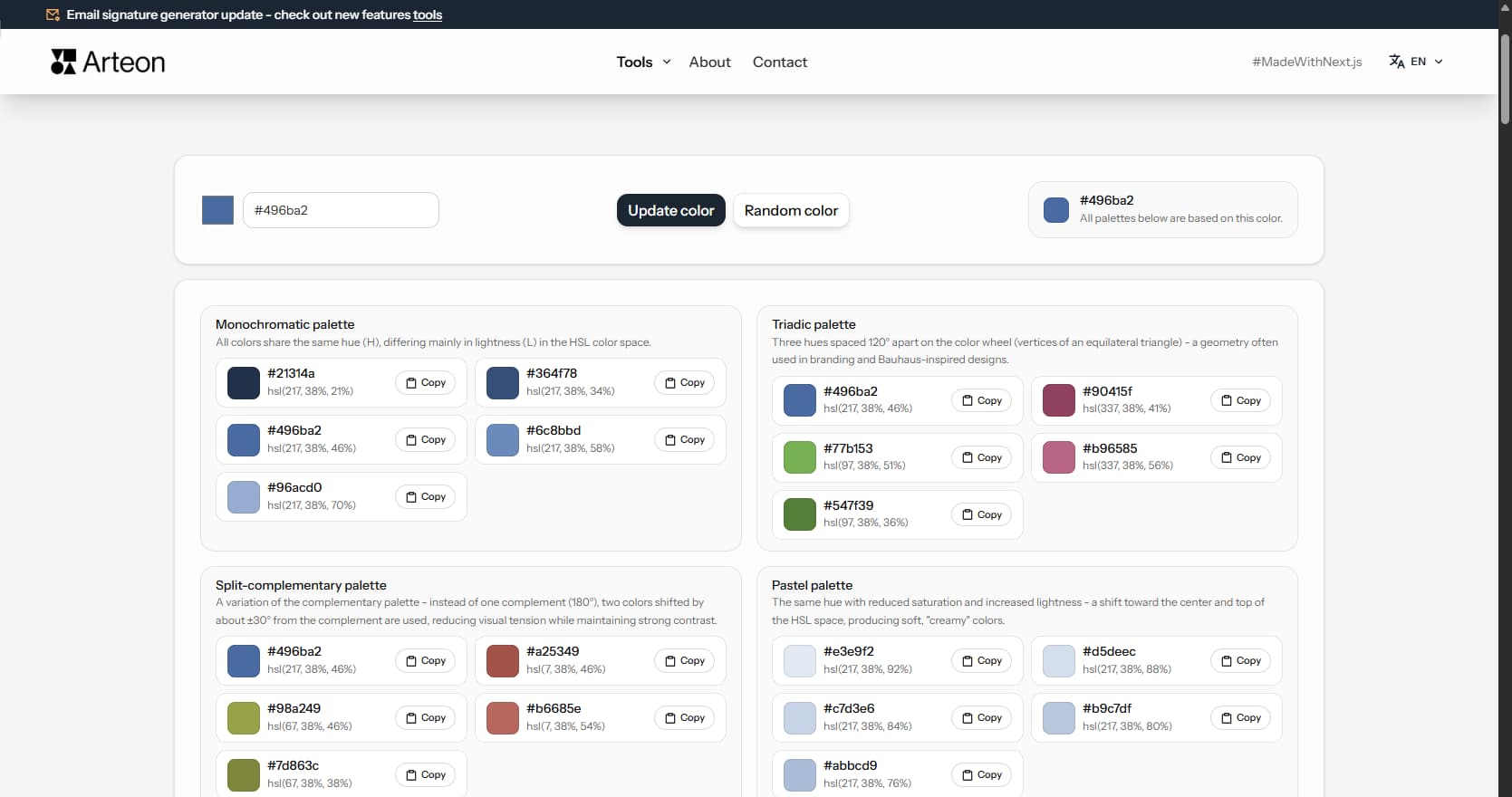
Generate 9 palettes from one color: monochromatic, complementary, triadic and more. HEX codes.
Convert WebP files to universally compatible JPG. Works in every app and platform.
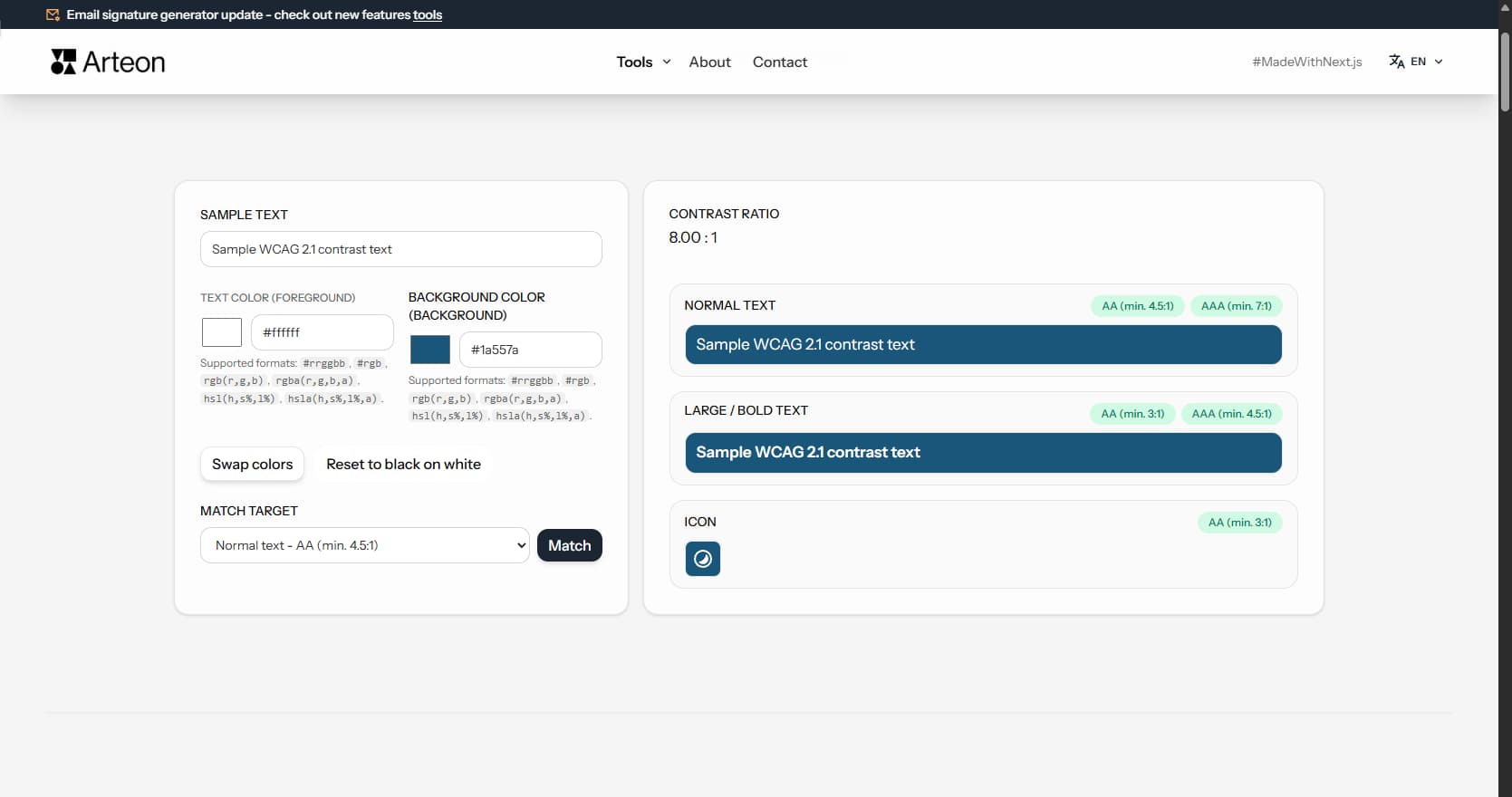
Check text and background contrast per WCAG 2.1 AA and AAA. Automatic color correction.
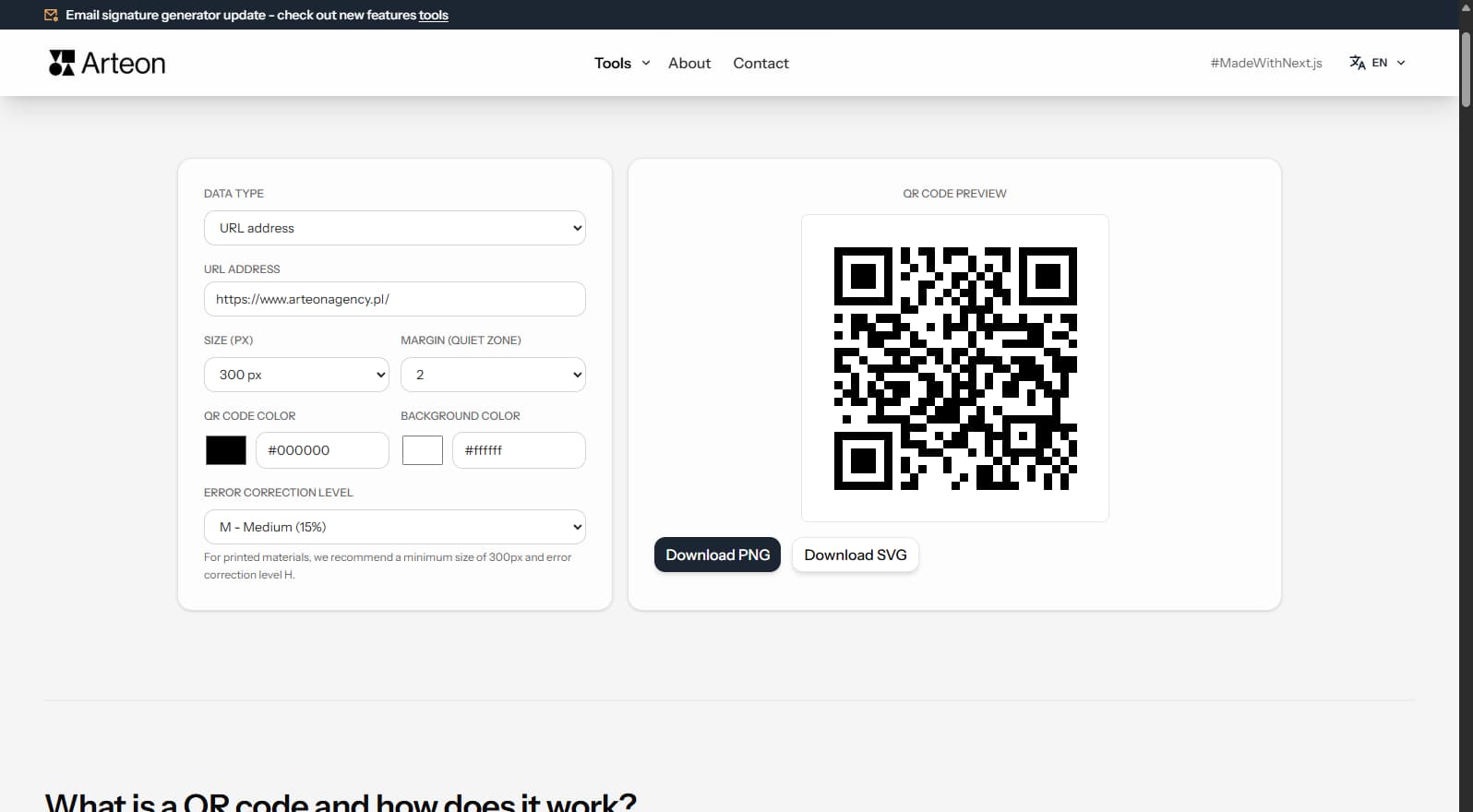
Create a QR code for a website, vCard business card or print. Export PNG and SVG, no registration.
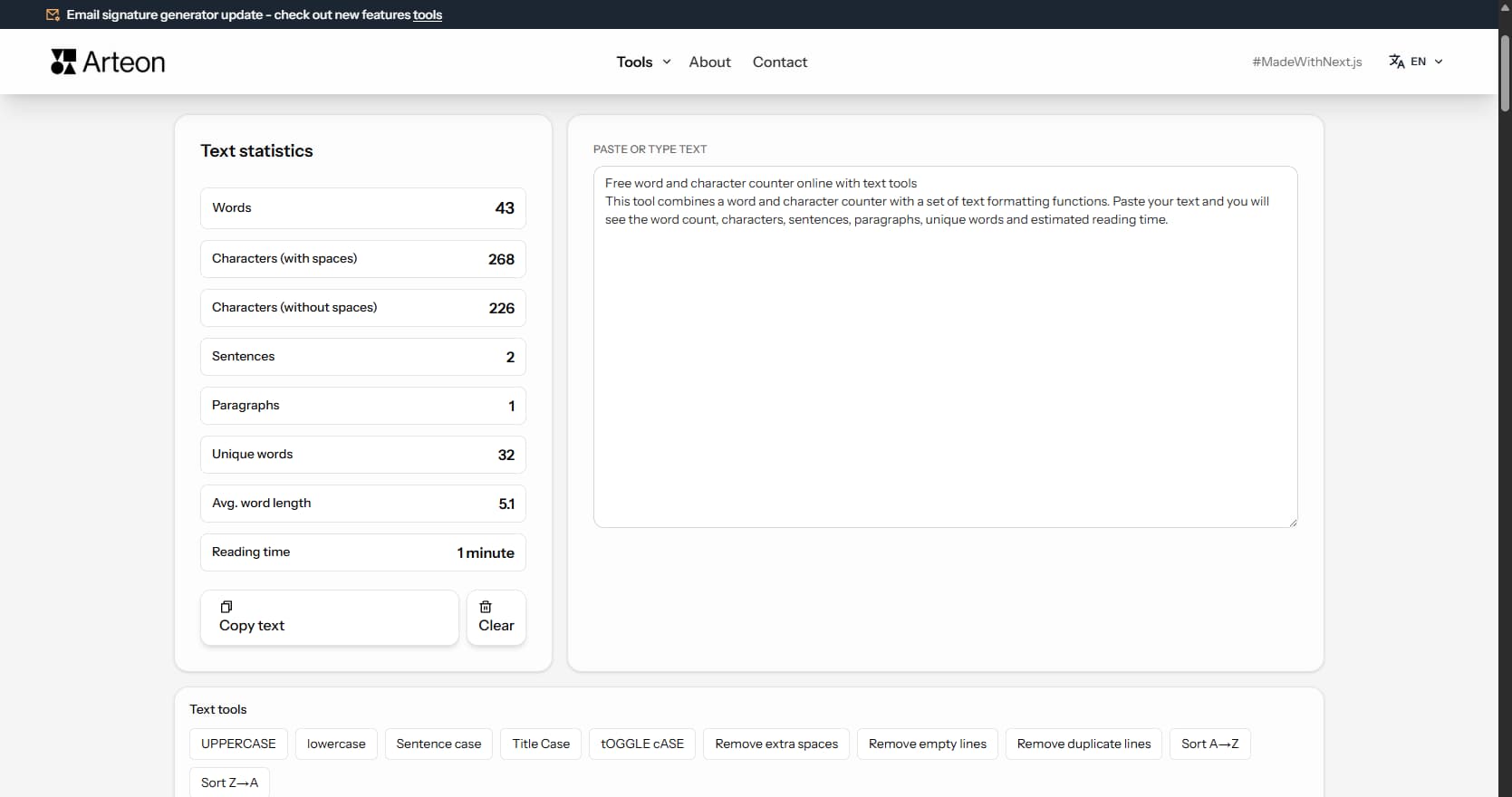
Count words, characters, sentences and reading time. Check readability with the Flesch-Kincaid score.