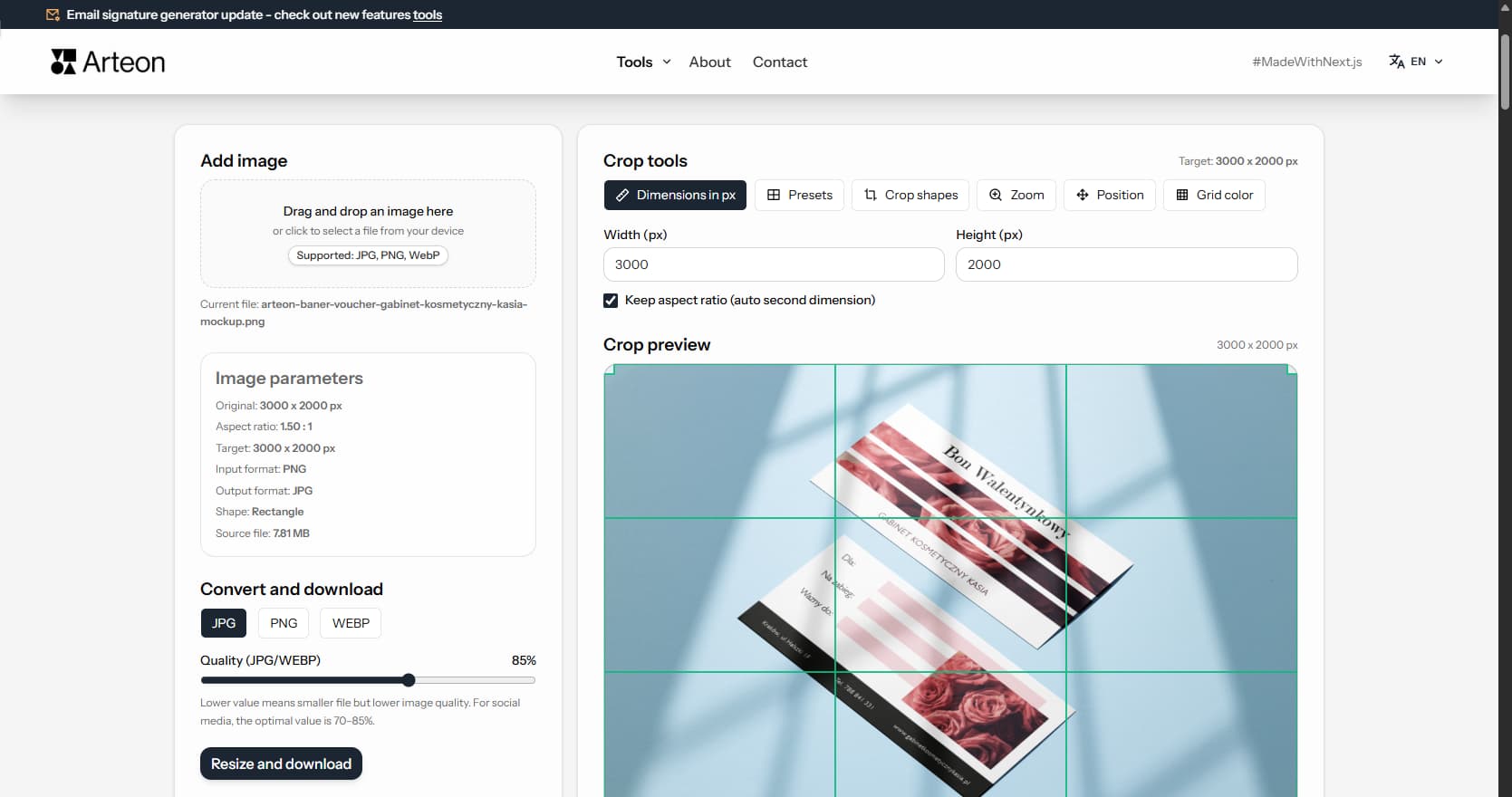
Online image editor
Prepare the perfect crop for social media or your website. Choose a ready-made format or enter custom pixel dimensions and download the image in PNG, JPG, or WebP.
Image format converters, image editor, favicon generator, text counter, color tools, and QR codes. No registration, no limits - everything runs in your browser.
Tools for preparing photos, graphics, and icons for websites and social media.
Prepare the perfect crop for social media or your website. Choose a ready-made format or enter custom pixel dimensions and download the image in PNG, JPG, or WebP.
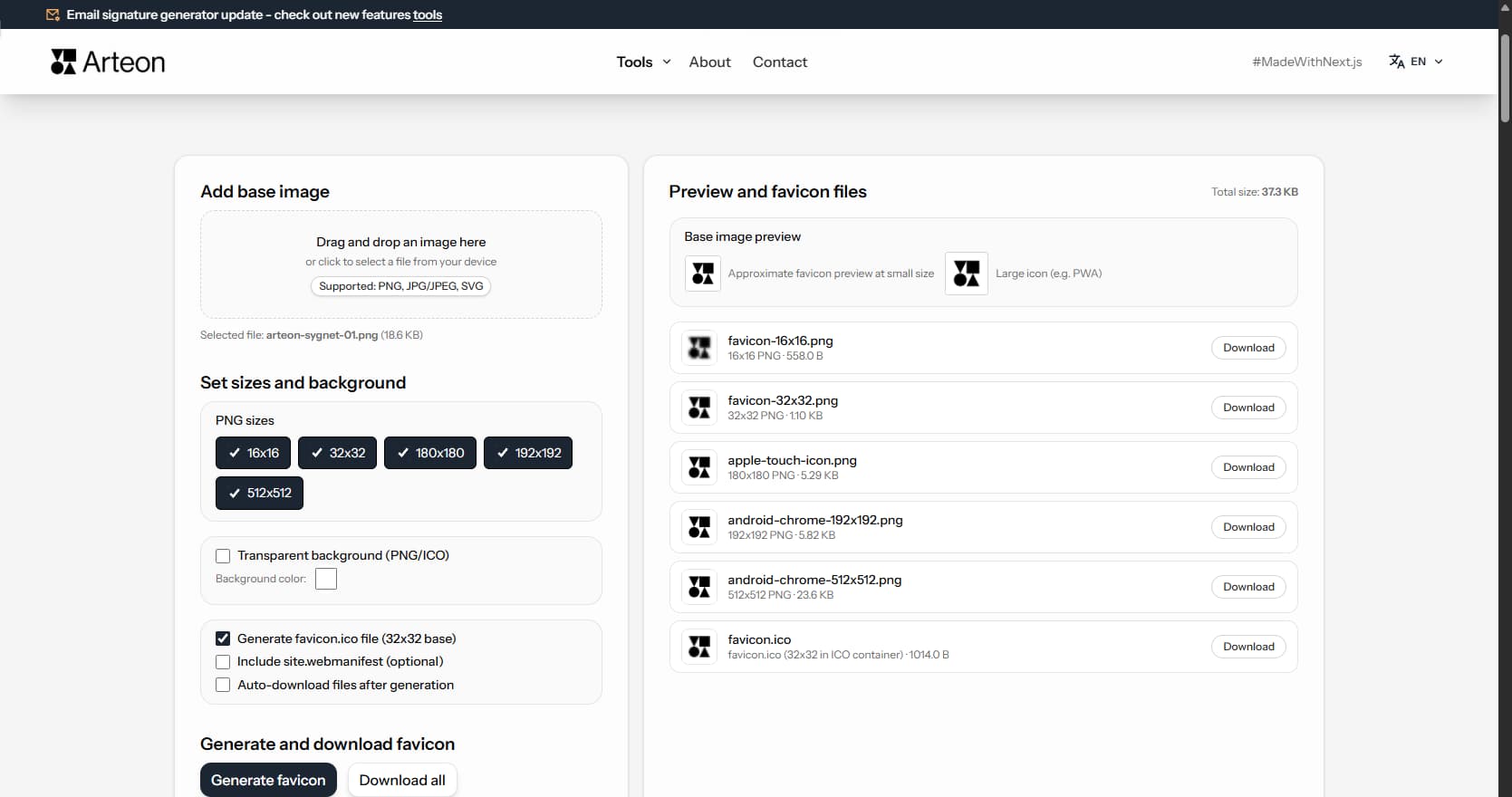
Generate favicon.ico and PNG icons 180x180, 192x192, and 512x512 from a single image - compliant with browser and Lighthouse requirements.
Tools for checking text length, meta tags, and previewing your page in search results.

Check character count, word count, pixel width, and preview how your page looks in Google. Avoid truncated titles and descriptions and fine-tune your SEO content.
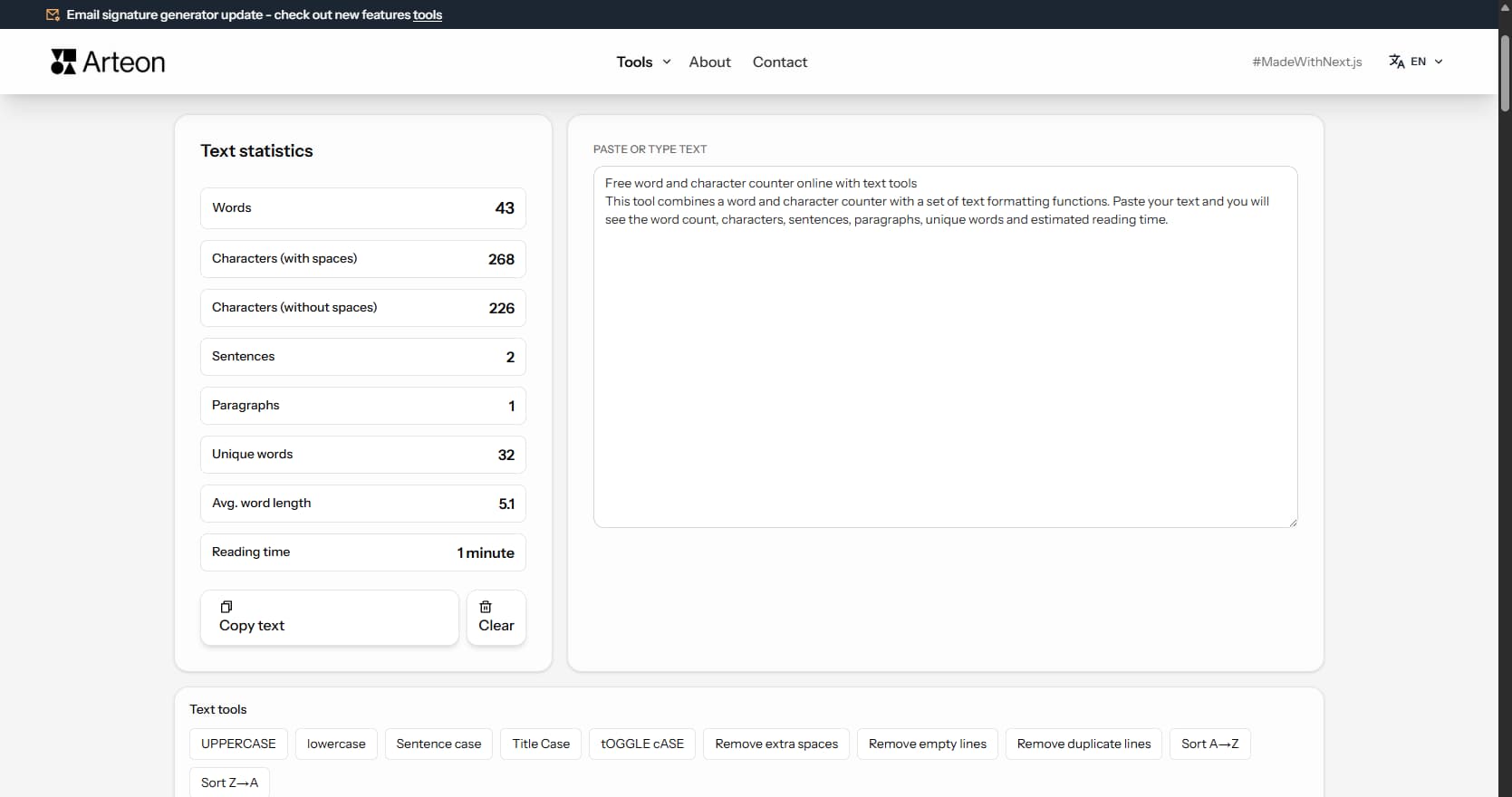
Check text length and evaluate whether it fits a homepage, service description, blog post, or product description. The tool counts words, characters, paragraphs, and reading time.
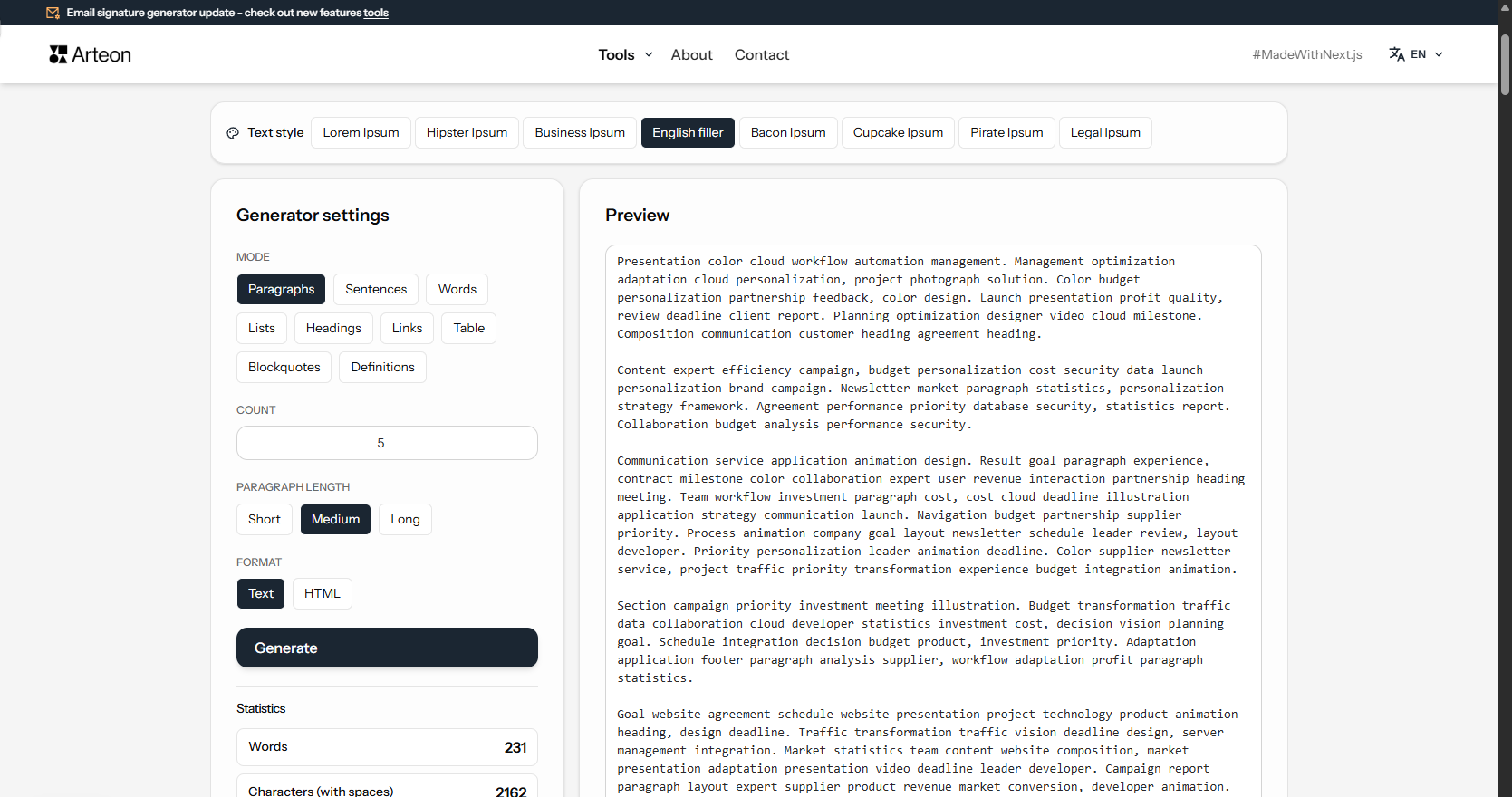
Generate placeholder text in 8 styles and 9 modes. Lorem Ipsum, Hipster, Business, Bacon and more. Copy as text or HTML.
Tools that help organize e-mail communication and brand image.
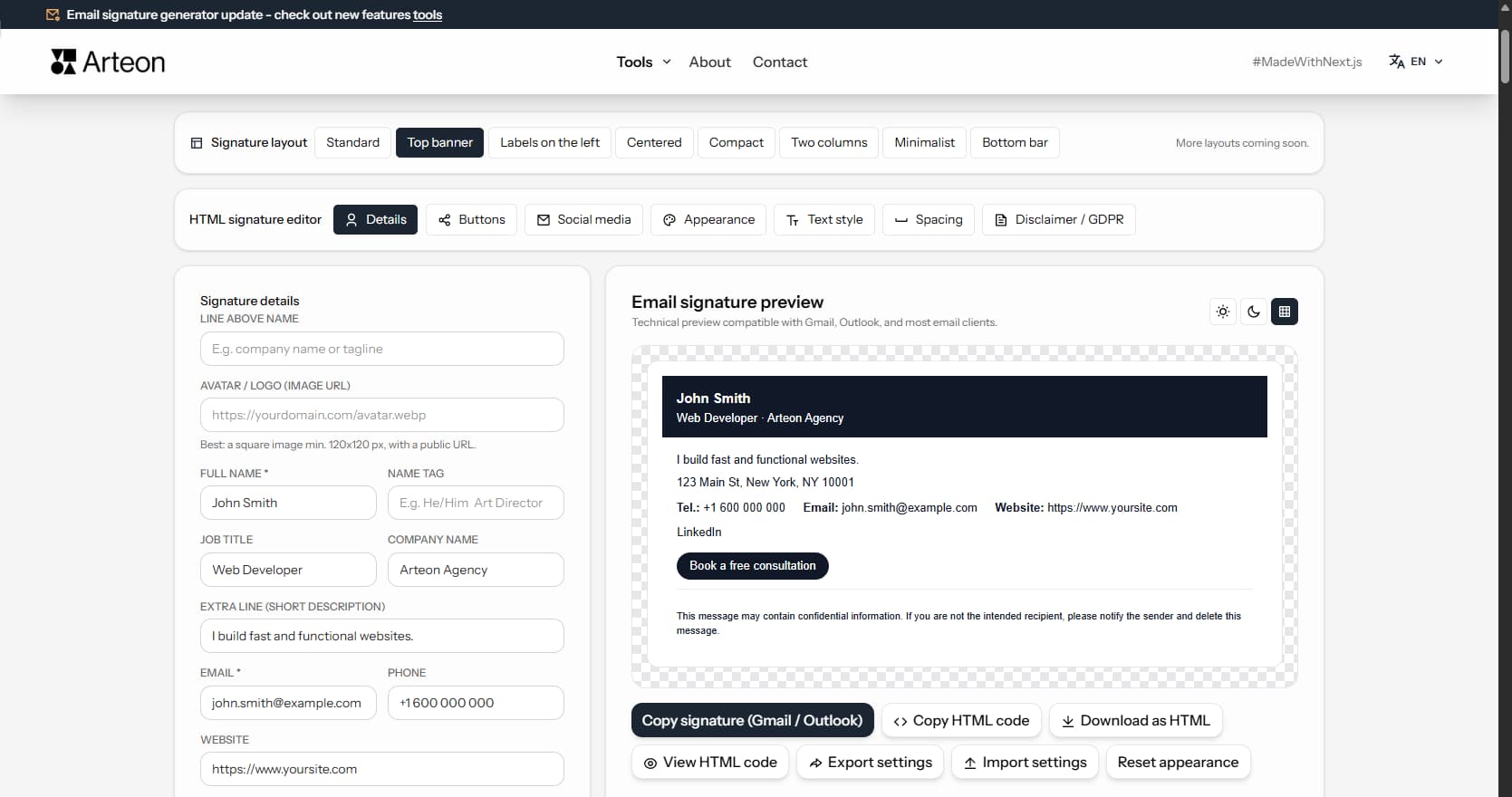
Build a professional e-mail signature in minutes. Enter your details, choose colors, and copy the ready HTML code into Gmail, Outlook, and other e-mail clients.
QR code generator for websites, business cards, menus, and printed materials.
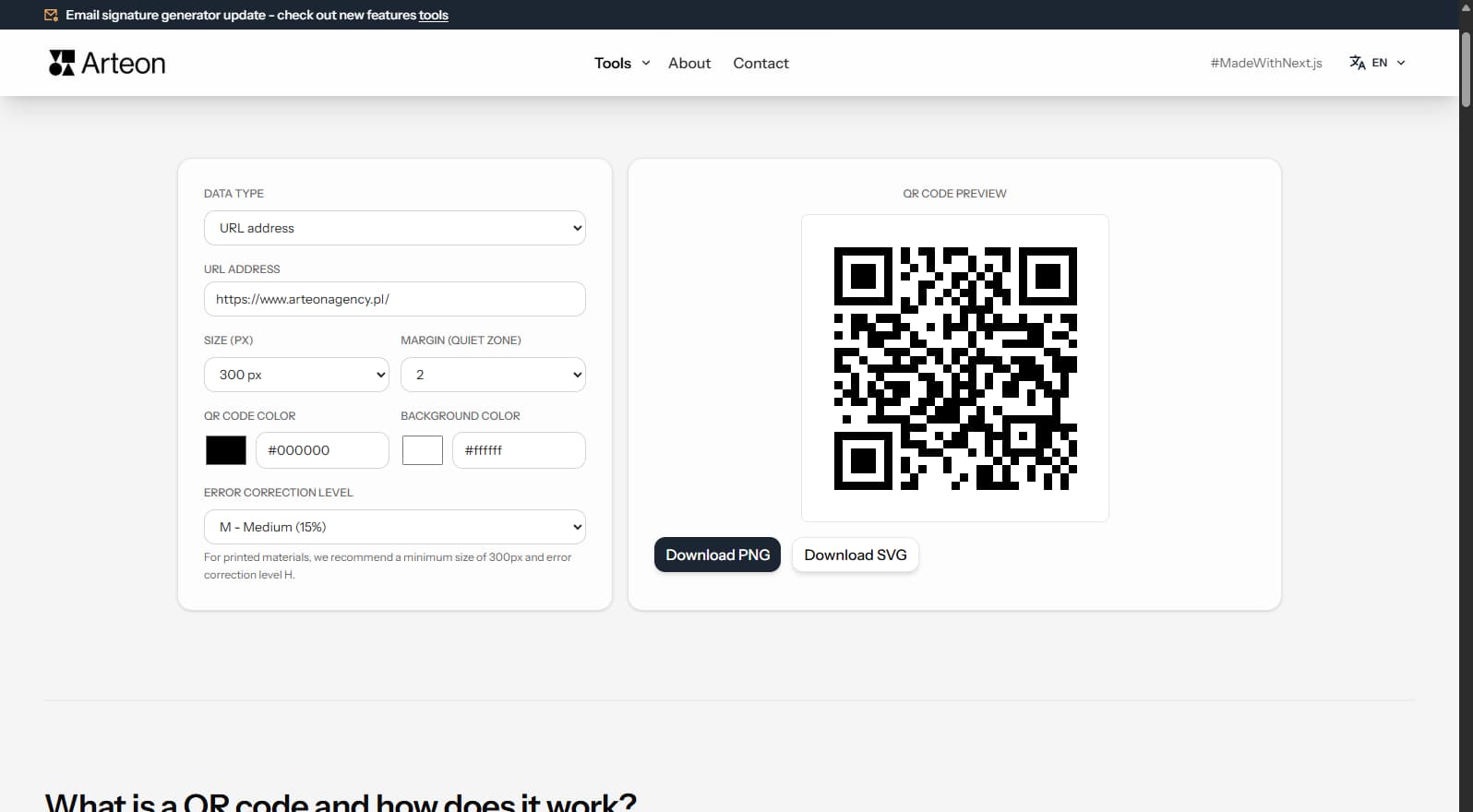
Create a QR code for a website, vCard, restaurant menu, or flyer. Export to PNG and SVG, no login, no limits.
Tools for working with colors, contrast, and WCAG accessibility.
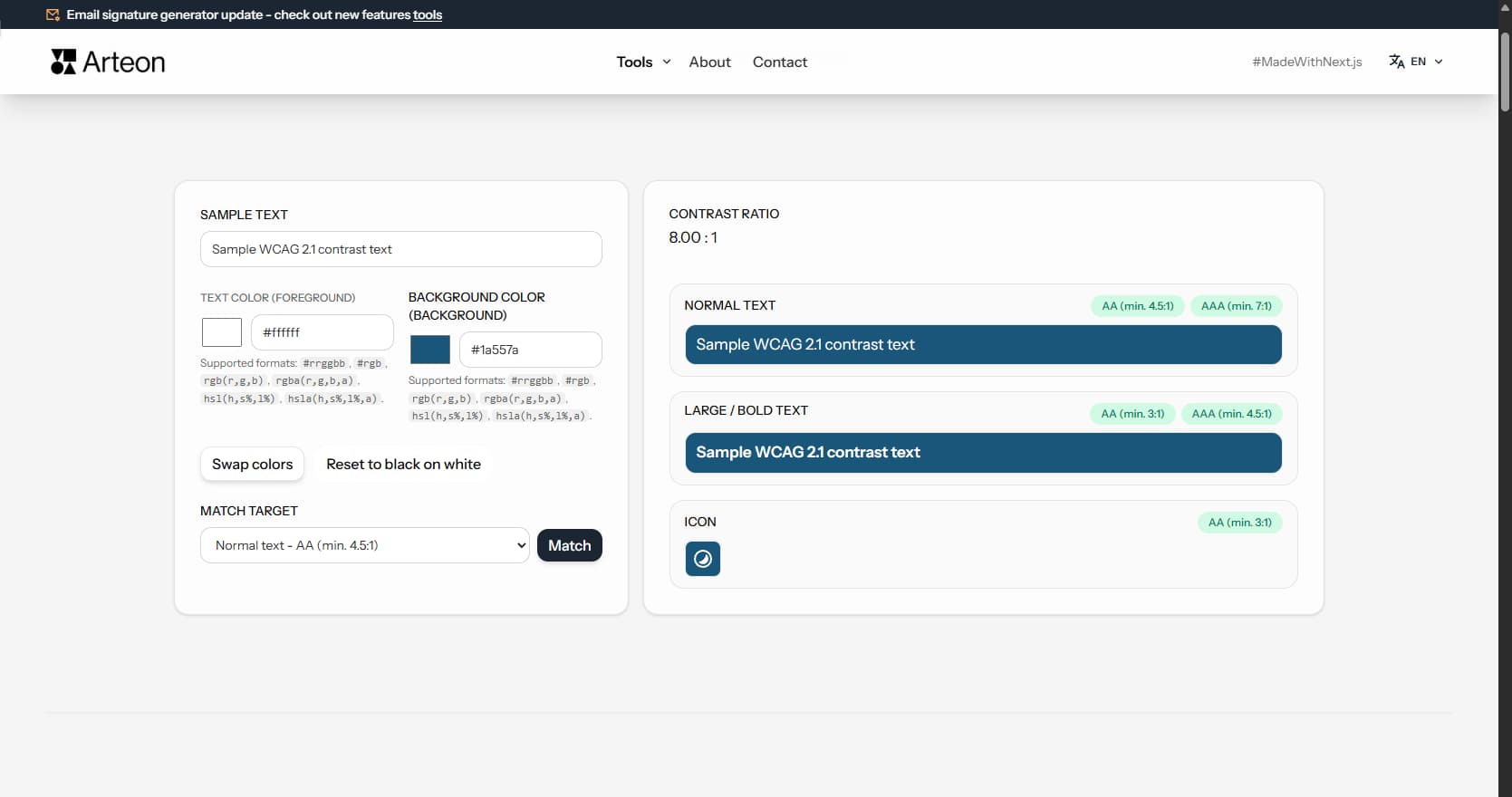
Check if your text and background colors are readable. Enter color codes, see the contrast ratio per WCAG, and use the Match function for automatic correction.
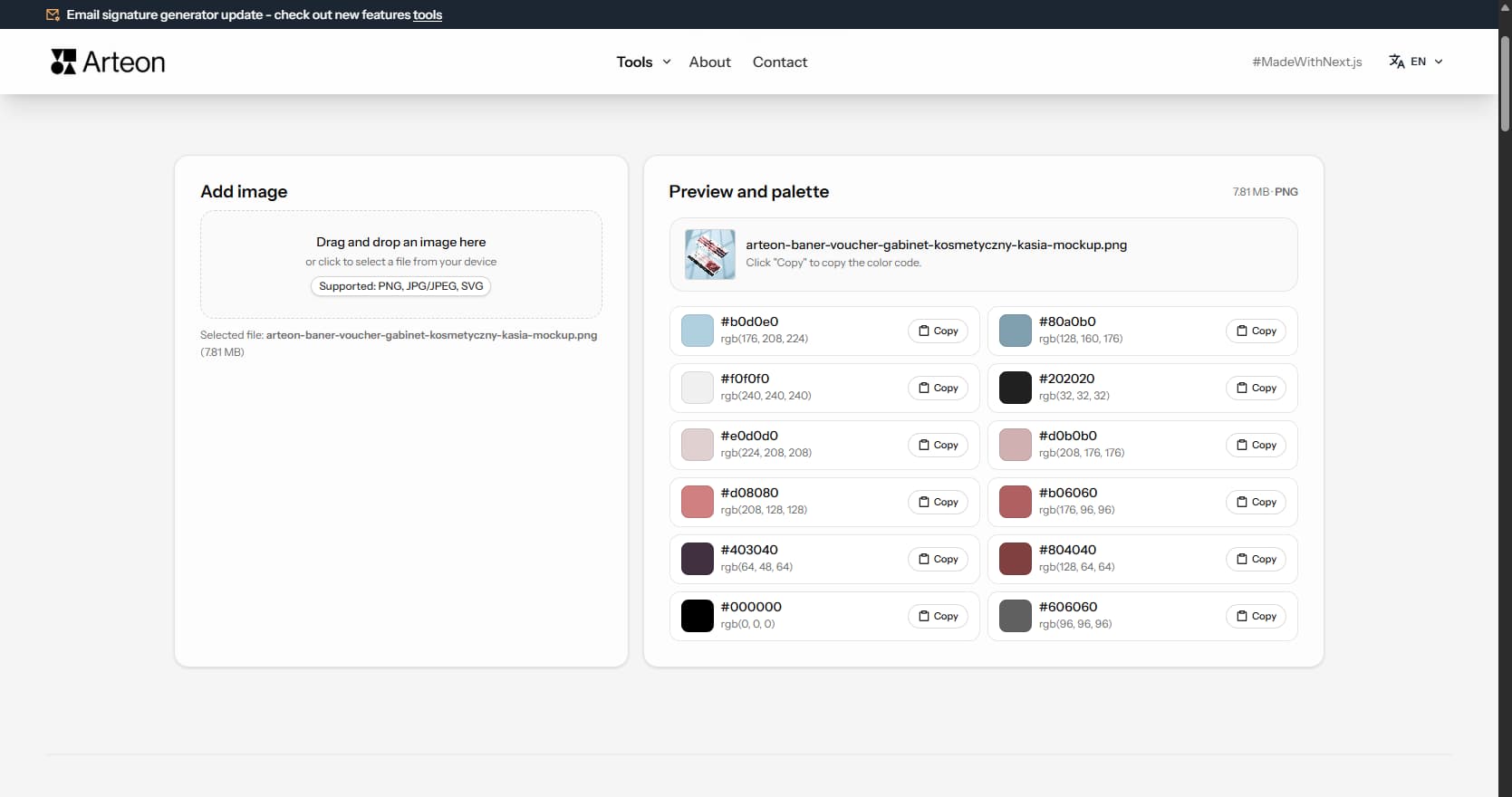
Upload a photo or logo and the tool will extract dominant colors. Copy HEX codes with a single click and use them anywhere.
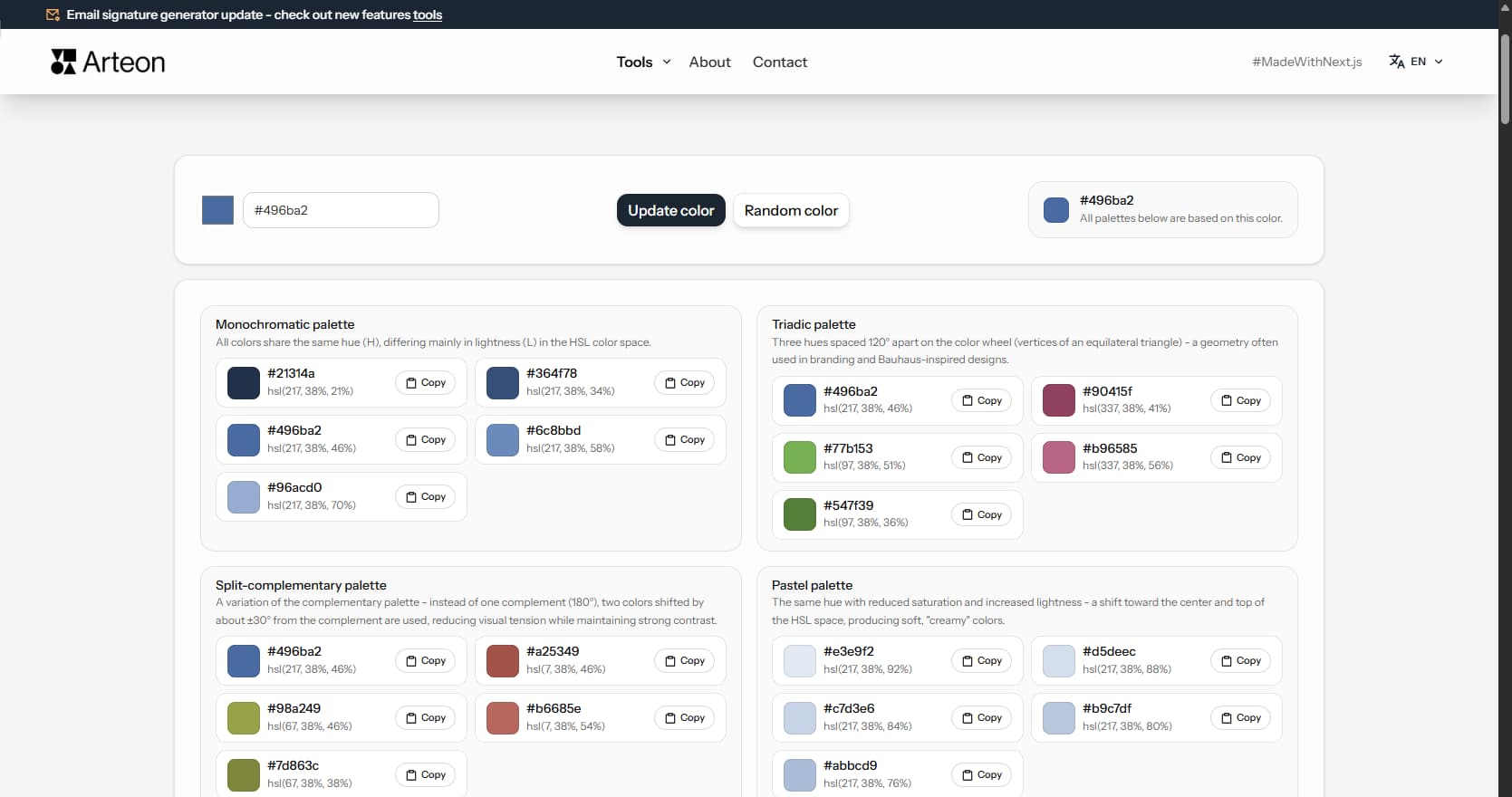
Pick one base color and generate 9 color palettes: monochromatic, complementary, triadic, pastel, dark, and more. Copy HEX codes with a single click.
Online image converters - convert between JPG, PNG, WebP, SVG, BMP, and GIF. Runs in your browser, no files sent to servers.
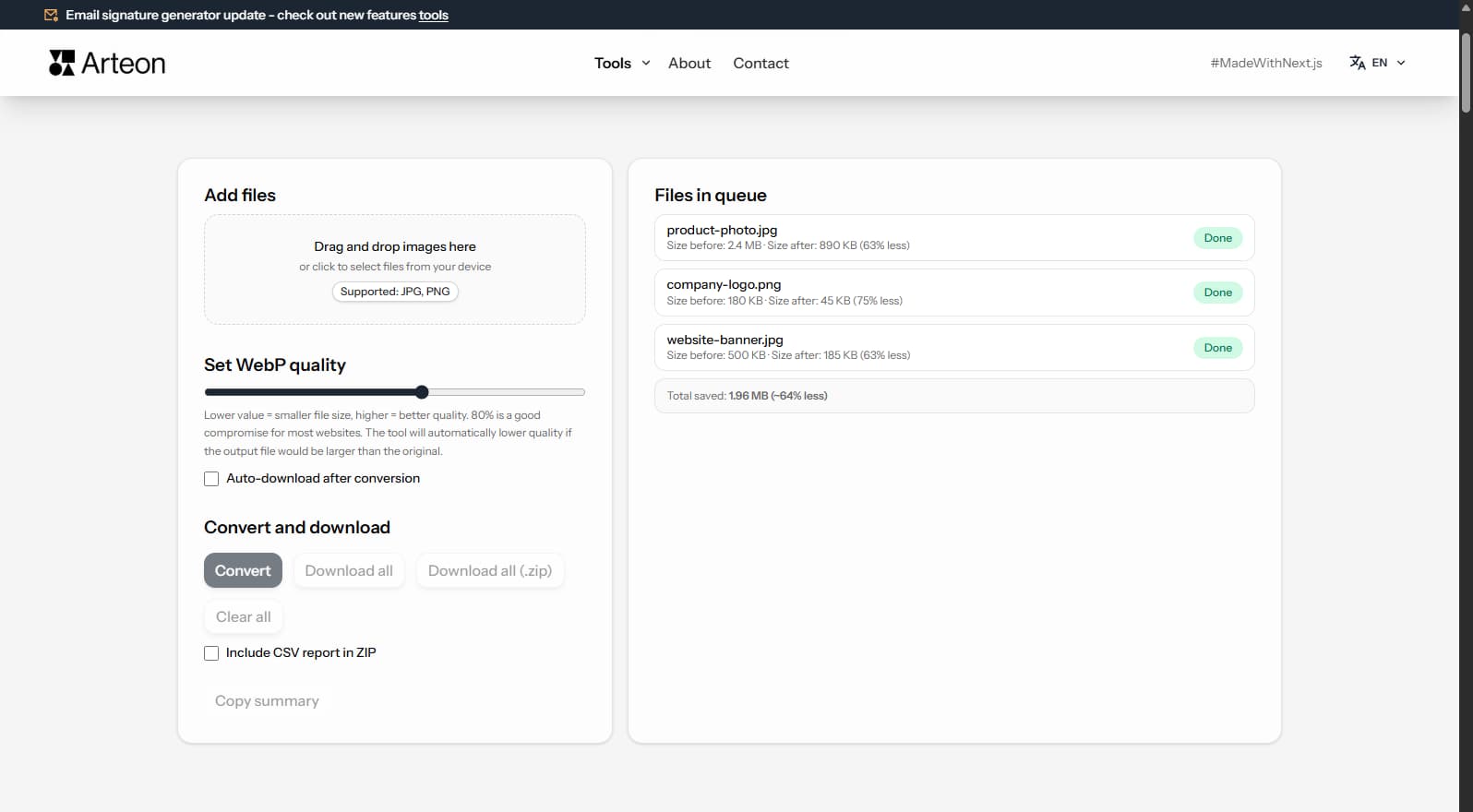
Convert JPG photos to lightweight WebP. Cut image weight by up to 35% for faster page loads.
Convert PNG files to JPG in your browser. No file limits, no signup, no server uploads.
Convert WebP files to universally compatible JPG. Works in every app and platform.
Convert PNG graphics to WebP. Smaller files while preserving transparency.
Convert JPG images to lossless PNG. Runs locally in your browser, unlimited files.
Convert WebP images to lossless PNG. Local conversion, nothing sent to any server.
Online data format converters — convert between CSV, JSON, XML, YAML, Markdown and HTML. All processing in your browser.
Convert CSV to JSON format. Automatic separator detection and result formatting.
Convert JSON data to CSV format. Processing in your browser, no server upload.
Convert XML data to JSON. Browser-based conversion with structure validation.
Convert JSON data to valid XML. Browser-based conversion with formatting.
Convert YAML configuration to JSON. Validation and formatting in the browser.
Convert JSON data to readable YAML. Browser-based conversion with formatting.
A set of Free tools for preparing materials for websites, social media, and print. Image-to-WebP converter, favicon generator, text length counter, color extractor, palette generator, and QR codes.
All tools run in your browser - files are never sent to a server. Use them without registration and without limits.
Nothing. All tools are free, with no subscriptions and no hidden fees.
No. All tools run entirely in your browser. Files never leave your computer and are not stored anywhere.
No. You can use them right away, without logging in or creating an account.
No. Use them without restrictions - no daily limits, no file limits, no conversion limits.
They help prepare materials for websites, social media, and print: optimize images, create favicons, check text length, generate QR codes, pick colors, and verify their readability.
Yes, but some (WebP converter, favicon generator) work better on desktop due to processing larger files.