Paste your data
Paste or type your CSV data into the input field, or upload a .csv file from your computer. The converter auto-detects the separator.
Export your CSV from Google Sheets, Shopify, or PostgreSQL and get structured JSON ready for APIs, MongoDB, or D3.js — entirely in your browser.
CSV (Comma-Separated Values) is a simple tabular format — each row is a record, columns are separated by commas or semicolons. CSV files are generated by Excel, Google Sheets, CRM systems (Salesforce, HubSpot), e-commerce platforms (Shopify, WooCommerce), and databases. The limitation is that CSV cannot represent nested data, types (everything is text), or schema validation.
JSON (JavaScript Object Notation) is the standard data exchange format for modern APIs, web applications, and NoSQL databases. It supports nested objects, arrays, numeric types, booleans, and null. Converting CSV to JSON transforms flat tabular data into structures ready for REST APIs, MongoDB, Firebase, React/Vue apps, and automation scripts.
The converter auto-detects column headers (first row) and the separator (comma, semicolon, tab) without configuration. It handles quoted values, newlines within values, and Unicode characters.
All processing happens locally in your browser — nothing is sent to any server. No registration, no limits, no tracking.
| Feature | CSV | JSON |
|---|---|---|
| Nested/hierarchical data | — | ✓ |
| Tabular data | ✓ | — |
| Schema validation | — | ✓ |
| Human readable | ✓ | ✓ |
| API standard | — | ✓ |
| Compact syntax | ✓ | ✓ |
CSV (Comma-Separated Values) stores data as rows of text with values separated by commas or semicolons. JSON (JavaScript Object Notation) organizes the same data as an array of key-value objects, where each row becomes an object and each column header becomes a key.
The converter reads the first row of the CSV file as column headers and uses them as property names in each JSON object. Every subsequent row becomes a separate object in the resulting JSON array. For example, a CSV with columns "name,email,age" produces objects like {"name": "...", "email": "...", "age": "..."}.
The output is properly formatted JSON with indentation for readability. All values are preserved as strings by default. The conversion happens entirely in your browser — no data is sent to any server.
A few tips to help you avoid common issues during conversion:
CSV files from different sources can have inconsistent formatting. Here are common issues the converter handles:
If conversion fails, check that your CSV has consistent column counts across all rows and that quoted values use proper double-quote escaping.
Yes, this converter is completely free with no limits. No registration, no watermarks.
No. All processing happens locally in your browser. Your files never leave your device.
Yes, the converter supports batch conversion. Add multiple files and convert them all simultaneously.
Yes, the converter works on any device with a modern web browser, including smartphones and tablets.
Yes. The entire conversion runs locally in your browser. Your data is never sent to any server. When you close the page, all data is automatically cleared from memory.
Yes. The output is standard JSON that works with any programming language, database, or API. You can parse it directly in JavaScript, Python, PHP, Java, or any other language that supports JSON.
Empty cells in CSV are converted to empty strings in JSON. If your CSV has trailing commas or inconsistent column counts, the converter handles them gracefully.
Yes. Shopify product exports, Google Sheets CSV downloads, and PostgreSQL COPY command output are all supported. The converter auto-detects whether commas or semicolons are used as the separator, so no manual adjustment is needed.
Have an idea, found a bug, or want to suggest a feature? Drop us a message – we respond within 24 hours.
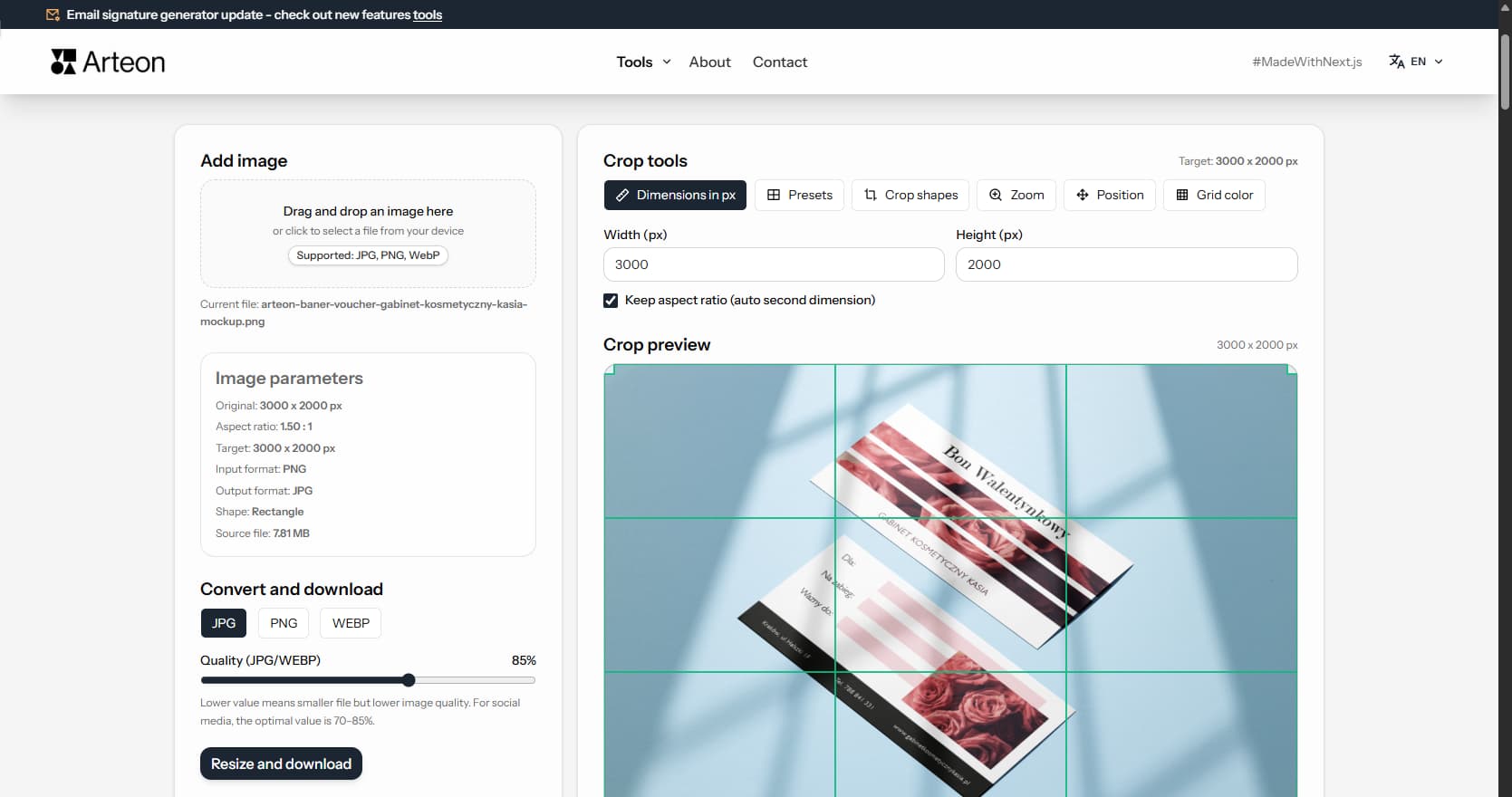
Resize, crop and convert your image. Ready-made formats for social media, circular avatars, export to JPG/PNG/WebP.

Check title and description length in pixels. Live Google preview and optimization tips.
Convert PNG files to JPG in your browser. No file limits, no signup, no server uploads.
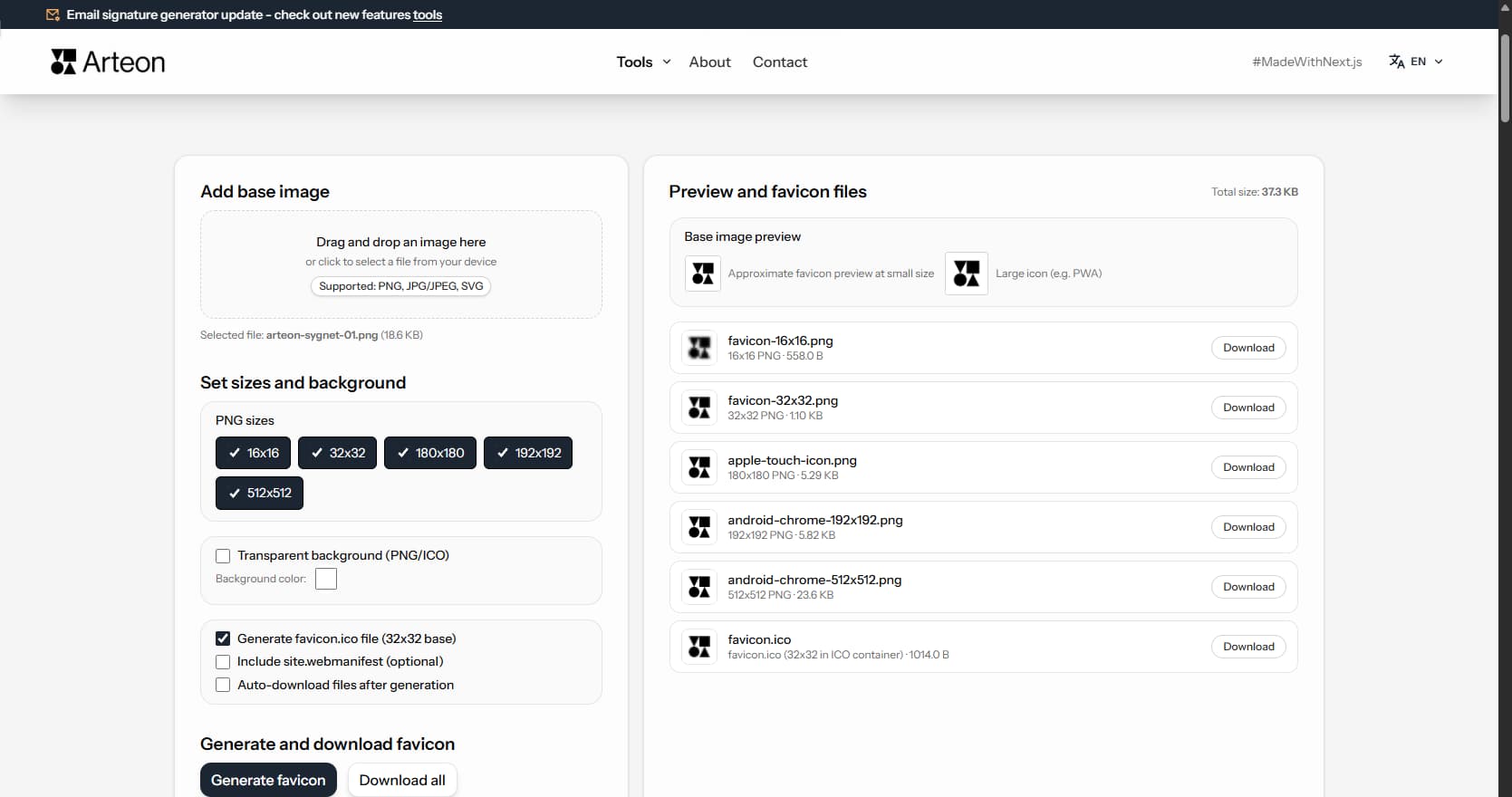
Create a complete favicon.ico set for your website from one image. All required sizes, no login.
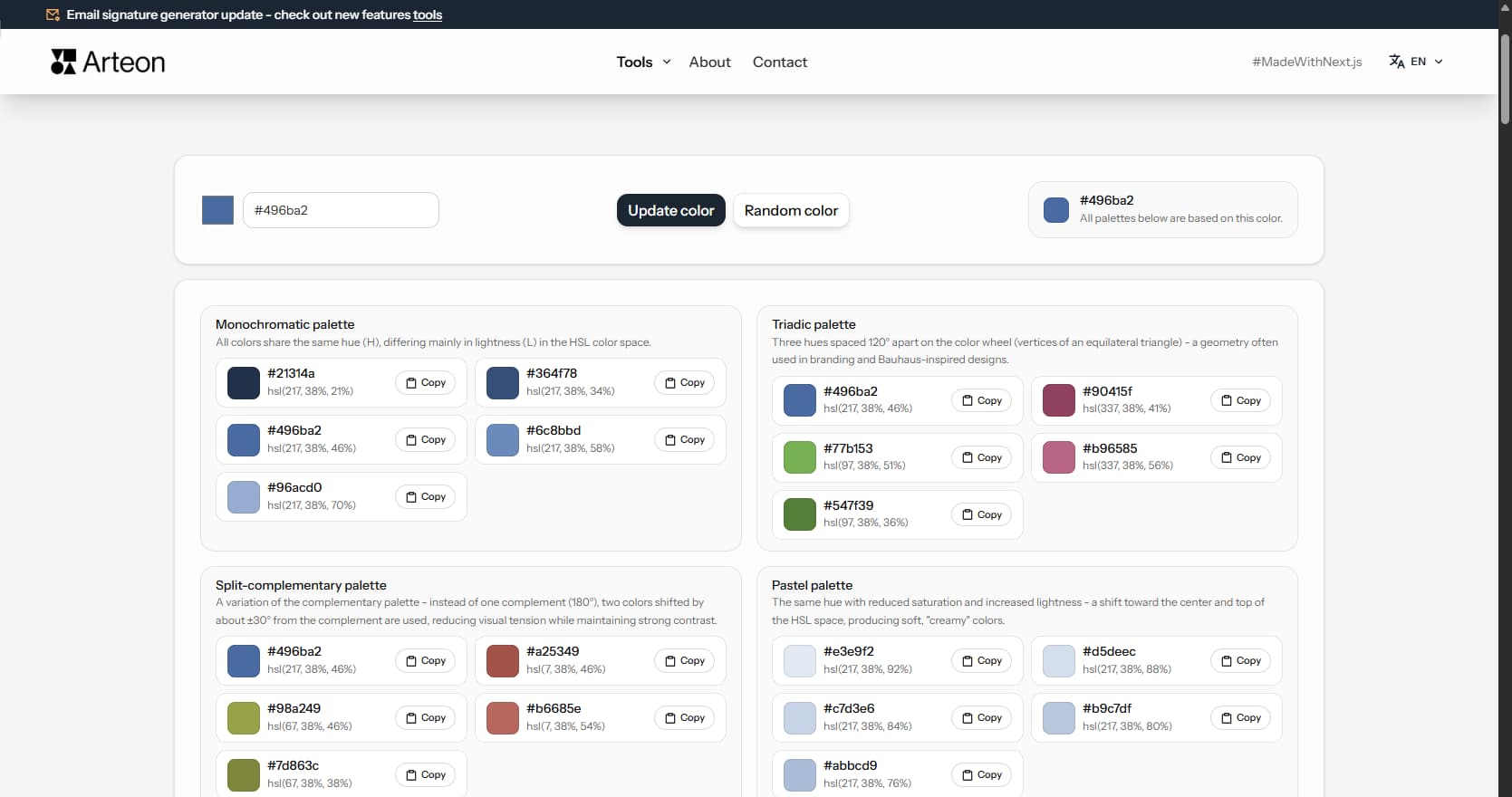
Generate 9 palettes from one color: monochromatic, complementary, triadic and more. HEX codes.
Convert WebP files to universally compatible JPG. Works in every app and platform.
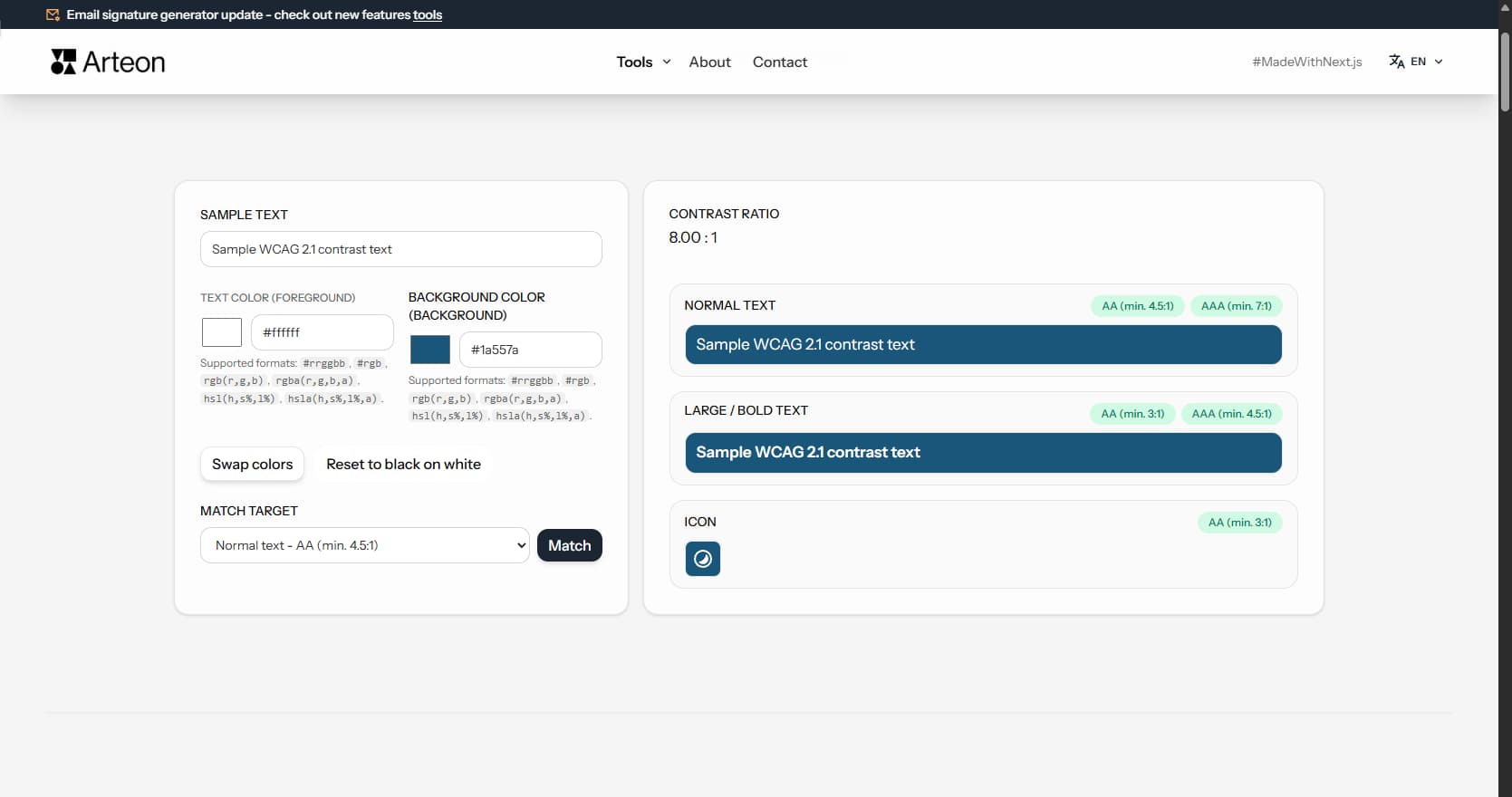
Check text and background contrast per WCAG 2.1 AA and AAA. Automatic color correction.
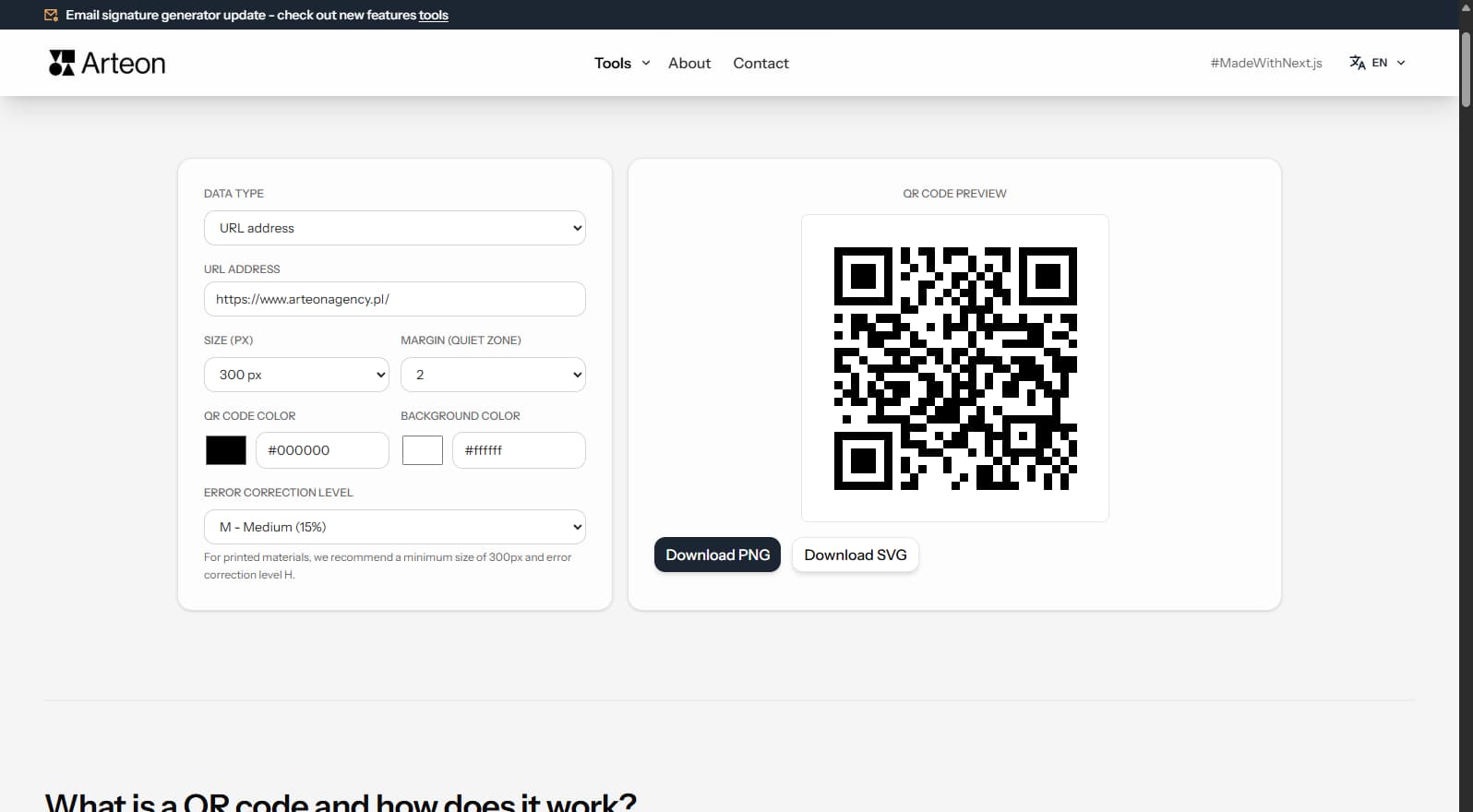
Create a QR code for a website, vCard business card or print. Export PNG and SVG, no registration.
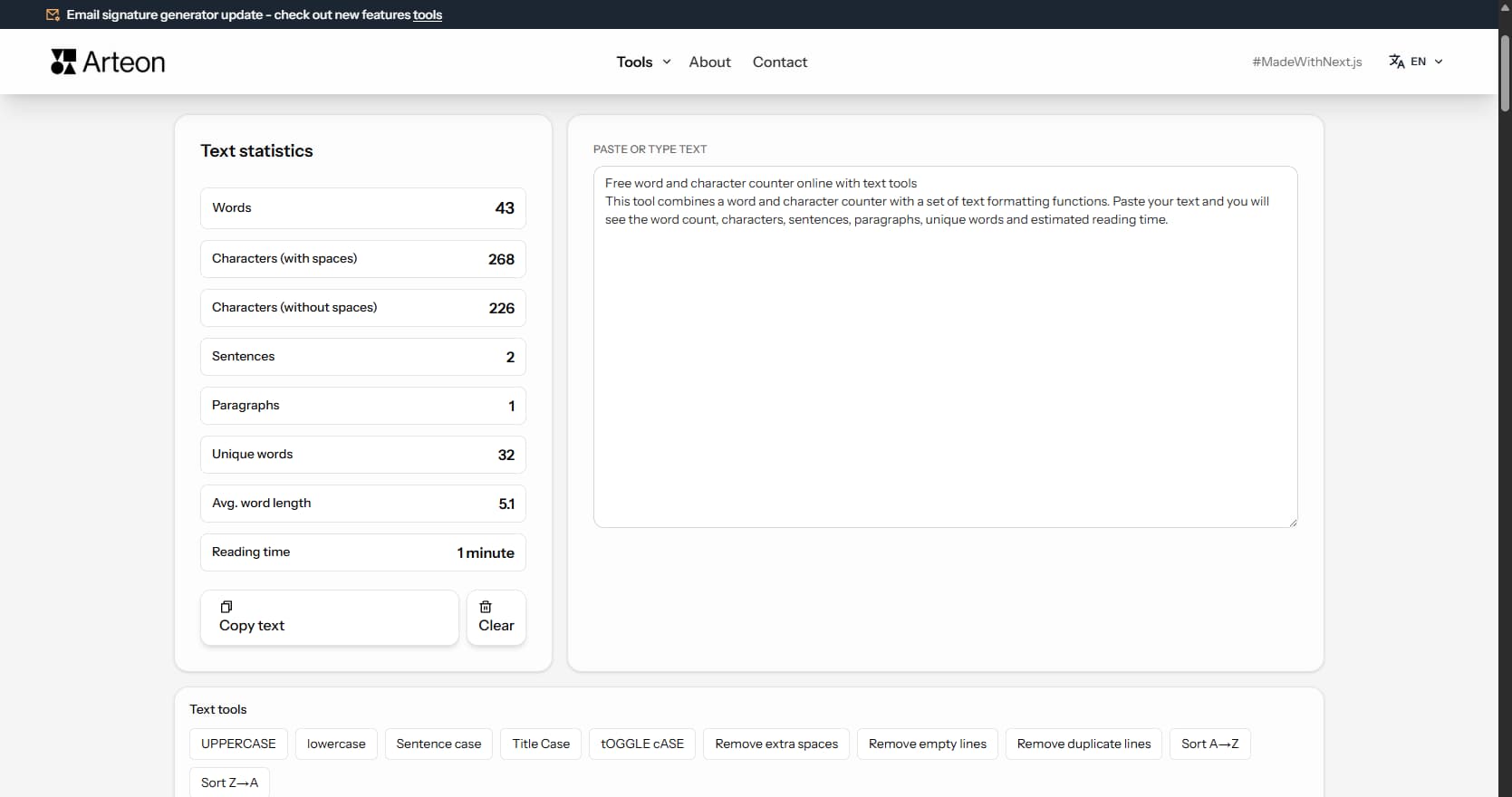
Count words, characters, sentences and reading time. Check readability with the Flesch-Kincaid score.