1. Paste your text
Paste or type text into the field on the right. The tool will immediately count words, characters and sentences, and estimate reading time.
Paste your text and the tool will count words, characters, sentences, reading time and syllables, and score its readability.
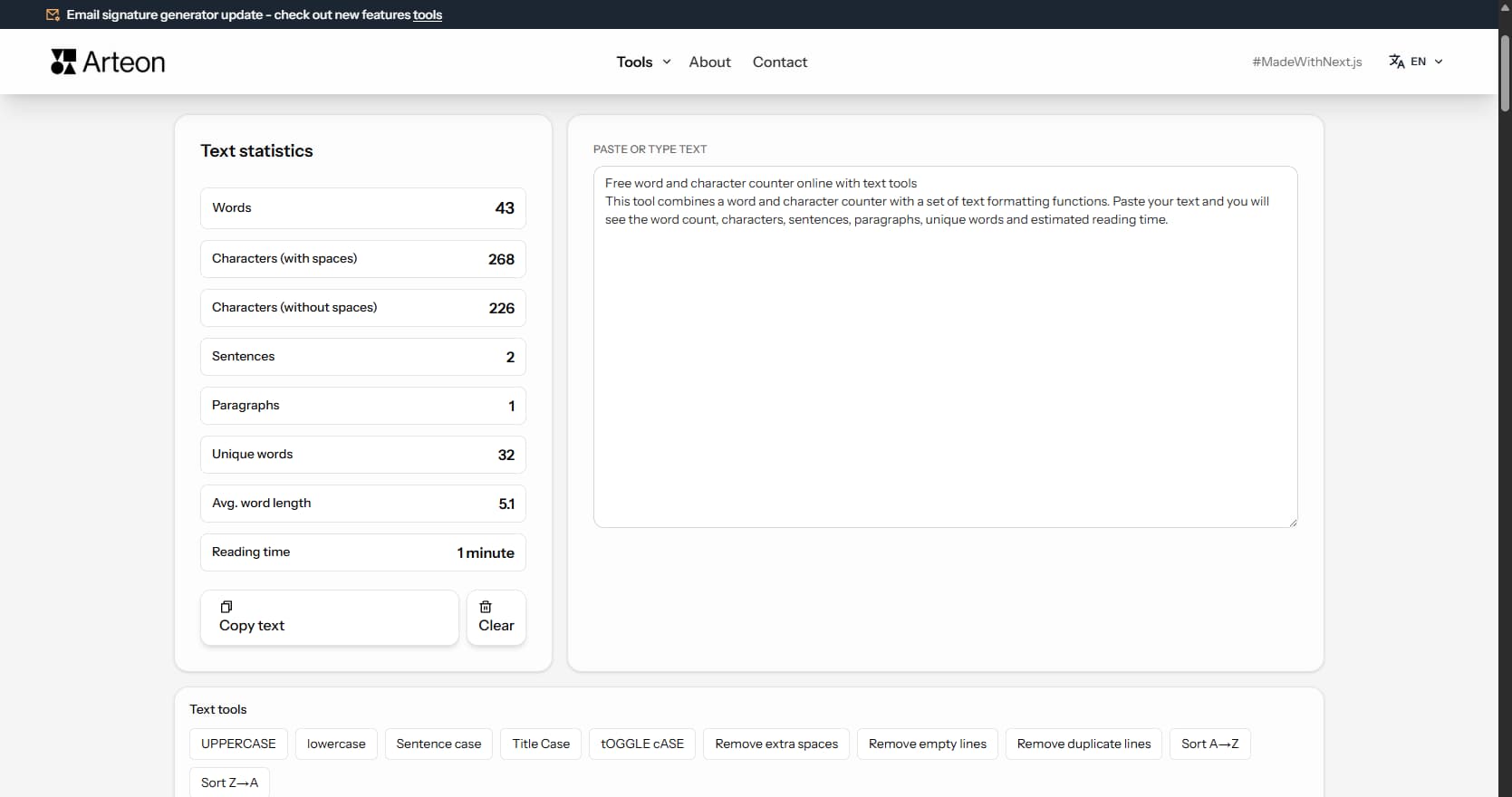
This tool combines a word and character counter with Flesch-Kincaid readability analysis. Paste your text and you will see the word count, characters, syllables, sentences, estimated reading time, speaking time, and a color-coded readability score.
The Flesch-Kincaid readability score (0–100) tells you how easy your text is to read. Scores above 70 indicate easy reading (suitable for a broad audience), while scores below 30 indicate academic-level complexity. The tool uses language-adapted formulas for 16 languages, including Amstad (German), Fernandez-Huerta (Spanish), and Gulpease (Italian).
All analysis and processing happens locally in your browser.
Analyze text in three steps:
The counter analyzes your text across eight indicators:
The tool is useful for anyone who works with text:
The character counter is useful when creating content for platforms with length restrictions:
| Platform / Element | Character limit | Notes |
|---|---|---|
| Google - meta title | 50–60 characters | Longer titles are truncated in search results. |
| Google - meta description | 150–160 characters | The description visible below the link in search results. |
| Amazon - product title | 200 characters | Short, specific title with the most important keywords. |
| Amazon - bullet points | 500 characters each | Up to 5 bullet points describing key product features. |
| X (Twitter) - post | 280 characters | Standard limit for regular users. |
| LinkedIn - post | 3,000 characters | After ~210 characters a "see more" link appears. |
The Flesch Reading Ease score measures how easy a text is to read on a scale from 0 to 100. It is calculated from two factors: average sentence length (words per sentence) and average word complexity (syllables per word).
The formula for English is: 206.835 − 1.015 × ASL − 84.6 × ASW where ASL is average sentence length and ASW is average syllables per word.
This tool adapts the formula per language: Amstad for German, Fernández-Huerta for Spanish, Flesch-Douma for Dutch, Gulpease for Italian, and Kandel-Moles for French.
Search engines prioritize content that satisfies user intent. Readable text directly affects key engagement metrics:
A good target for web content is a Flesch score between 60 and 70 - clear enough for most readers, detailed enough to convey expertise.
Long-form blog posts (1,500–2,500 words) consistently rank higher in search results than short articles. They cover topics in more depth, attract more backlinks, and keep readers on the page longer. Standard informational posts (800–1,200 words) work well for focused how-to guides and answers to specific questions. Posts under 500 words rarely rank unless they target a very narrow query.
Product descriptions perform best at 150–300 words. Shorter descriptions leave buyers without enough information. Longer descriptions work for technical products where specifications need detailed explanation. Landing pages vary more: a simple lead-generation page may need only 200–400 words, while a sales page for a high-value service can run 1,500–3,000 words.
Word count is a guideline, not a target. A 2,000-word article padded with filler performs worse than a focused 800-word article packed with useful information. Use the word counter to track length, but prioritize value density - the amount of useful information per paragraph. If you can say it in fewer words without losing meaning, the shorter version is better.
The translation industry bills by characters without spaces in most European markets. One standard page is typically 1,500–1,800 characters without spaces, depending on the country and agency. Before ordering a translation, paste your text into the counter and check the character count to estimate the cost accurately.
Social media platforms count characters including spaces. Twitter/X allows 280 characters with spaces. Instagram captions can be up to 2,200 characters. LinkedIn posts allow 3,000 characters, but the "see more" truncation happens at around 210. When writing for these platforms, the "characters with spaces" metric is the one that matters.
Academic submissions use different units depending on the institution. Most universities set word limits (e.g., 10,000-word dissertation chapter), but some European institutions and grant applications specify character counts. Patent filings in some jurisdictions also use character-based limits. Always check which unit your institution requires and use the matching metric in the counter.
The original Flesch Reading Ease formula was designed for English, where shorter words generally mean simpler vocabulary. This assumption breaks down in other languages. German builds compound words by joining smaller words together - "Suchmaschinenoptimierung" (search engine optimization) is one word with 25 letters, but it is not inherently difficult. The Amstad formula adjusts for this by using different coefficient weights.
Romance languages have their own adaptations. Italian uses the Gulpease index, which operates on a reversed scale and counts letters instead of syllables. French uses Kandel-Moles, which adjusts for the language's naturally longer sentences. Spanish and Portuguese share the Fernández-Huerta formula, adapted from Flesch with coefficients tuned for syllable patterns common in these languages.
This means a score of 60 in English is not the same difficulty level as 60 in German or Italian. Each formula is calibrated to its own language, so compare scores only within the same language. This tool automatically selects the correct formula based on the interface language, giving you an accurate readability assessment without manual configuration.
Sentence count combined with word count gives you the average sentence length. If the average exceeds 20–25 words, readability drops noticeably. The fix is straightforward: find sentences longer than 25 words and split them. A practical workflow is: paste your draft into the tool, check the readability score, identify long sentences, shorten them, then re-check the score. Two or three rounds of this process typically raise the score by 10–15 points.
Reading time assumes 200 words per minute - the average speed for silent reading of non-technical text. A 1,000-word blog post takes about 5 minutes to read. A 2,500-word in-depth guide takes about 12.5 minutes. Displaying reading time at the top of an article helps set reader expectations and can reduce bounce rates, because visitors know the time commitment before they start.
Speaking time uses 130 words per minute - the natural pace for presentations, podcasts, and video narration. This pace includes natural pauses, emphasis, and breathing. A 1,000-word script takes about 7.5 minutes to deliver. Professional audiobook narration runs at about 150 words per minute, slightly faster than presentations because it flows more continuously.
Use speaking time to plan video and podcast content before recording. If you need a 10-minute YouTube video, write a script of approximately 1,300 words. For a 20-minute podcast episode, aim for 2,600 words. For conference presentations, 100–120 words per minute is a safer estimate, because speakers pause for audience reactions and slide transitions. A 15-minute talk needs roughly 1,500–1,800 words of script.
The tool divides the word count by 200 - the average reading speed for typical text. Technical or demanding text (e.g., documentation, terms of service) will be read slower. A light lifestyle article - faster. The result is an approximate value that helps estimate how long a reader will spend with the text.
Characters with spaces includes all characters in the text including spaces, tabs and newlines. Characters without spaces includes only letters, digits and punctuation. Platforms like Amazon or eBay have limits in characters with spaces. Translation agencies and print shops bill by characters without spaces.
Yes. All analysis and text processing happens exclusively in your browser - your text is never sent to any server. The tool does not save or store pasted text. After closing the page, the text is gone permanently.
The Flesch Reading Ease score is a number from 0 to 100 that indicates how easy a text is to read. It is calculated from the average sentence length and average syllables per word. A score of 90-100 means very easy (5th-grade level), 70-89 means easy (6th-7th grade), 50-69 means moderate, 30-49 means difficult (college level), and 0-29 means very difficult (academic). This tool uses language-adapted formulas: Amstad for German, Fernandez-Huerta for Spanish/Portuguese, Flesch-Douma for Dutch, Gulpease for Italian, and Kandel-Moles for French.
Speaking time is estimated by dividing the word count by 130 - the average speaking rate for presentations and public speaking. This is slower than the 200 words per minute used for reading time, because spoken delivery includes natural pauses, emphasis, and breathing.
The tool uses language-specific heuristics to count syllables. For English, it handles silent-e, common suffixes (-ed, -es, -le), and diphthongs. For other languages, it recognizes language-specific diphthongs and vowel patterns (e.g., German ei/au/eu, French ou/ai/oi, Greek αι/ει/οι). The count is approximate but sufficient for readability scoring and text analysis.
For general web content (blogs, service pages, product descriptions), aim for a Flesch Reading Ease score between 60 and 70. This range is clear enough for most readers while still conveying expertise. For specialized audiences (developers, scientists, legal professionals), scores of 40-50 are acceptable. For instructions or support content, target 70+ for maximum clarity.
Reading time assumes 200 words per minute - the average silent reading speed. Speaking time uses 130 words per minute - the natural pace for presentations, podcasts, and public speaking, which includes pauses, emphasis, and breathing. A 1,000-word text takes about 5 minutes to read but 7.5 minutes to speak aloud.
Yes. The tool supports 16 languages with adapted readability formulas: Amstad for German, Fernandez-Huerta for Spanish and Portuguese, Flesch-Douma for Dutch, Gulpease for Italian, and Kandel-Moles for French. For other supported languages (Polish, Czech, Hungarian, Romanian, Greek, Swedish, Danish, Norwegian, Finnish), a simplified Flesch adaptation is used. Word, character, and sentence counting works for all languages.
Have an idea for a new feature, found a bug, or want to suggest another tool that would make your work easier? Write to us – we respond within 24 hours.
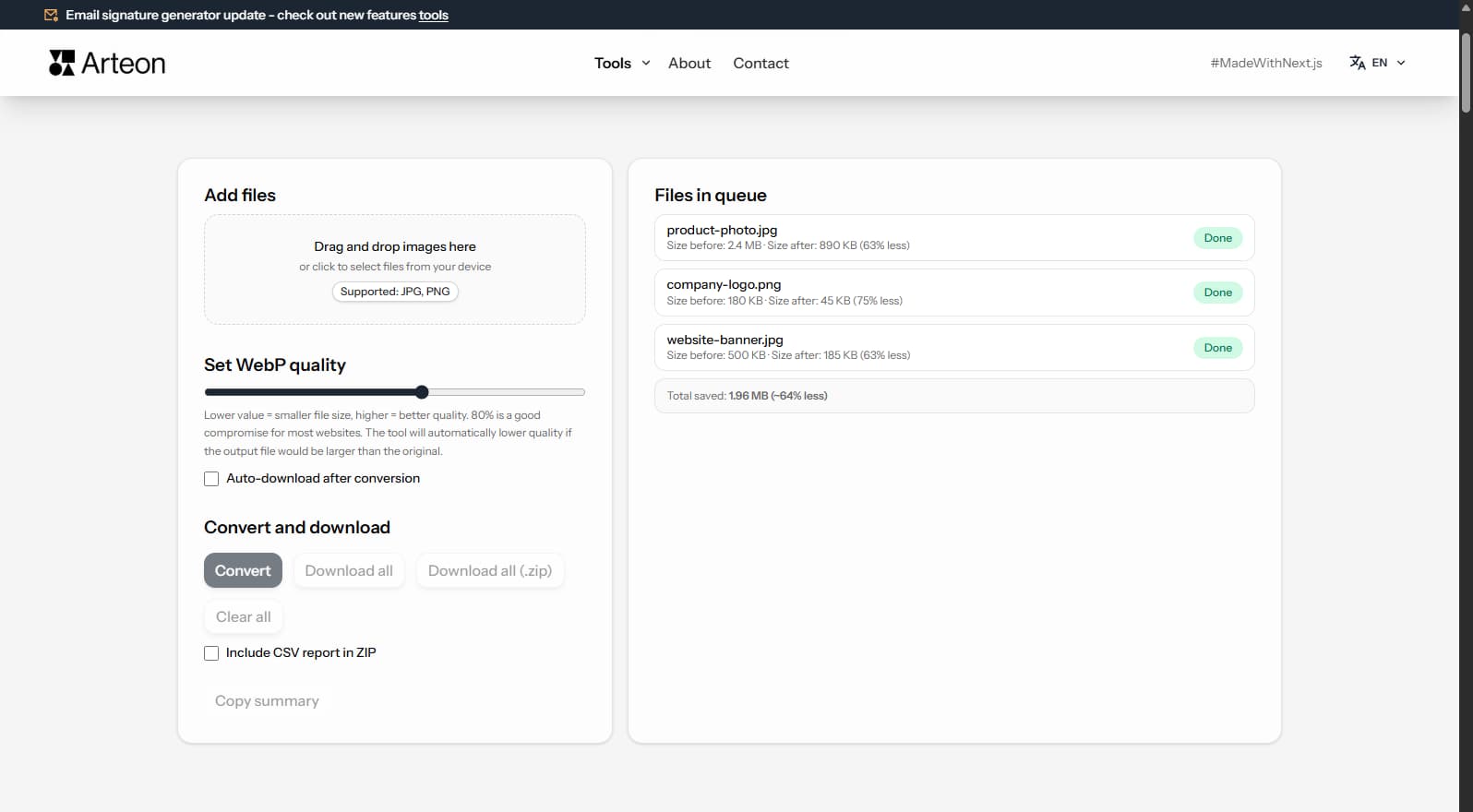
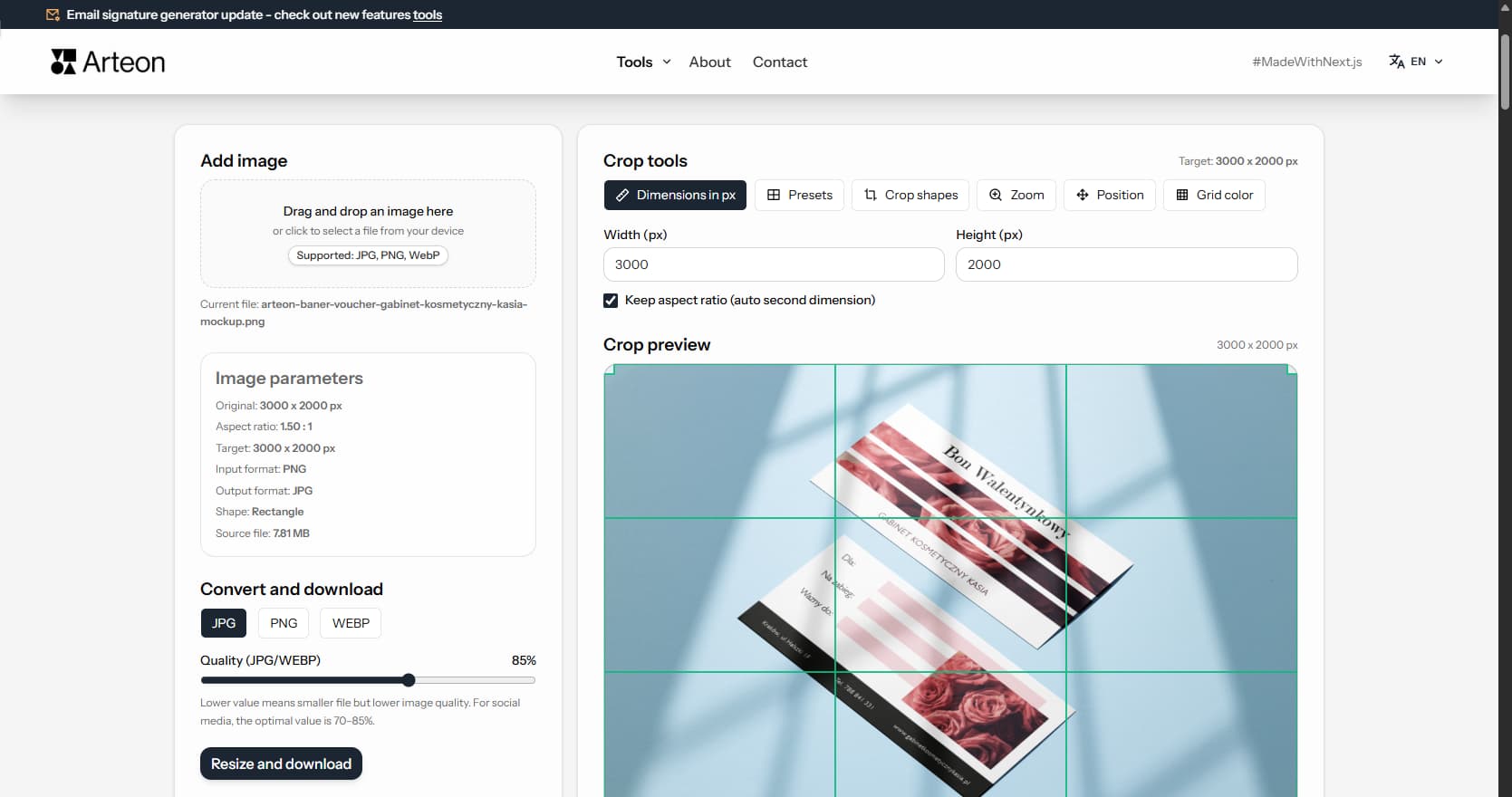
Resize, crop and convert your image. Ready-made formats for social media, circular avatars, export to JPG/PNG/WebP.

Check title and description length in pixels. Live Google preview and optimization tips.
Convert PNG files to JPG in your browser. No file limits, no signup, no server uploads.
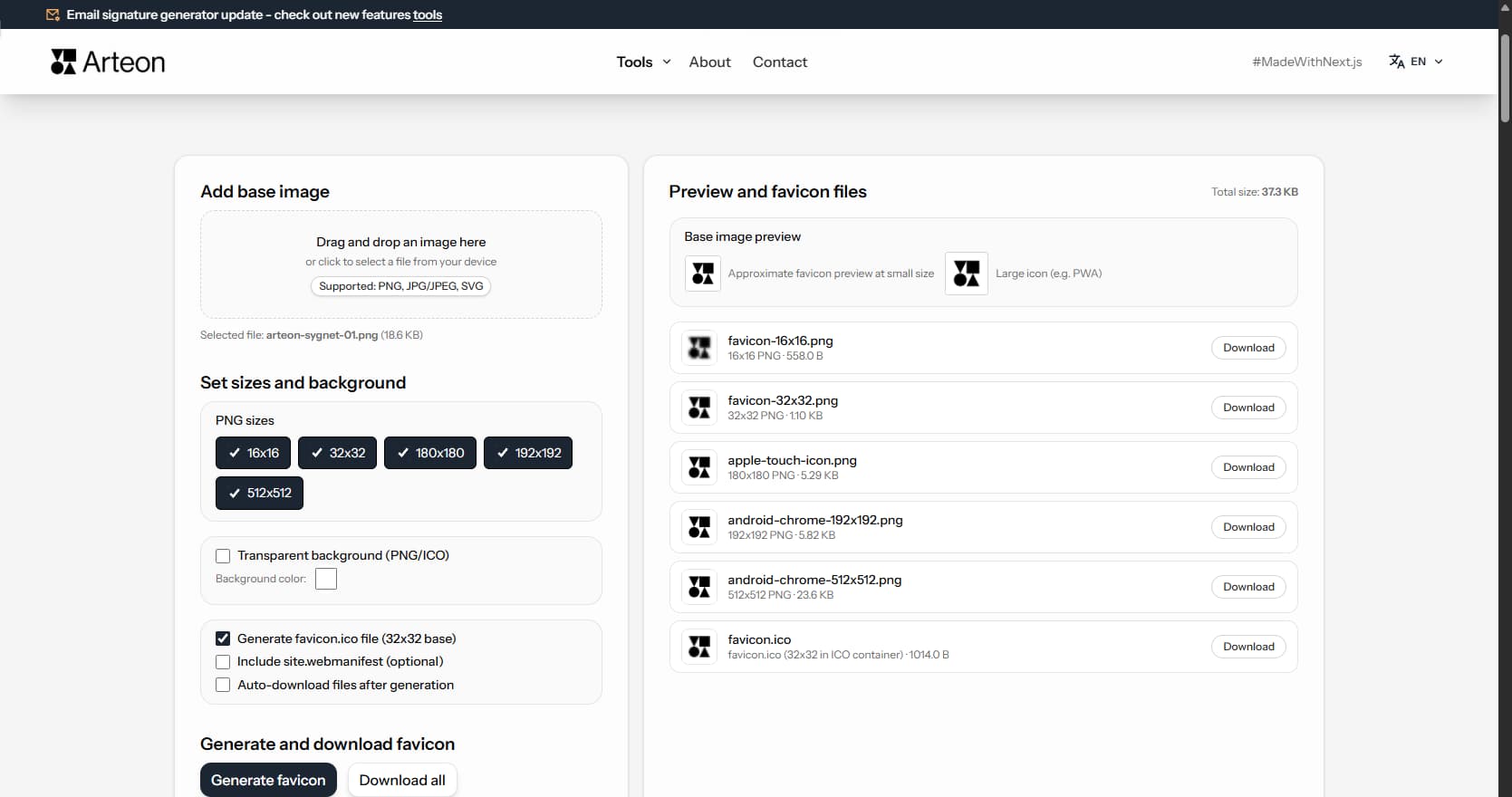
Create a complete favicon.ico set for your website from one image. All required sizes, no login.
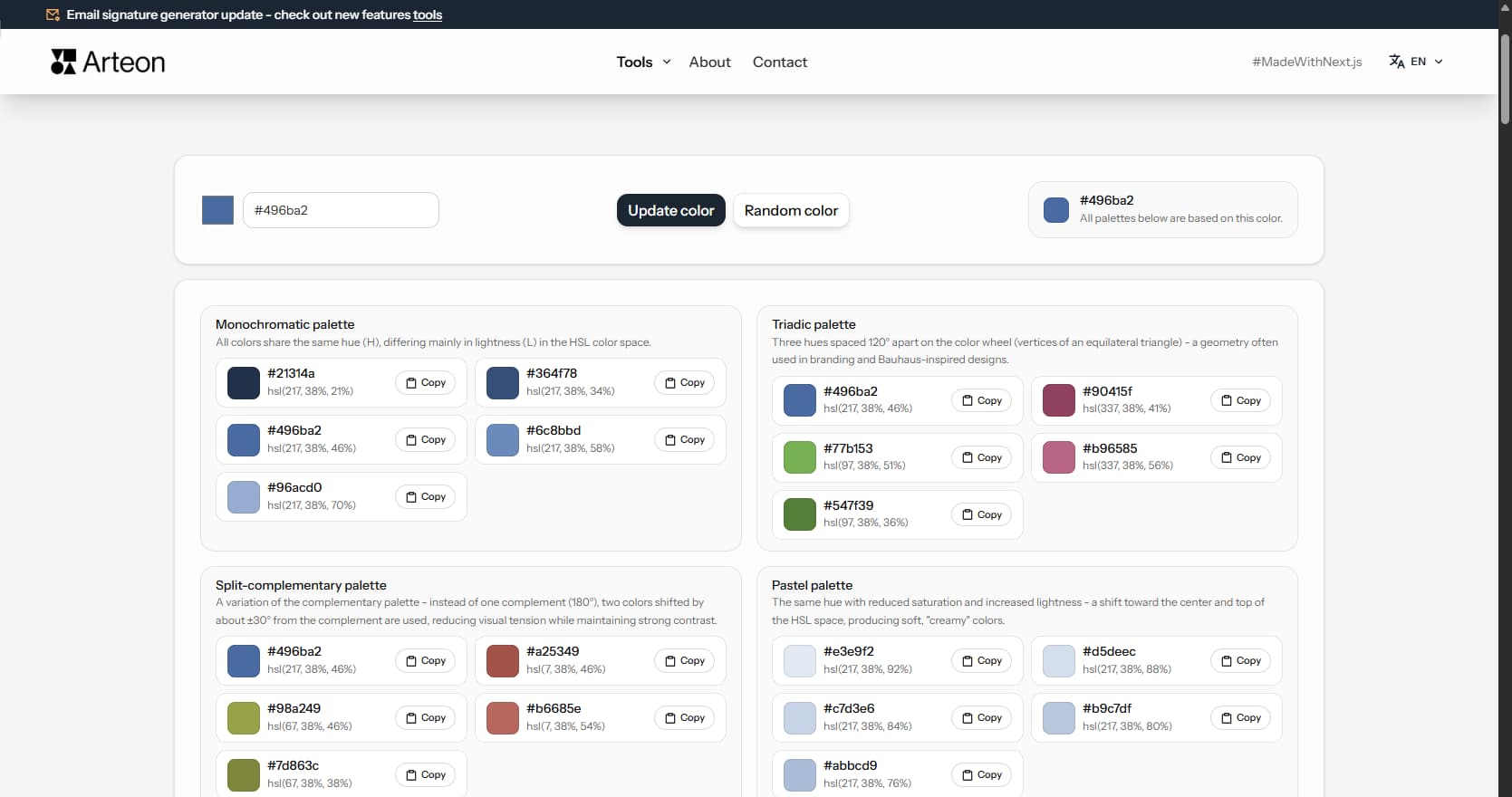
Generate 9 palettes from one color: monochromatic, complementary, triadic and more. HEX codes.
Convert WebP files to universally compatible JPG. Works in every app and platform.
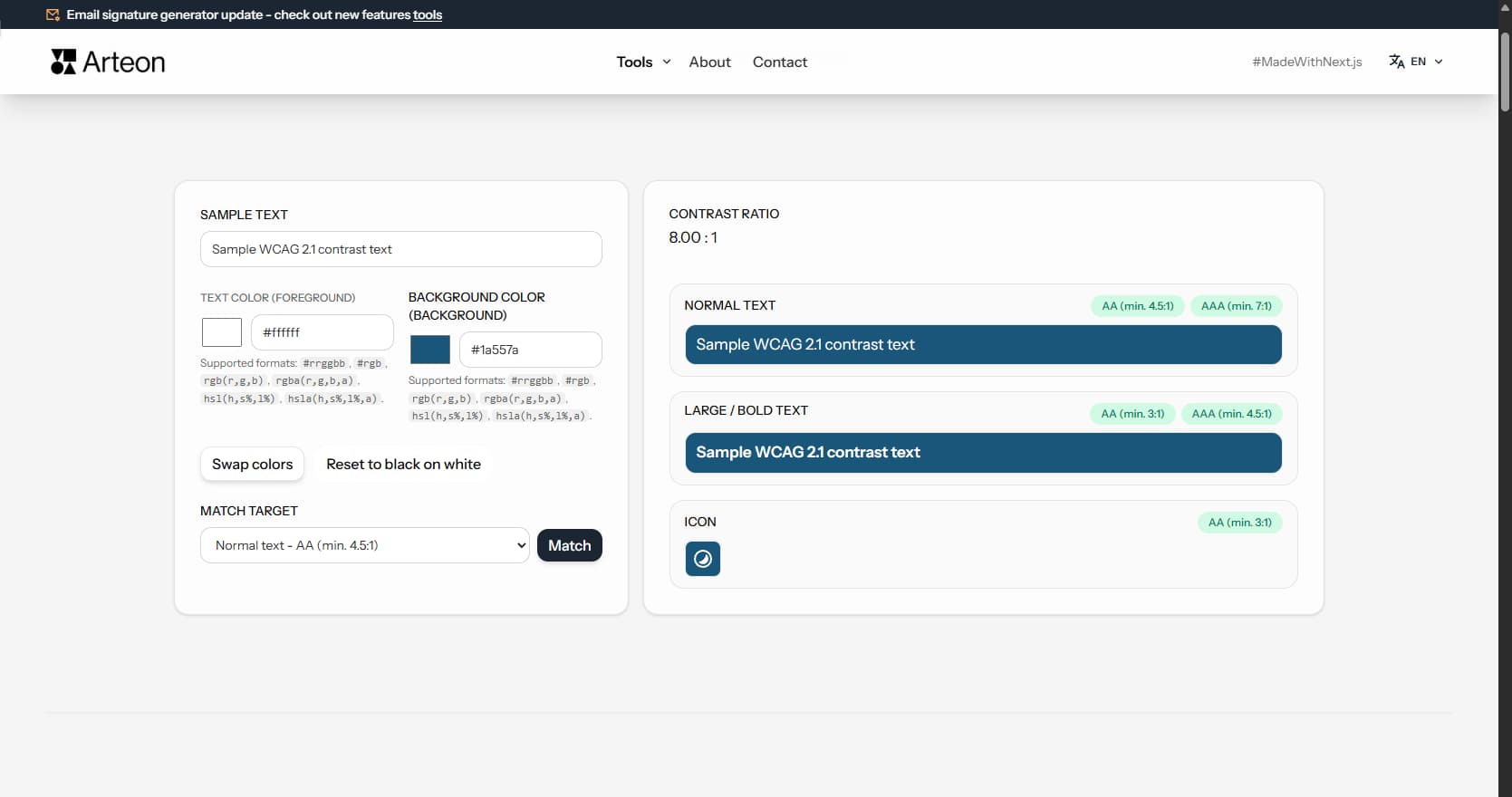
Check text and background contrast per WCAG 2.1 AA and AAA. Automatic color correction.
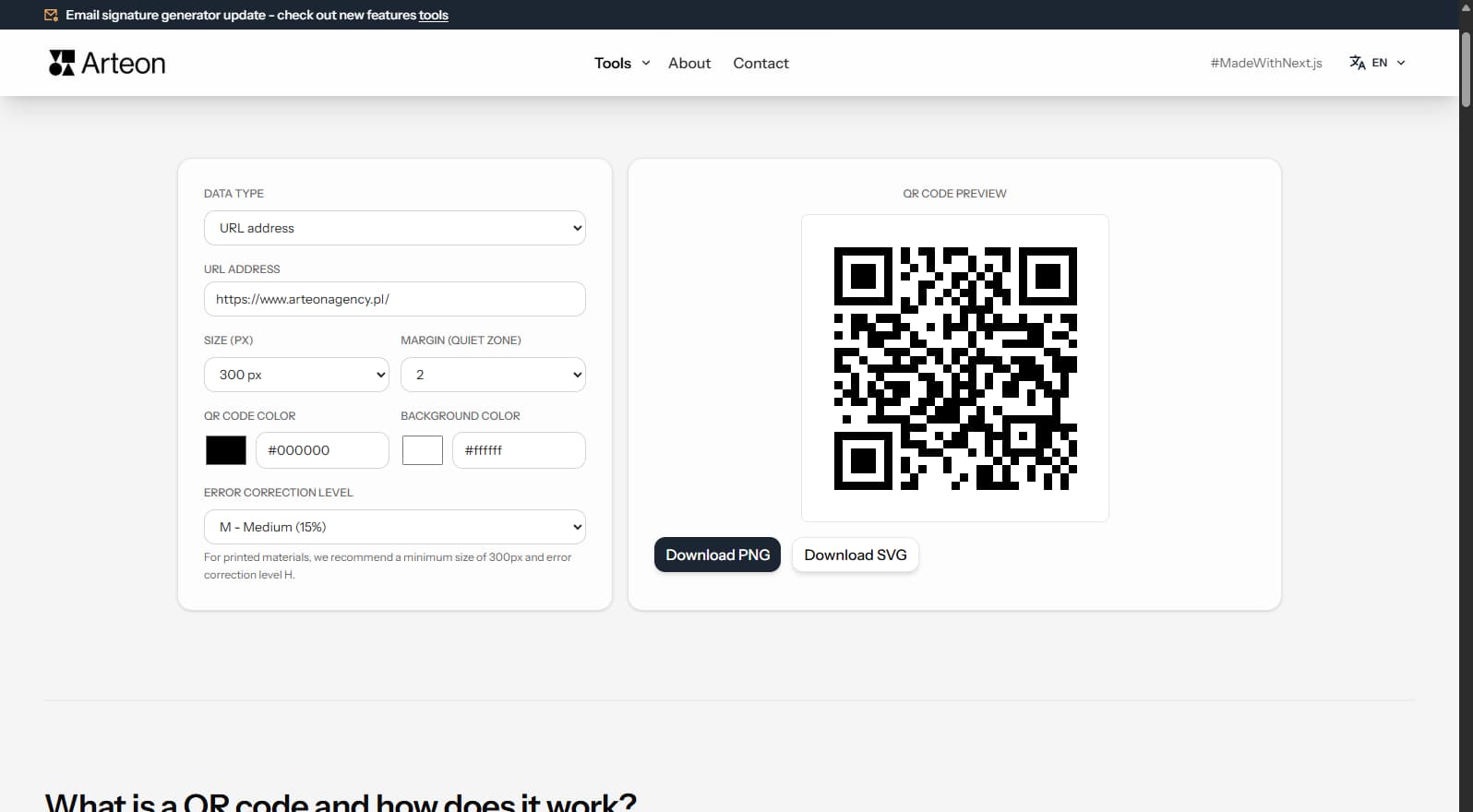
Create a QR code for a website, vCard business card or print. Export PNG and SVG, no registration.
Count words, characters, sentences and reading time. Check readability with the Flesch-Kincaid score.
Type text to see statistics.