1. Choose the data type
Select what you want to encode: URL, text, vCard business card, email, or phone number.
Create a QR code for a website, vCard business card, email, phone, or text. Customize colors, size, and error correction level, then download a ready PNG or SVG file.
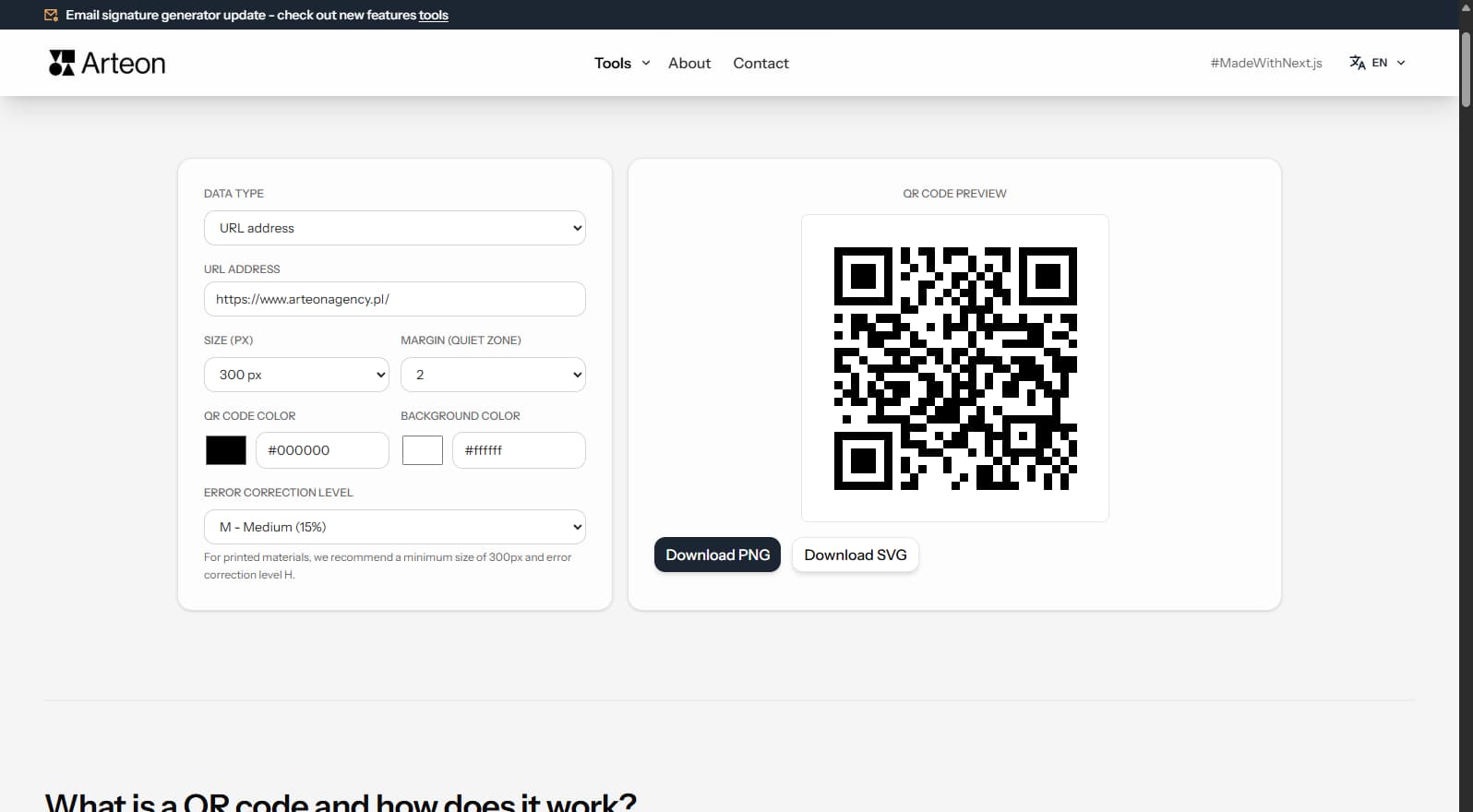
A QR code (Quick Response) is a two-dimensional barcode that can be scanned with a smartphone camera. Unlike traditional barcodes, QR codes store data both horizontally and vertically, allowing them to encode significantly more information - up to approximately 3,000 alphanumeric characters.
The QR code was developed in 1994 by the Japanese company Denso Wave (part of the Toyota group) for tracking car parts. Today, QR codes are widely used in marketing, hospitality, logistics, and business communication. They gained particular popularity during the COVID-19 pandemic, when restaurants began replacing paper menus with QR codes.
Creating a QR code takes just a few seconds:
The free QR code generator supports five data types - each useful in different situations:
Knowing the technical parameters helps create QR codes that are readable in all conditions:
QR codes find use in many industries and scenarios:
The generator lets you customize several parameters affecting the appearance and readability of the code:
Tip: Maintain high contrast between the code and background (minimum 3:1). A dark code on a light background scans most easily.
Error correction is a mechanism that enables reading a QR code even when part of it is damaged, dirty, or obscured. The generator uses the Reed-Solomon algorithm, a standard in QR codes.
Note: A higher correction level means a larger and more complex code. With large amounts of data and level H, the code can become very dense.
| PNG (raster) | SVG (vector) | |
|---|---|---|
| Websites and social media | ✓ | ✓ |
| Flyers and business cards | ✓ | ✓ |
| Posters and banners (large format) | — | ✓ |
| Scaling without quality loss | — | ✓ |
| Editing in a graphics program | — | ✓ |
| Smaller file size | — | ✓ |
| Presentations | ✓ | ✓ |
To ensure the QR code is readable after printing, follow a few rules:
QR codes have become a primary payment method in many parts of the world. In China, Alipay and WeChat Pay process billions of transactions monthly through QR code scanning. India's Unified Payments Interface (UPI) uses QR codes at street vendors, shops and restaurants across the country. In Brazil, the Pix instant payment system relies on QR codes for person-to-person and point-of-sale transfers.
In Europe, the European Payments Council introduced the EPC QR standard (also called GiroCode) for SEPA bank transfers. The code embeds the recipient's IBAN, payment amount, and reference number. Banks in Germany, Austria, the Netherlands and other eurozone countries support scanning EPC QR codes directly in their mobile apps. This eliminates manual data entry and reduces transfer errors.
QR-based payments are growing because they require no specialized hardware. A printed QR code on a countertop replaces an expensive card terminal. This makes QR payments especially attractive for small businesses, market stalls, and service providers in regions where card infrastructure is limited.
Governments and financial institutions worldwide are adopting QR codes on invoices to speed up payment processing and reduce errors. The EPC QR standard encodes IBAN, BIC, amount, and payment reference in a single scannable code. Recipients scan the QR code with their banking app and confirm the pre-filled transfer - no manual typing required.
Several countries have made QR codes on invoices mandatory or strongly encouraged. Italy's fattura elettronica system includes QR codes for tax verification. The Czech Republic uses the SPAYD (Short Payment Descriptor) standard, which encodes payment details in a compact QR format supported by all major Czech banks. Poland's KSeF electronic invoicing system places QR codes on structured invoices for authenticity verification.
For businesses, adding a QR code to invoices shortens the average payment cycle. Clients can pay immediately after receiving the document instead of manually copying account numbers. This is especially useful for freelancers, small businesses, and service providers who issue invoices regularly.
Marketers use QR codes to bridge offline and campaigns. A QR code on a flyer, poster, or product packaging directs customers to a landing page, promotional offer, or app download. By encoding URLs with UTM parameters (source, medium, campaign name), businesses can track exactly how many scans each printed material generates in Google Analytics or similar tools.
Creating a unique QR code for each campaign channel makes it possible to compare performance. A code on a trade show banner, a code in a magazine ad, and a code on product packaging each get a different UTM tag. This reveals which offline channel drives the most website visits, sign-ups, or purchases.
Keep the encoded URL as short as possible. Longer URLs produce denser QR codes with smaller modules, which can be harder to scan at a distance or on small print. Use a URL shortener or redirect through a clean path on your domain to keep the code compact and easy to read.
A static QR code embeds the target data (URL, text, contact) directly into the code pattern. Once printed, the encoded content cannot be changed. Static codes have no expiration date, require no internet connection to decode, and work independently of any external service. This generator creates static QR codes.
A dynamic QR code contains a short redirect URL that points to an intermediary server. The server forwards the scanner to the actual destination. This allows the owner to change the destination URL after printing, track scan counts and locations, and run A/B tests. Dynamic codes require a paid subscription to a QR management platform.
Static codes are the right choice for business cards, product packaging, fixed URLs, permanent signage, and any situation where the destination will not change. Dynamic codes suit time-limited campaigns, menus with rotating content, or scenarios where scan analytics are essential for decision-making.
Accessible QR code placement benefits all users, including people with disabilities. Print QR codes at a minimum size of 3x3 cm to give users with motor impairments a larger target area for their camera. Place codes at a height reachable from a seated position - between 90 cm and 120 cm from the floor - so wheelchair users can scan them without assistance.
High contrast between the code and its background is essential for users with low vision. A dark code on a white or very light background with a contrast ratio of at least 4.5:1 aligns with WCAG (Web Content Accessibility Guidelines) recommendations. Avoid placing QR codes on textured, patterned, or reflective surfaces that may interfere with camera focus.
Always provide a text alternative near the QR code. A short line like "Scan this code or visit example.com/menu" ensures that screen reader users and people who cannot use a camera still have access to the same information. This practice also helps in situations where scanning is impractical, such as poor lighting or a damaged print.
No. A static QR code (like the one generated by this tool) does not expire. The content - e.g., a URL or business card data - is encoded directly in the code. As long as the target page exists, the code will work.
With a static QR code, you cannot change the encoded content - you need to generate a new code with a new address. Dynamic QR codes (editable after generation) require external paid services.
PNG works for most use cases: websites, social media, printing up to A4 size. SVG is vector-based - it can be scaled to any size without quality loss, making it suitable for banners, billboards, and large advertising formats.
For printed materials (business cards, flyers), the code should be at least 2×2 cm, optimally 3×3 cm. In the generator, this corresponds to a resolution of 300 px at standard print quality (300 DPI). For larger formats (posters, banners), choose a larger size or SVG format.
This tool does not support adding a logo directly. However, you can download the code in SVG format and overlay a logo in a graphics program - in that case, it is necessary to set a high error correction level (H) so the code remains readable despite partial obscuring.
Most common causes: too low contrast between code and background, too small code size, no margin around the code, or print damage. Try increasing the size, improving contrast, and raising the error correction level (Q or H).
Yes. Generated QR codes can be freely used in any project - commercial and non-commercial, without licensing restrictions.
A vCard QR code contains contact data in a standardized format (name, company, phone, email, address). After scanning, the phone automatically offers to save the contact in the address book. A text code displays data as plain text - without the option to automatically save it.
Have an idea for a new feature, found a bug, or want to suggest another tool that would make your work easier? Write to us – we respond within 24 hours.
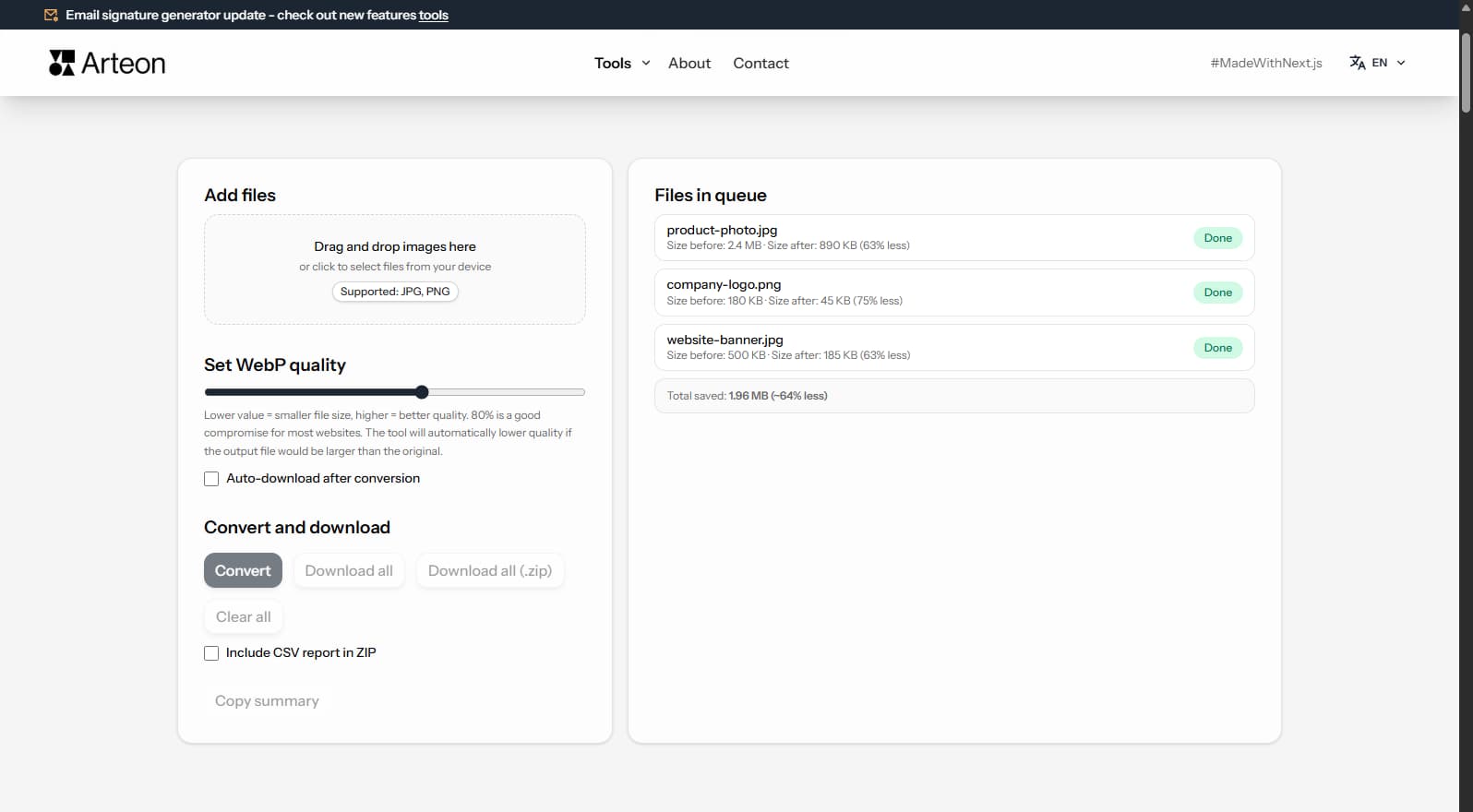
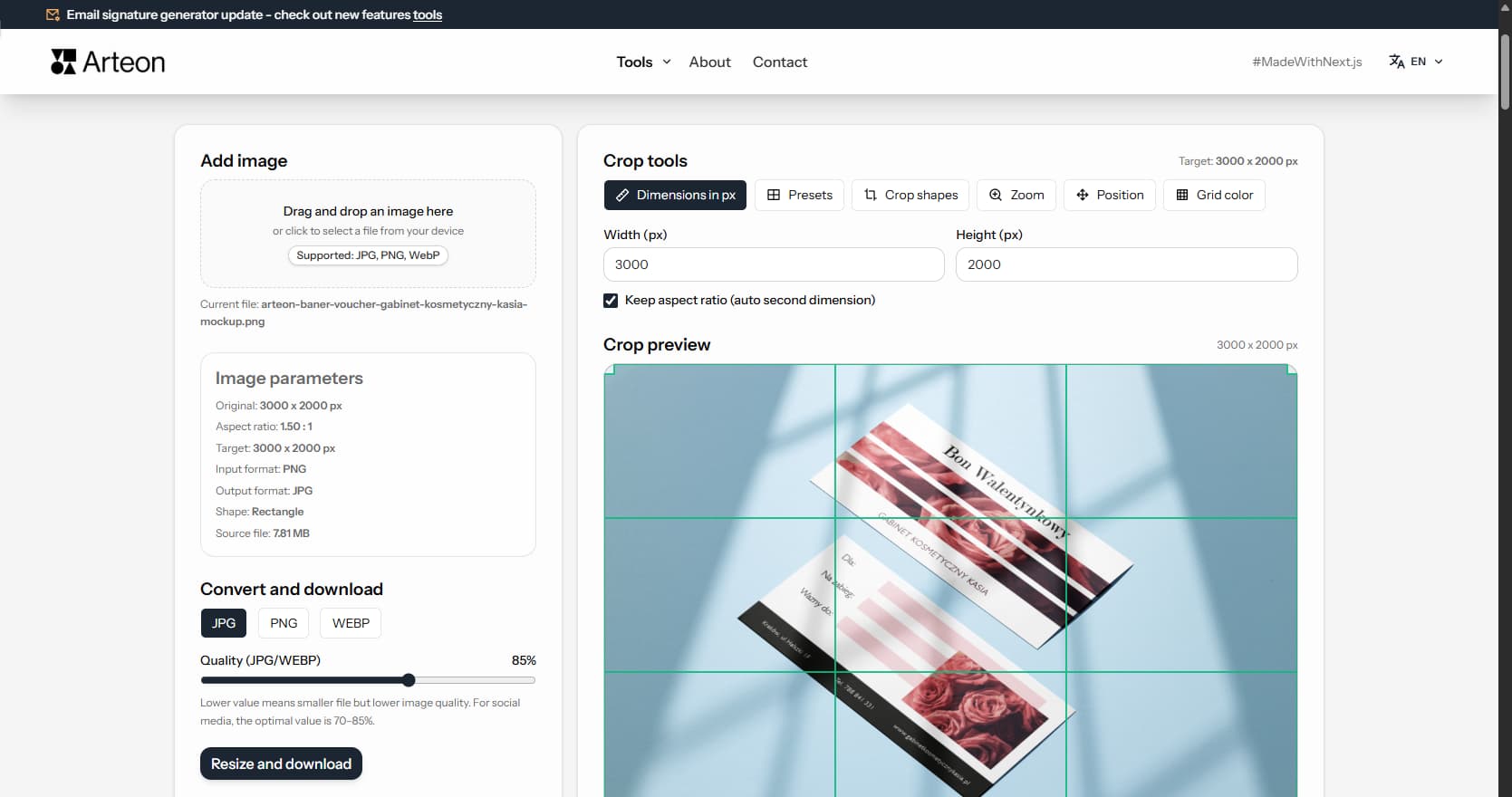
Resize, crop and convert your image. Ready-made formats for social media, circular avatars, export to JPG/PNG/WebP.

Check title and description length in pixels. Live Google preview and optimization tips.
Convert PNG files to JPG in your browser. No file limits, no signup, no server uploads.
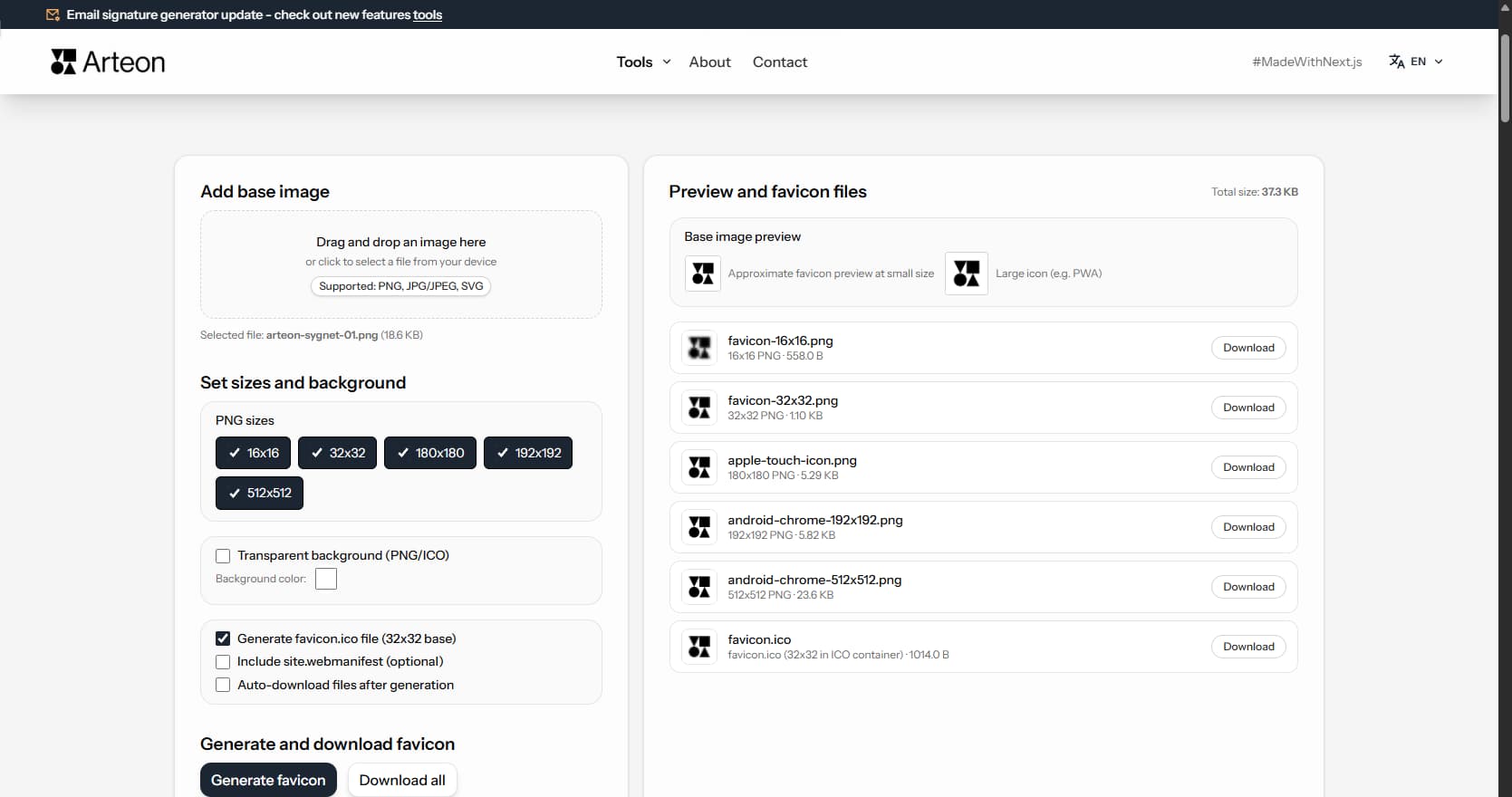
Create a complete favicon.ico set for your website from one image. All required sizes, no login.
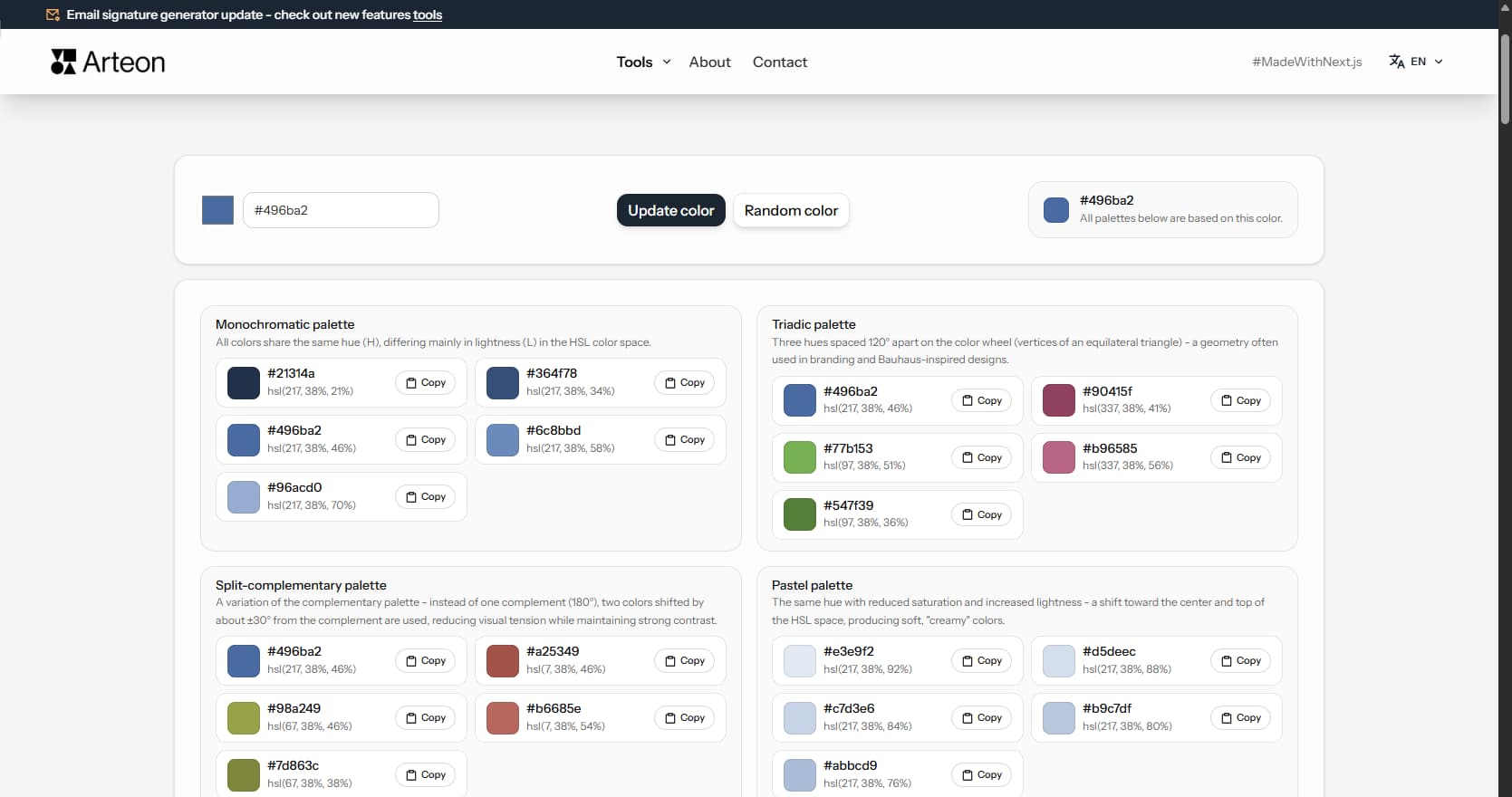
Generate 9 palettes from one color: monochromatic, complementary, triadic and more. HEX codes.
Convert WebP files to universally compatible JPG. Works in every app and platform.
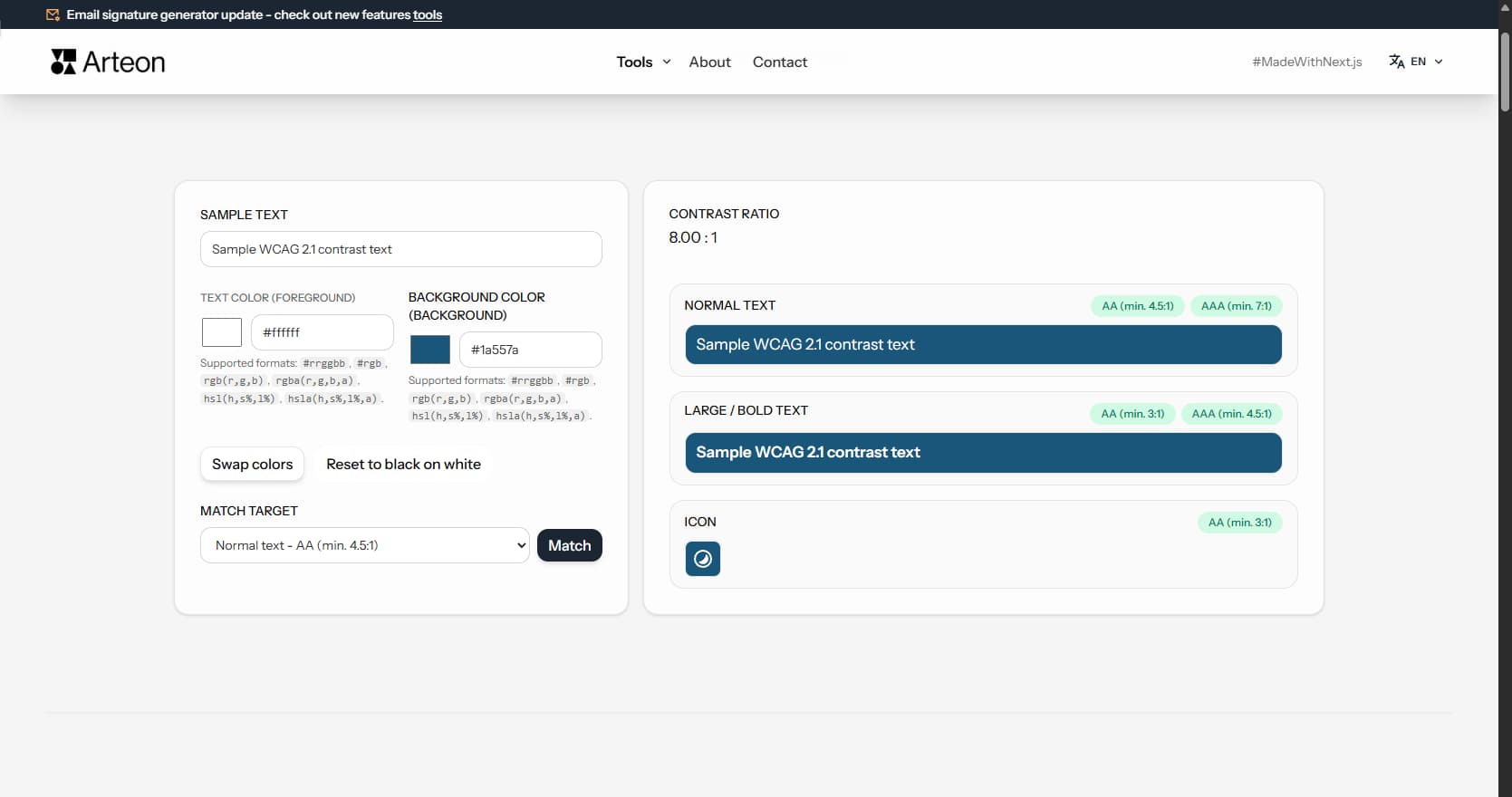
Check text and background contrast per WCAG 2.1 AA and AAA. Automatic color correction.
Create a QR code for a website, vCard business card or print. Export PNG and SVG, no registration.
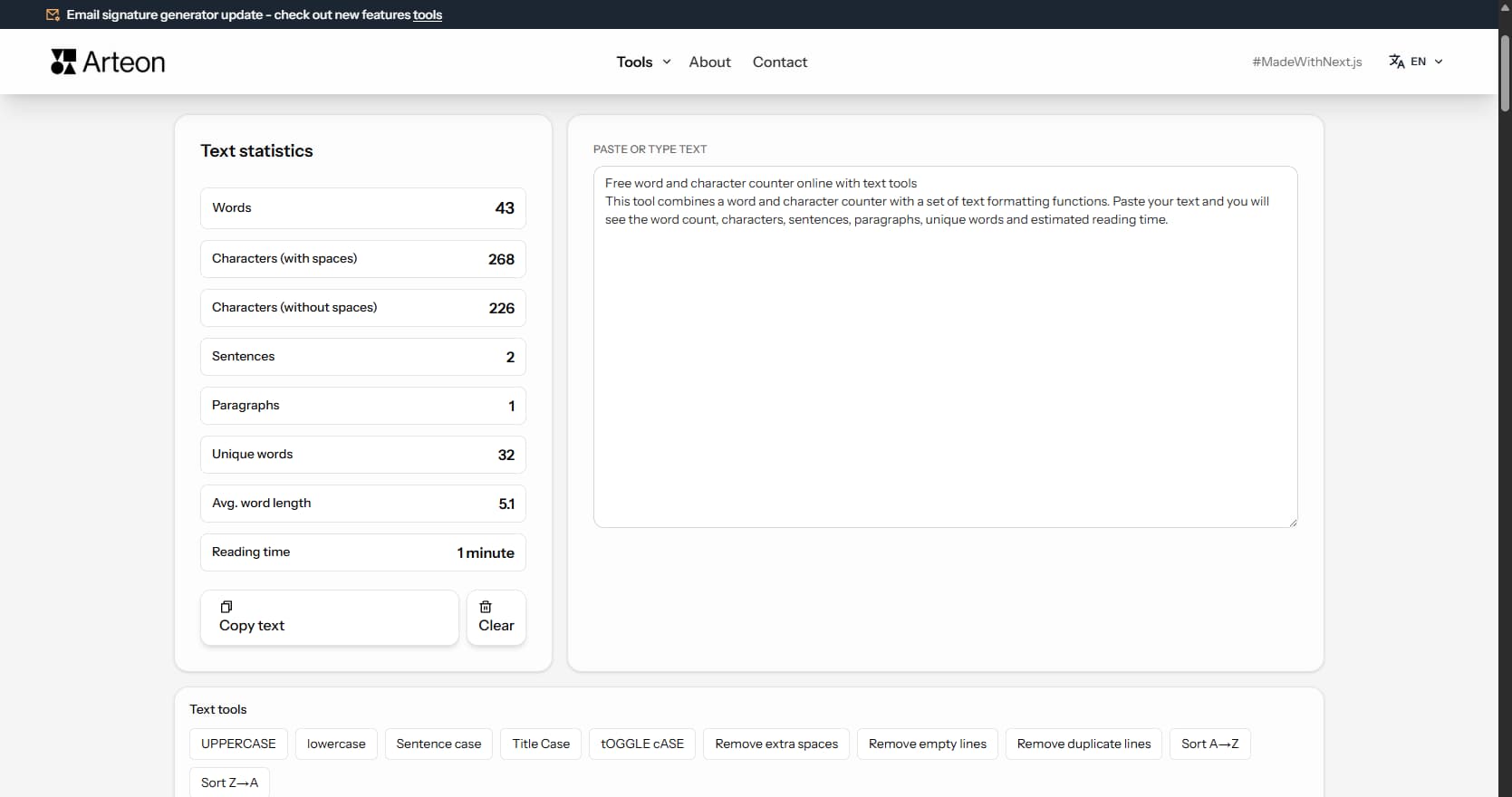
Count words, characters, sentences and reading time. Check readability with the Flesch-Kincaid score.
For printed materials, we recommend a minimum size of 300px and error correction level H.
Enter data to generate a QR code.