1. Enter the page title
Paste or type the meta title in the first text field. The tool will immediately show three metrics: character count, word count, and pixel width. A colored status will appear next to them.
Enter a title and description, and the tool will calculate character count, word count, pixel width, and show whether the length meets SEO best practices

Meta title and meta description are two short texts that describe the content of a web page. They are not visible directly on the page but appear in Google search results as the title (blue link) and description (gray text below the title).
Well-written meta tags work like an ad for your page in search results - they attract attention and increase the chance of a click. Poorly written or truncated tags can discourage clicks, even if the page itself is valuable.
Checking meta tag length takes about a minute:
Google truncates titles and descriptions that are too long. Below are recommended ranges that reduce the risk of text being cut off in search results.
| Element | Characters | Pixels | Notes |
|---|---|---|---|
| Meta title | 50–60 characters | up to ~580 px | Put the most important words at the beginning. Brand name at the end. |
| Meta description | 120–160 characters | up to ~920 px | You can fit 2–3 short sentences. End with a call to action. |
These are approximate values - Google does not publish strict limits and may adjust them depending on device and query context.
Meta title
Meta description
The tool shows three metrics for each field along with a color-coded length evaluation:
Meta title: 35–65 characters or 350–580 pixels wide. Put the most important words at the beginning.
Meta description: 100–165 characters or 430–920 pixels wide. You can fit 2–3 short sentences.
iiiiiiiiiiiiiiii (16 characters)
~64px wide
WWWWWWWWWWWWWWWW (16 characters)
~256px wide
Different letters have different widths. Compare "iiii" and "WWWW" - both have 4 characters, but the visual width is completely different. Google measures text width in pixels, not characters.
This means a title with many narrow letters (i, l, t, f) can be longer than a title with wide letters (W, M, O), despite the same character count. The tool shows both values: character count (easier to grasp) and pixel width (more accurate for Google).
The snippet preview simulates how the title and description of your page look in Google search results. It is an approximate visualization - the actual appearance may vary slightly depending on device and browser.
The preview does not include all elements that Google may add to a result: dates, star ratings, sitelinks, or rich snippets. It is a simplified version focused on text length.
The meta tag checker is useful for anyone creating web content:
A title that fits within 580 pixels is only the first step. The next step is making it compelling enough to click. Front-load the primary keyword - put the most important words at the very beginning of the title. Users scan search results quickly, and words at the start get the most attention. Numbers attract the eye: "9 free SEO tools" outperforms "Free SEO tools for your website" in click-through rate.
The title tag and the H1 heading on the page do not need to be identical. The title tag is for search results - it should contain the target keyword and a reason to click. The H1 is for visitors already on the page - it can be longer, more descriptive, or use a different phrasing. Google compares the two and may rewrite your title if they are too different, so keep them thematically aligned.
Place the brand name at the end of the title, after a separator like "|" or "-". The brand adds trust but rarely drives clicks on its own. Exception: if the brand is well-known and relevant to the query (e.g., "Nike running shoes"), the brand name can go first. Remove filler adjectives like "best", "top", "amazing" - they waste pixel space and rarely influence click behavior.
A meta description is a short ad for your page. It should answer the question: why should the searcher click this result instead of the nine others on the page? Start with the main benefit or answer. If the page is a guide, say what the reader will learn. If it is a product page, mention the key feature or price range. If it is a service page, state the outcome.
Use active voice and direct language. "Learn how to optimize your meta tags in 5 minutes" is stronger than "This article discusses meta tag optimization methods." End the description with a call to action: "Check your titles now", "Compare prices", "Read the full guide". The call to action gives the searcher a clear next step.
Google sometimes ignores your meta description and generates its own snippet from the page content. This happens more often when the description does not match the search query. To reduce this, write descriptions that closely match the main keywords the page targets. If a page targets multiple queries, consider updating the description when you notice Google overriding it for high-traffic terms.
Product page titles should follow a consistent structure: Brand + Product Name + Key Attribute. Example: "Nike Air Max 90 - Men's Running Shoes, Size 10". This format gives the searcher brand, model, category and size in one glance. Avoid stuffing multiple keywords - one clear, specific title outperforms a list of synonyms.
Category page descriptions should signal the breadth of the selection. "Shop 200+ running shoes from Nike, Adidas, and New Balance. Free shipping over $50" tells the searcher three things: variety, brands, and a benefit. Compare that to "Running shoes - our store", which says almost nothing. Category descriptions are often neglected, but they appear in search results for broad, high-volume queries.
Homepage meta tags serve a different purpose. The homepage title should position the brand and its primary offering: "Arteon - Web Design, SEO and Branding Agency". The description should summarize what the business does and for whom. Avoid duplicate descriptions across pages - Google may flag them as low quality. Each page needs a unique description that matches its specific content.
Since August 2021, Google uses an automated system to generate the title shown in search results. In many cases, Google will use your title tag as-is. But if the system decides the title is not a good match for the query, it will rewrite it - pulling text from the H1, other headings, anchor text of links pointing to the page, or even the page content.
Common triggers for title rewrites include: the title is too long and gets truncated, the title does not match the page content, the title contains repetitive boilerplate (e.g., every page starts with the brand name), or the title is stuffed with keywords. Half-empty titles also get rewritten - if your title is only 20 characters, Google assumes it is incomplete and will try to improve it.
To reduce the chance of rewrites, keep the title within the recommended pixel width, make sure it closely matches the H1 heading, and avoid repeating the site name at both the beginning and end. Use this checker tool to verify the length before publishing. If Google still rewrites a title, check in Google Search Console under the "Page Indexing" report - it shows the title Google actually displays.
In WordPress, the most common way to set meta tags is through an SEO plugin. Yoast SEO and Rank Math both add a meta box below the content editor where you can type the title and description. The plugin shows a live preview and character count. If you do not fill in these fields, the plugin will auto-generate a title from the post title and a description from the first paragraph - which is rarely optimal.
Shopify stores set the meta title and description in the SEO section at the bottom of each product, collection, and page editor. The default title is the product name plus the store name. For better results, customize each title to include the brand, a key feature, and the product type. Shopify also allows bulk editing through CSV import, which is useful for stores with hundreds of products.
For custom-built sites (React, Next.js, static HTML), meta tags live in the HTML <head> section. In Next.js, use the metadata export or the Head component. In plain HTML, add <title> and <meta name="description"> tags. The key pitfall with custom sites is forgetting to set unique meta tags for dynamically generated pages - product pages, blog posts, filtered listings. Test each page type by viewing the source code or using Google Search Console's URL Inspection tool.
Different letters have different widths. The letter "i" takes much less space than "m" or "W". Google truncates titles and descriptions based on pixel width, not character count. This means text with many narrow letters can be longer than text with wide letters, even at the same character count.
Not always. Google may change the displayed title or description if it considers something else a better fit for the user's query. It often pulls snippets from the page content. Well-written meta tags increase the chance that Google will use them, but there is no 100% guarantee.
Meta title should be about 50–60 characters (up to ~580 pixels wide). Meta description works best at 120–160 characters (up to ~920 pixels). These are approximate values - Google does not publish strict limits and may adjust them.
Meta description is not a direct ranking factor - Google does not use it to determine page position. However, a good description increases the click-through rate from search results, and higher CTR can indirectly affect rankings.
Shorten the title while keeping the most important words at the beginning. Remove filler words (e.g., "best", "professional") and focus on specific value for the user. If you include a brand name, place it at the end after a separator.
Have an idea for a new feature, found a bug, or want to suggest another tool that would make your work easier? Write to us – we respond within 24 hours.
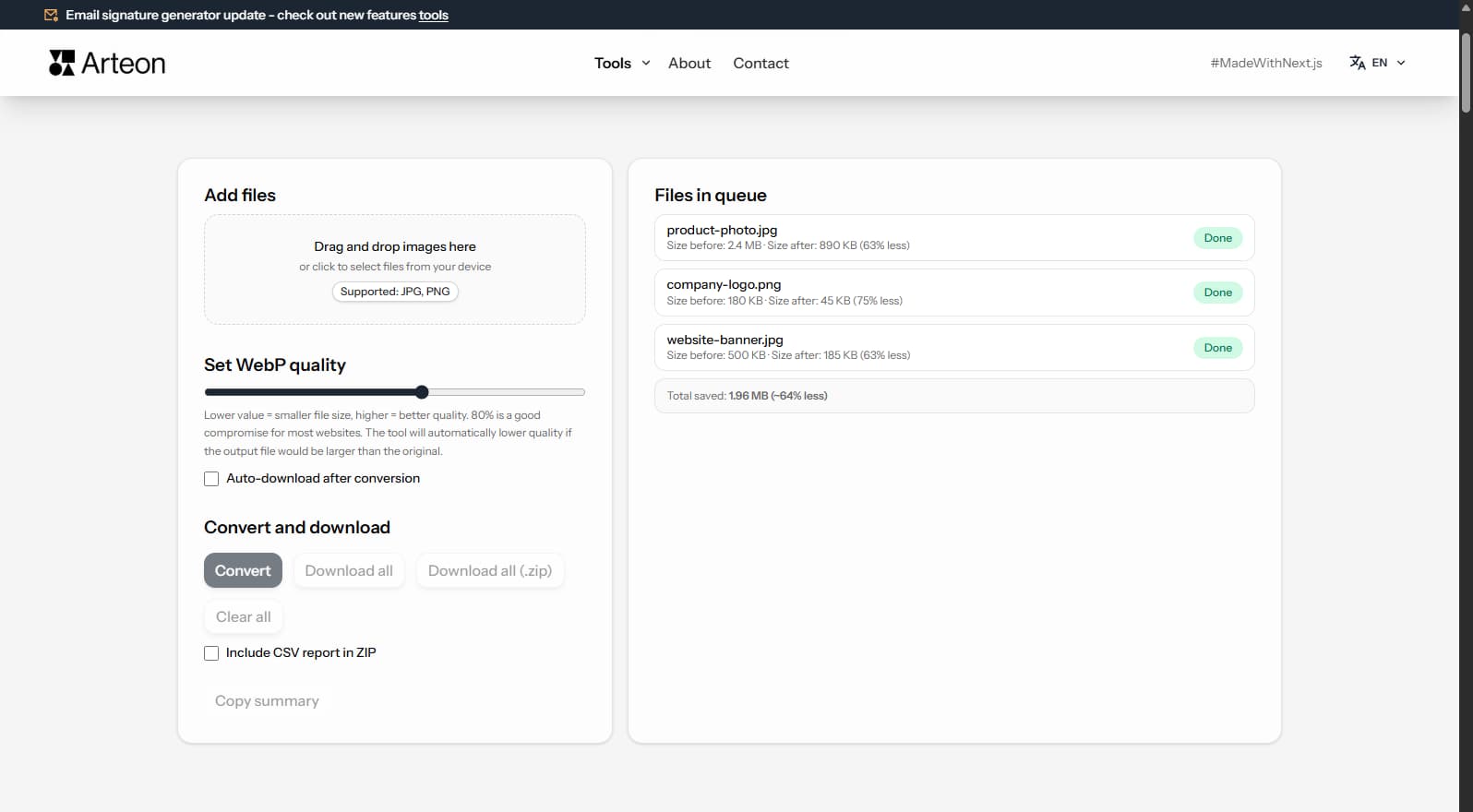
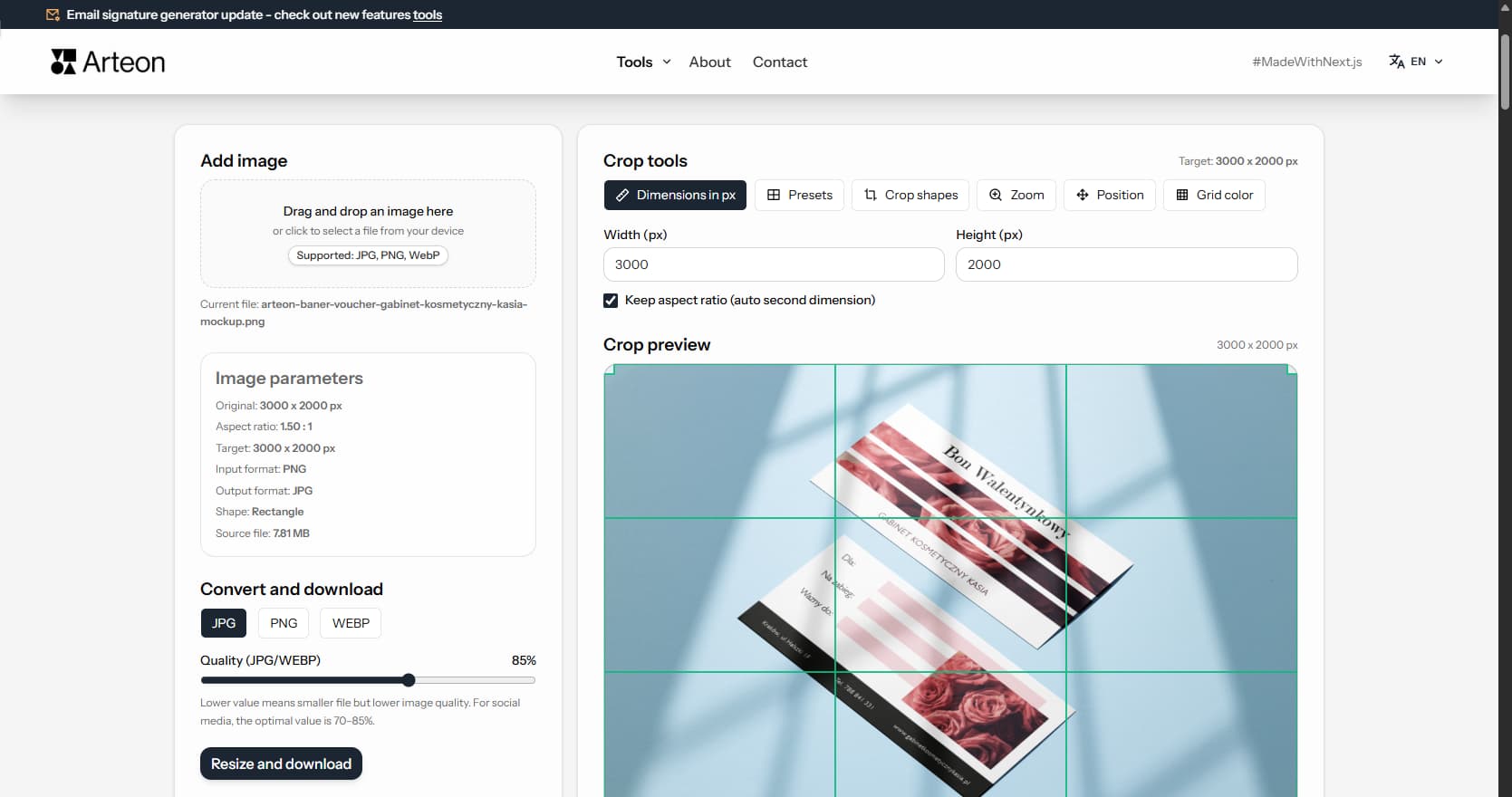
Resize, crop and convert your image. Ready-made formats for social media, circular avatars, export to JPG/PNG/WebP.
Check title and description length in pixels. Live Google preview and optimization tips.
Convert PNG files to JPG in your browser. No file limits, no signup, no server uploads.
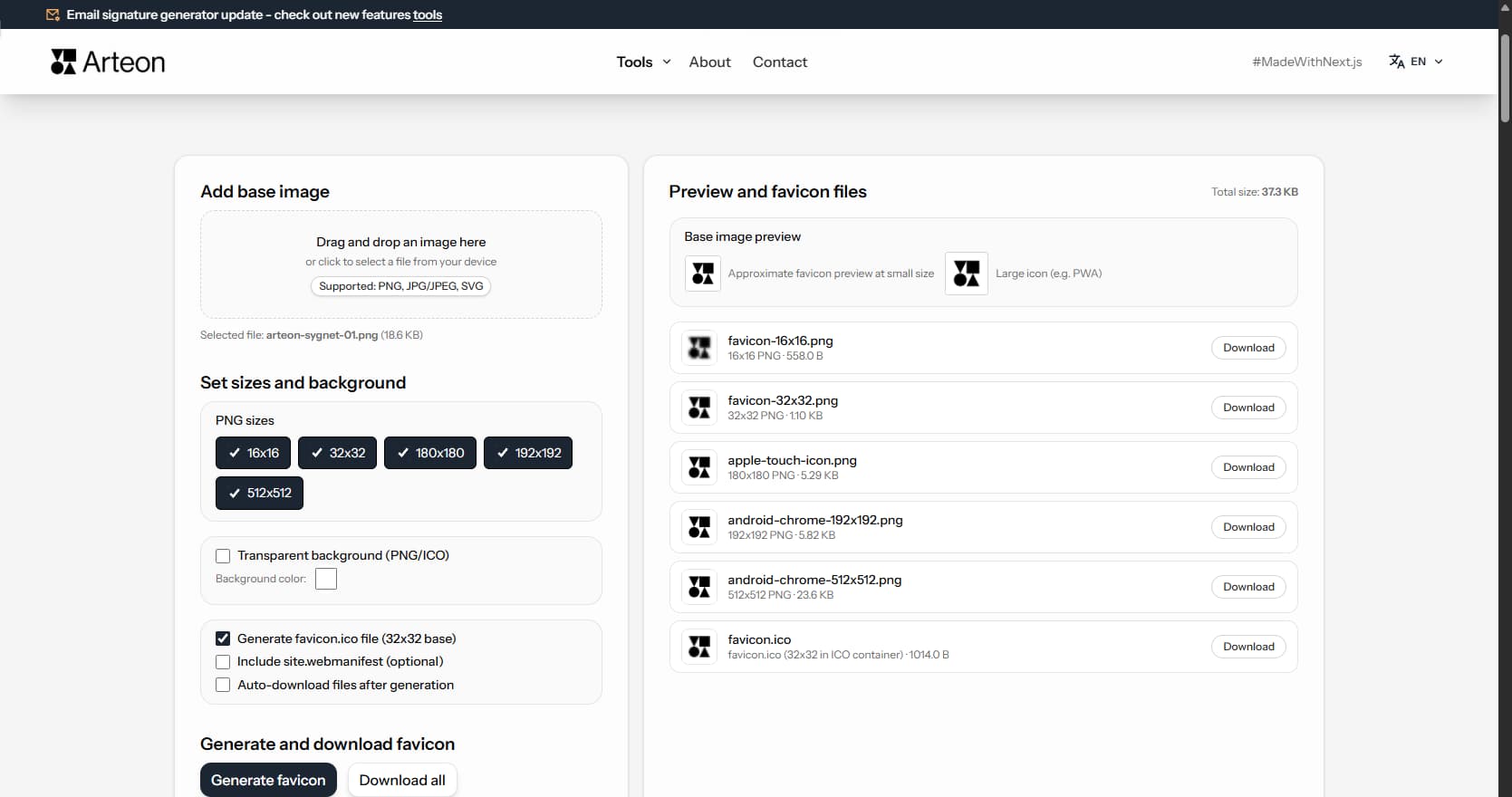
Create a complete favicon.ico set for your website from one image. All required sizes, no login.
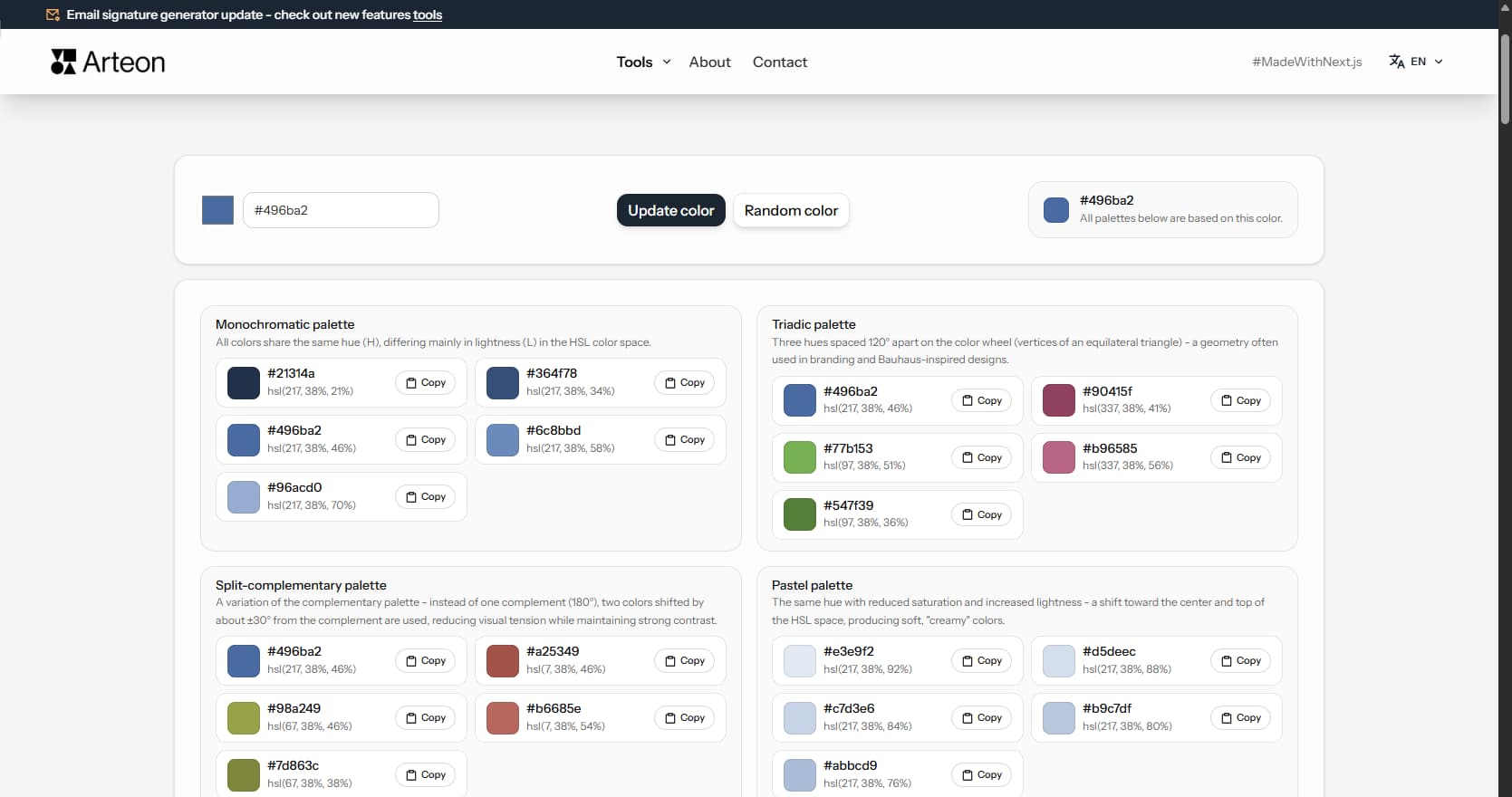
Generate 9 palettes from one color: monochromatic, complementary, triadic and more. HEX codes.
Convert WebP files to universally compatible JPG. Works in every app and platform.
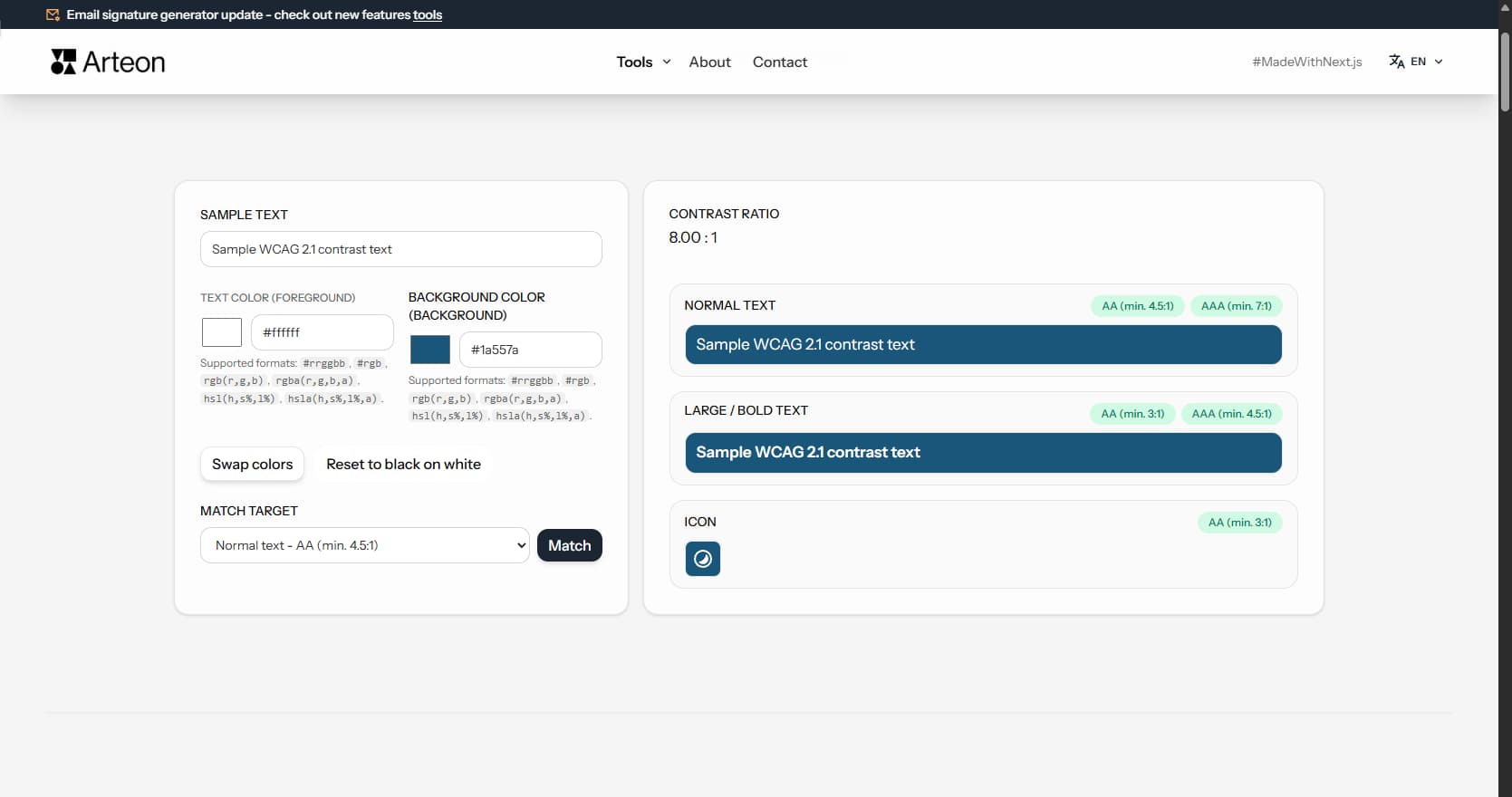
Check text and background contrast per WCAG 2.1 AA and AAA. Automatic color correction.
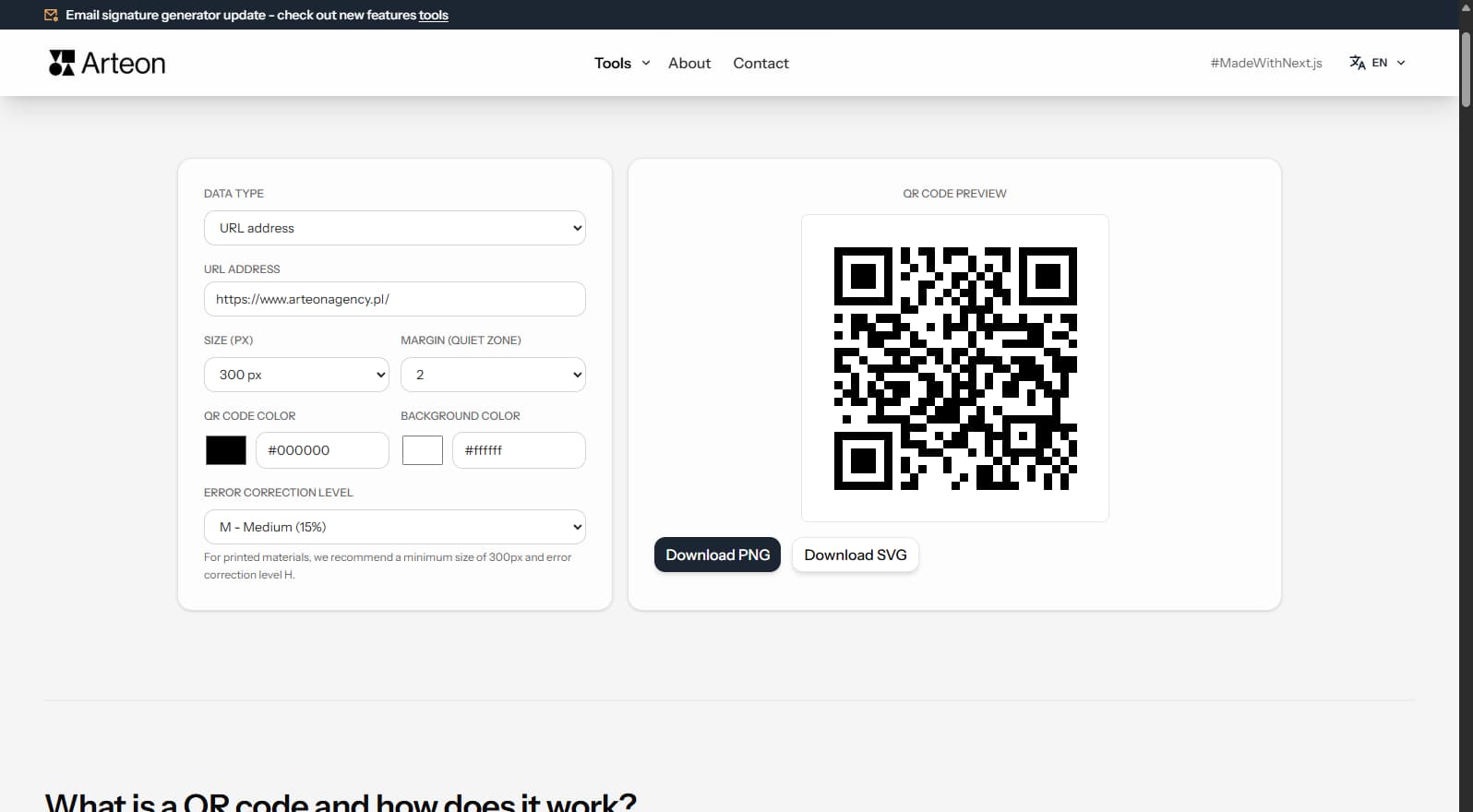
Create a QR code for a website, vCard business card or print. Export PNG and SVG, no registration.
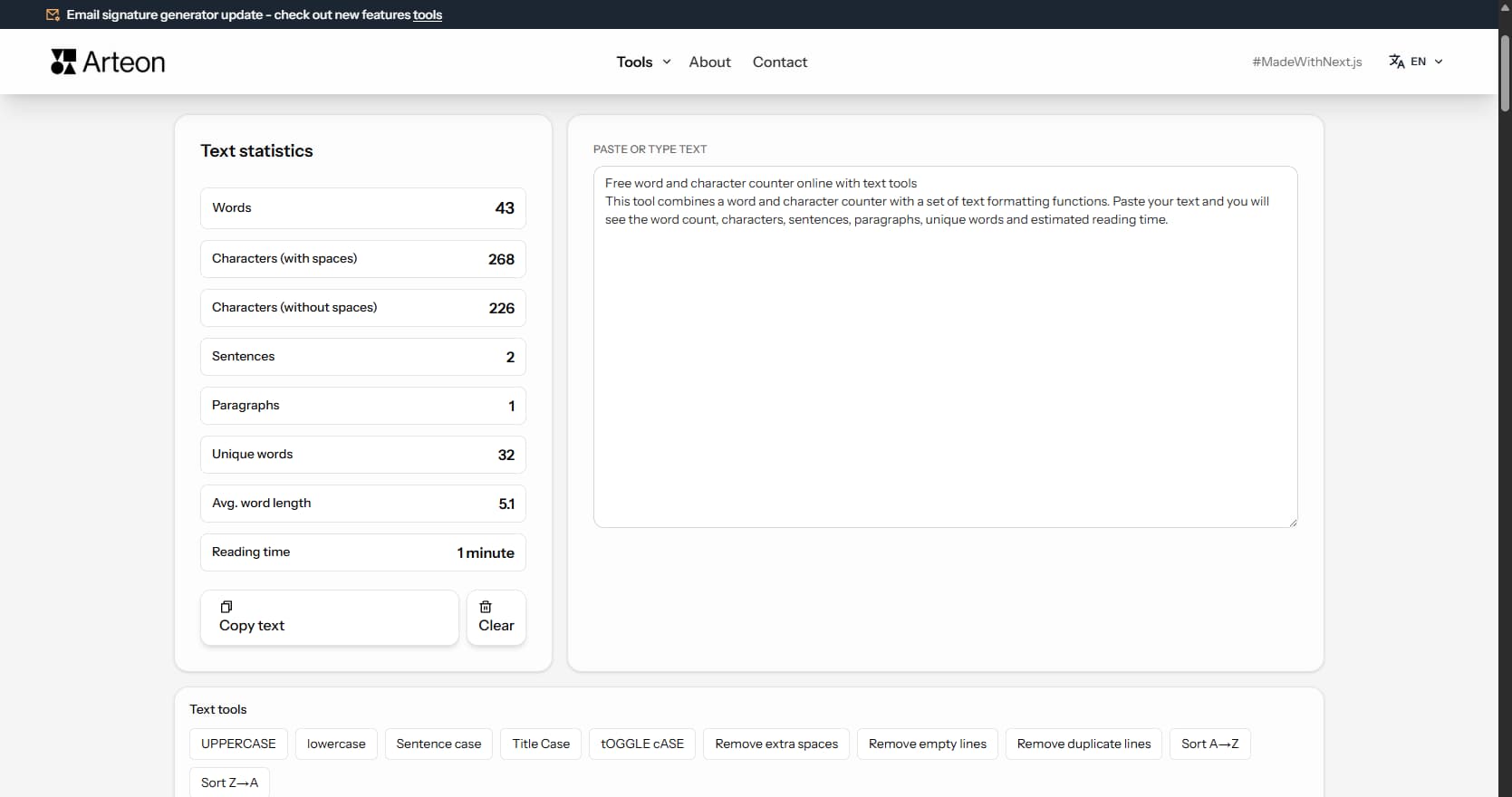
Count words, characters, sentences and reading time. Check readability with the Flesch-Kincaid score.
Enter a meta title to see the length analysis.
Enter a meta description to see the length analysis.

Arteon
https://www.your-domain.com/page
Example page title - offer / service
A preview of your page description will appear here. Write briefly about what you offer, how you help the client, and why this page is worth visiting.