Paste your data
Paste your HTML — a WordPress post, a Confluence page, or content copied from a web page. You can paste the full page source or just the body content. Upload a .html file if you prefer.
Moving from WordPress to Ghost, Gatsby, or Obsidian? Paste your HTML and get clean Markdown that keeps your headings, lists, links, and code intact — no plugins, no server, free.
HTML is powerful but difficult to read and edit without specialized tools. Markdown uses simple syntax — # Heading instead of <h1>, **bold** instead of <strong>. It is the standard format for GitHub/GitLab documentation, static site generators (Hugo, Jekyll, Gatsby, Astro), note-taking apps (Notion, Obsidian), and technical writing.
Converting HTML to Markdown is essential when migrating content from a CMS (WordPress, Joomla) to static site generators, moving articles to Git repositories, creating technical documentation, and archiving web content in a readable plain-text format.
The converter recognizes semantic HTML tags: headings (h1–h6), lists (ul, ol), links (a), images (img), code blocks (pre, code), tables, and text formatting (strong, em, del). It ignores irrelevant tags (div, span, script, style).
All processing happens locally in your browser — nothing is sent to any server. No registration, no limits, no tracking.
| Feature | HTML | Markdown |
|---|---|---|
| Nested/hierarchical data | ✓ | — |
| Tabular data | ✓ | ✓ |
| Schema validation | ✓ | — |
| Human readable | — | ✓ |
| API standard | — | — |
| Compact syntax | — | ✓ |
HTML uses tags like <h1>, <strong>, <a>, and <ul> to structure content. Markdown uses simpler symbols: # for headings, ** for bold, [text](url) for links, and - for lists. The converter parses the HTML document tree and maps each element to its Markdown equivalent.
For example, <h1>Title</h1> becomes # Title, <strong>bold</strong> becomes **bold**, and <a href="url">link</a> becomes [link](url). Complex structures like tables, code blocks, and nested lists are also handled.
Converting HTML to Markdown is useful for migrating website content to documentation systems, static site generators, or any platform that uses Markdown. The conversion runs entirely in your browser — no data is sent to any server.
A few tips to help you avoid common issues during conversion:
The converter handles all common semantic HTML elements:
Non-semantic elements (div, span, script, style) are stripped. Only meaningful content is preserved in the Markdown output.
Yes, this converter is completely free with no limits. No registration, no watermarks.
No. All processing happens locally in your browser. Your files never leave your device.
Yes, the converter supports batch conversion. Add multiple files and convert them all simultaneously.
Yes, the converter works on any device with a modern web browser, including smartphones and tablets.
Yes. The entire conversion runs locally in your browser. Your data is never sent to any server. When you close the page, all data is automatically cleared from memory.
Markdown supports headings, bold, italic, links, images, lists, code blocks, blockquotes, and tables. HTML-only features like custom CSS, colors, and complex layouts cannot be represented in Markdown and will be simplified.
Yes. The output follows standard Markdown syntax compatible with GitHub, GitLab, Bitbucket, Notion, Obsidian, and any other platform that renders Markdown.
Yes. Markdown is significantly more token-efficient than HTML for LLMs. Removing tags like <div class="...">, , and reduces token count while keeping full semantic meaning. Many AI workflows recommend converting HTML to Markdown before passing content to GPT-4 or Claude to reduce cost and improve response quality.
Have an idea, found a bug, or want to suggest a feature? Drop us a message – we respond within 24 hours.
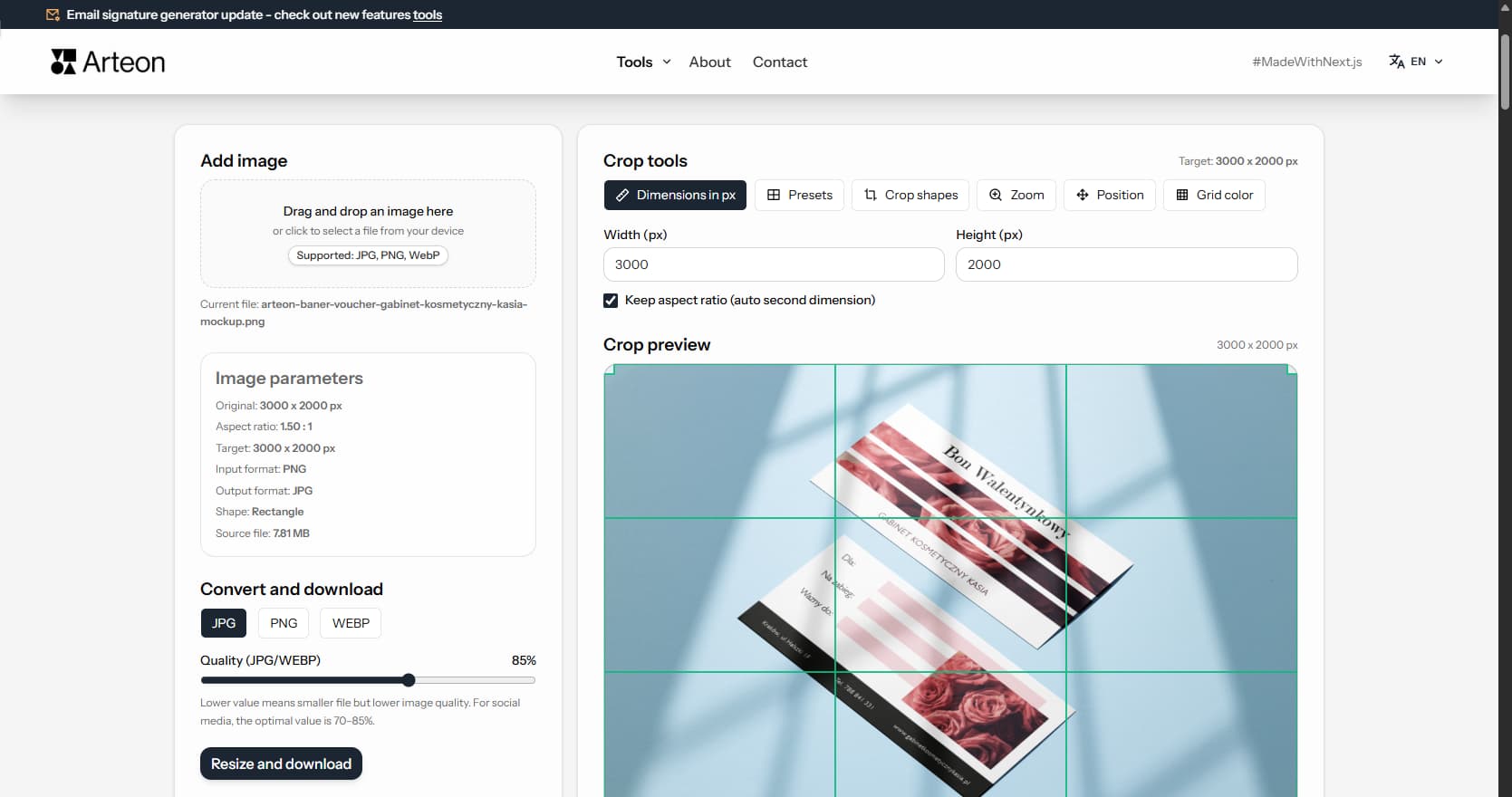
Resize, crop and convert your image. Ready-made formats for social media, circular avatars, export to JPG/PNG/WebP.

Check title and description length in pixels. Live Google preview and optimization tips.
Convert PNG files to JPG in your browser. No file limits, no signup, no server uploads.
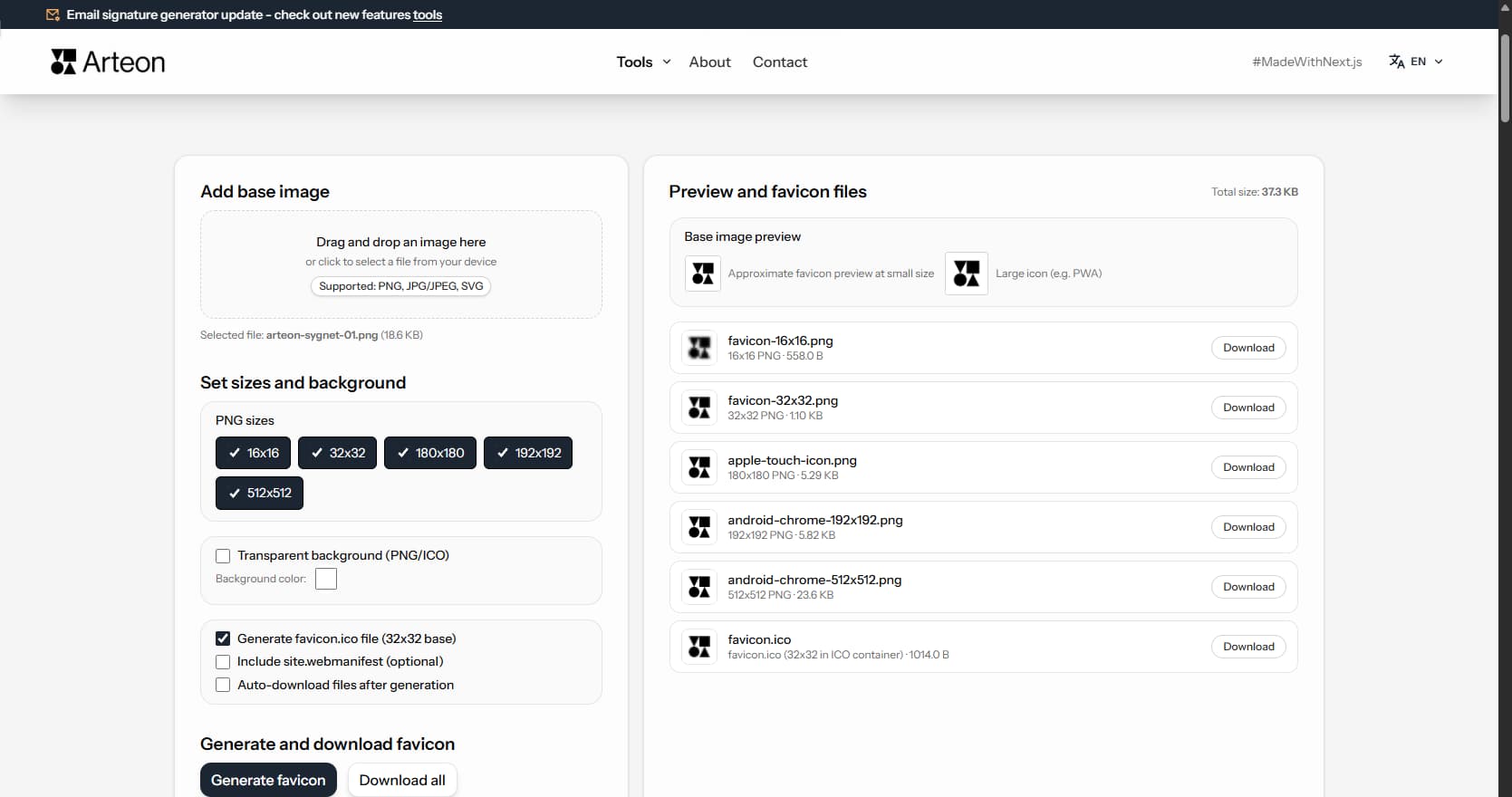
Create a complete favicon.ico set for your website from one image. All required sizes, no login.
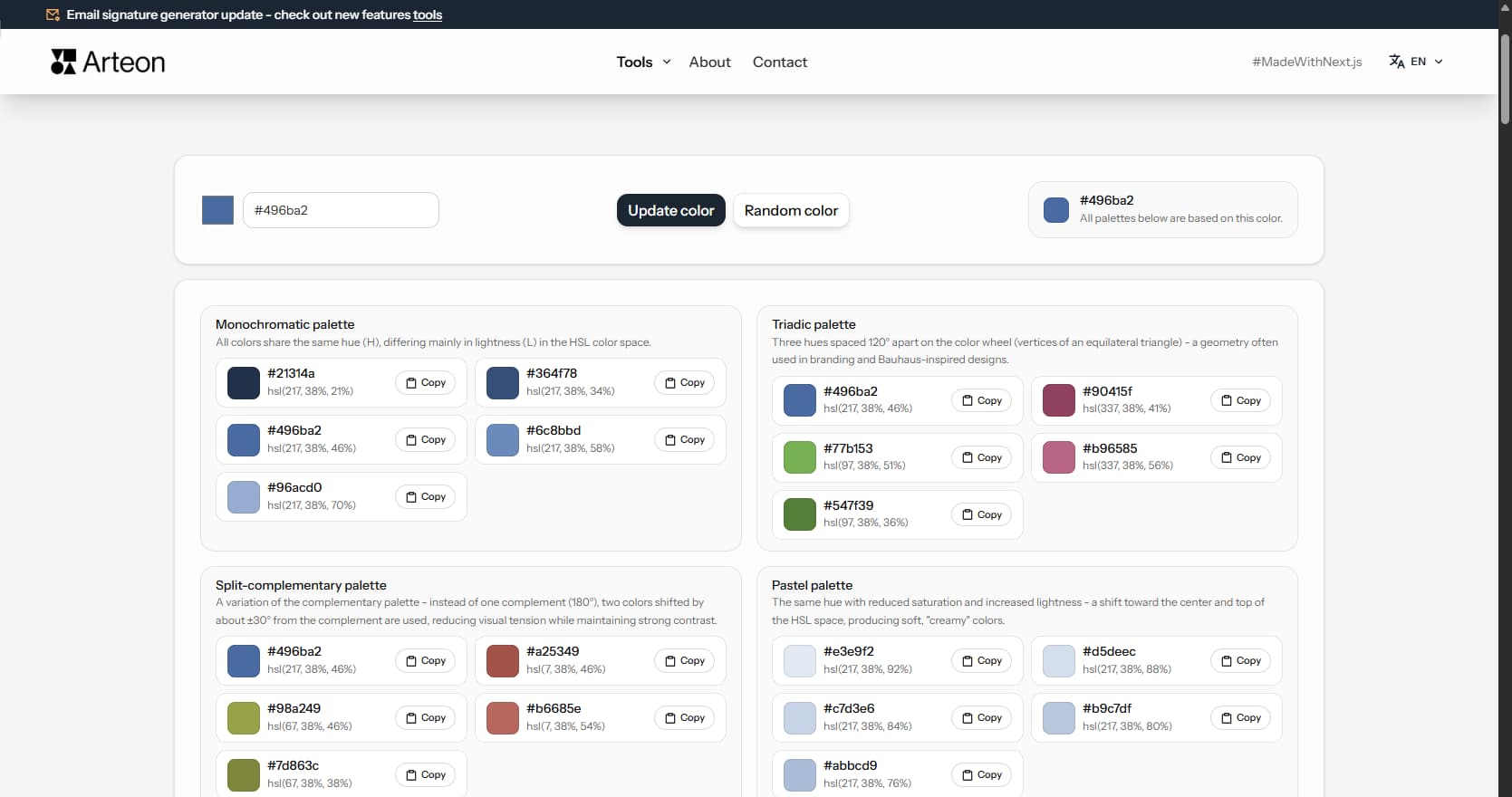
Generate 9 palettes from one color: monochromatic, complementary, triadic and more. HEX codes.
Convert WebP files to universally compatible JPG. Works in every app and platform.
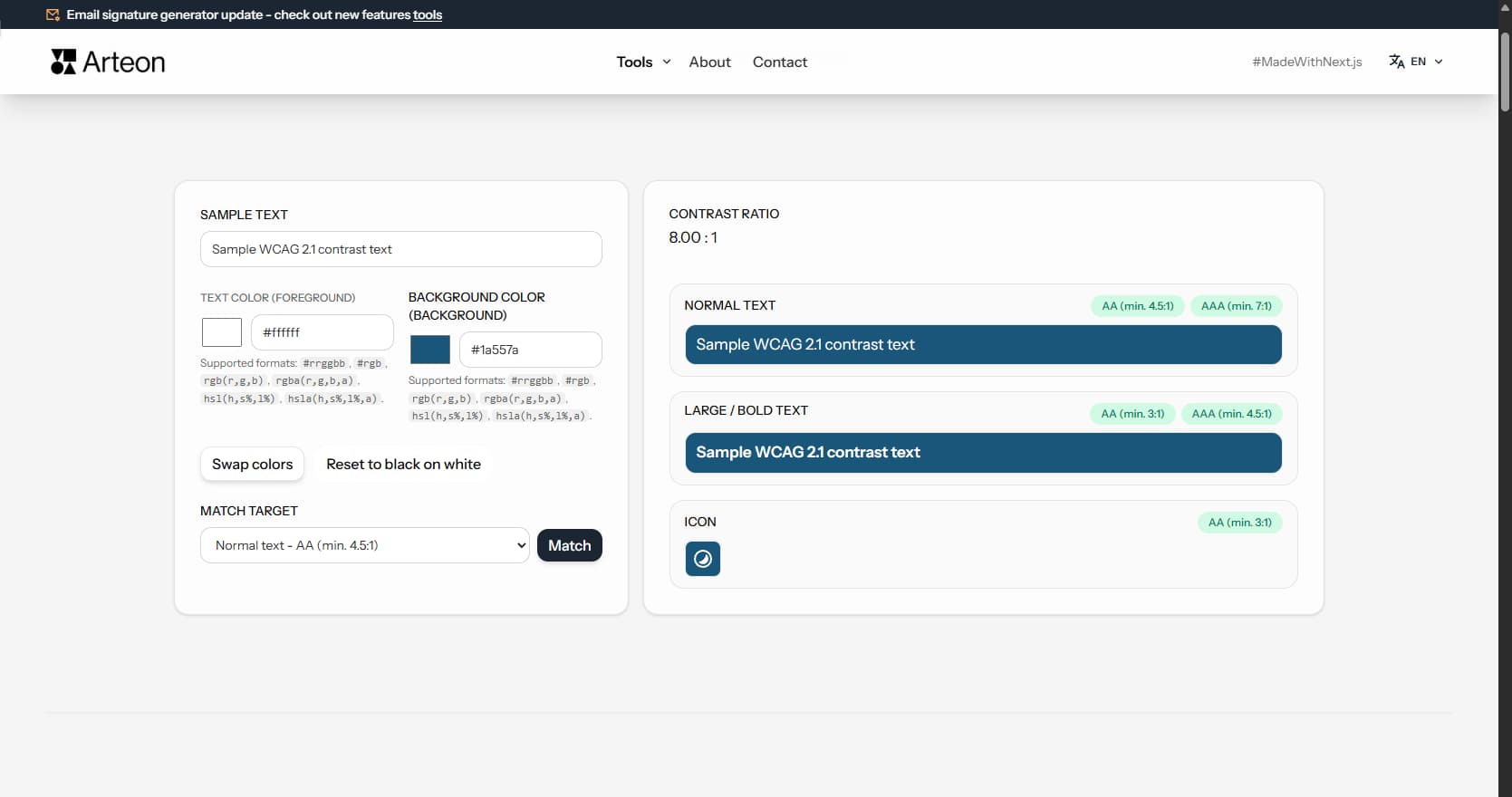
Check text and background contrast per WCAG 2.1 AA and AAA. Automatic color correction.
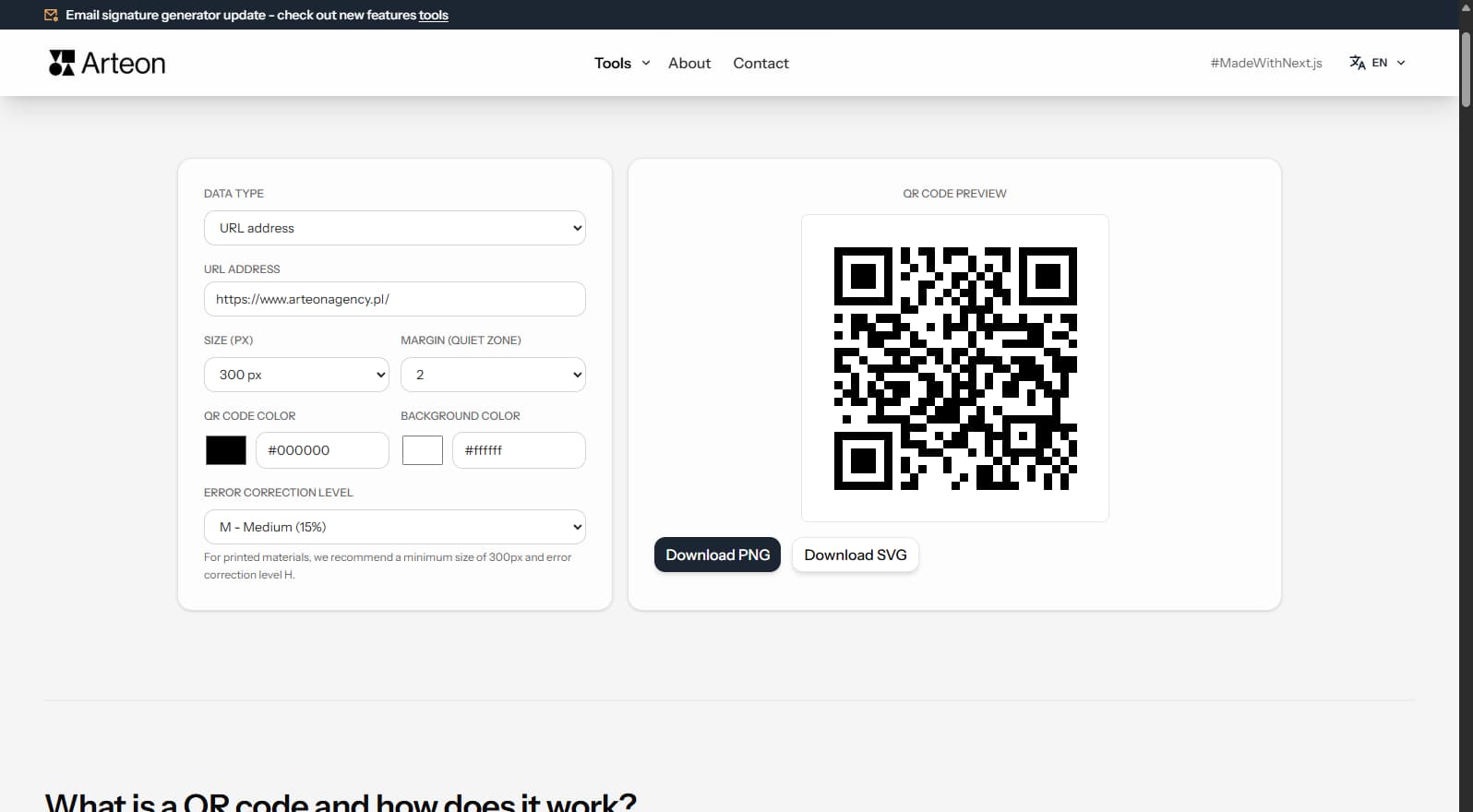
Create a QR code for a website, vCard business card or print. Export PNG and SVG, no registration.
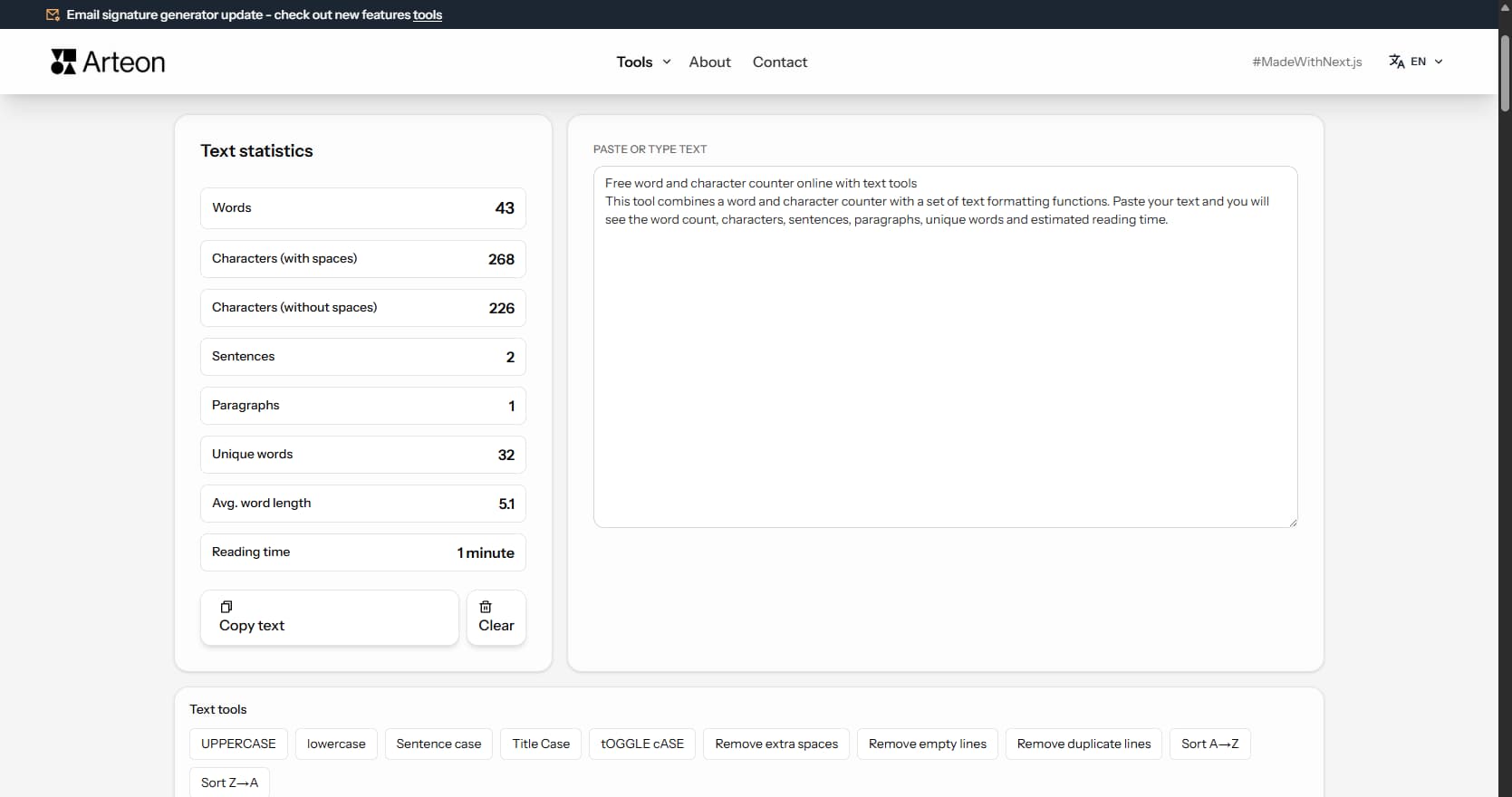
Count words, characters, sentences and reading time. Check readability with the Flesch-Kincaid score.