Paste your data
Paste your JSON — an AWS CloudFormation template, an OpenAPI spec, a Kubernetes manifest draft, or any structured JSON config. You can also upload a .json file from your machine.
Paste your JSON and get deployment-ready YAML for Docker Compose, GitHub Actions workflows, Helm charts, or Ansible playbooks — processed entirely in your browser, no account required.
JSON is a universal data exchange format, but complex nested structures become hard to read — curly braces, square brackets, quotes, and commas obscure the content. YAML eliminates this: it uses indentation instead of braces, does not require quotes around keys, and supports comments (which JSON lacks).
YAML is the standard configuration format in the DevOps ecosystem: Docker Compose, Kubernetes manifests, GitHub Actions, GitLab CI, Ansible, Terraform, and Helm. Converting JSON to YAML is a daily task for developers and DevOps engineers working with these tools.
The converter generates valid YAML with proper indentation (2 spaces), handles arrays, nested objects, multiline values, and primitive types. Output is ready to paste into docker-compose.yml, deployment.yaml, or .github/workflows/*.yml.
All processing happens locally in your browser — nothing is sent to any server. No registration, no limits, no tracking.
| Feature | JSON | YAML |
|---|---|---|
| Nested/hierarchical data | ✓ | ✓ |
| Tabular data | — | — |
| Schema validation | ✓ | — |
| Human readable | ✓ | ✓ |
| API standard | ✓ | — |
| Compact syntax | ✓ | ✓ |
JSON and YAML both represent structured data, but YAML uses a cleaner, indentation-based syntax without curly braces or quotation marks around keys. The converter parses the JSON structure and reformats it using YAML conventions: indentation for nesting, dashes for array items, and colons for key-value pairs.
For example, a JSON object like {"name": "John", "age": 30} becomes two lines in YAML: name: John and age: 30. Nested objects use deeper indentation, and arrays use the dash-space prefix for each item.
YAML is widely used for configuration files (Docker Compose, Kubernetes, GitHub Actions, Ansible) because it is more human-readable than JSON. The conversion runs entirely in your browser — no data is sent to any server.
A few tips to help you avoid common issues during conversion:
YAML is sensitive to formatting. Here are common issues when working with converted YAML:
yes, no, on, off as booleans. If these appear as string values in JSON, the converter wraps them in quotes.The converter generates valid YAML that passes yamllint validation. If you encounter issues, check for mixed indentation or unquoted special characters.
Yes, this converter is completely free with no limits. No registration, no watermarks.
No. All processing happens locally in your browser. Your files never leave your device.
Yes, the converter supports batch conversion. Add multiple files and convert them all simultaneously.
Yes, the converter works on any device with a modern web browser, including smartphones and tablets.
Yes. The entire conversion runs locally in your browser. Your data is never sent to any server. When you close the page, all data is automatically cleared from memory.
Yes. The output is standard YAML compatible with Docker Compose, Kubernetes manifests, GitHub Actions workflows, Ansible playbooks, and any other tool that reads YAML.
Yes. All data types (strings, numbers, booleans, null, arrays, objects) are preserved exactly. YAML supports the same data types as JSON, so no information is lost.
Yes. OpenAPI specifications are commonly distributed in both JSON and YAML formats. Paste your OpenAPI JSON and the converter produces valid YAML that Swagger UI, Stoplight, Redoc, and other API documentation tools accept directly.
Have an idea, found a bug, or want to suggest a feature? Drop us a message – we respond within 24 hours.
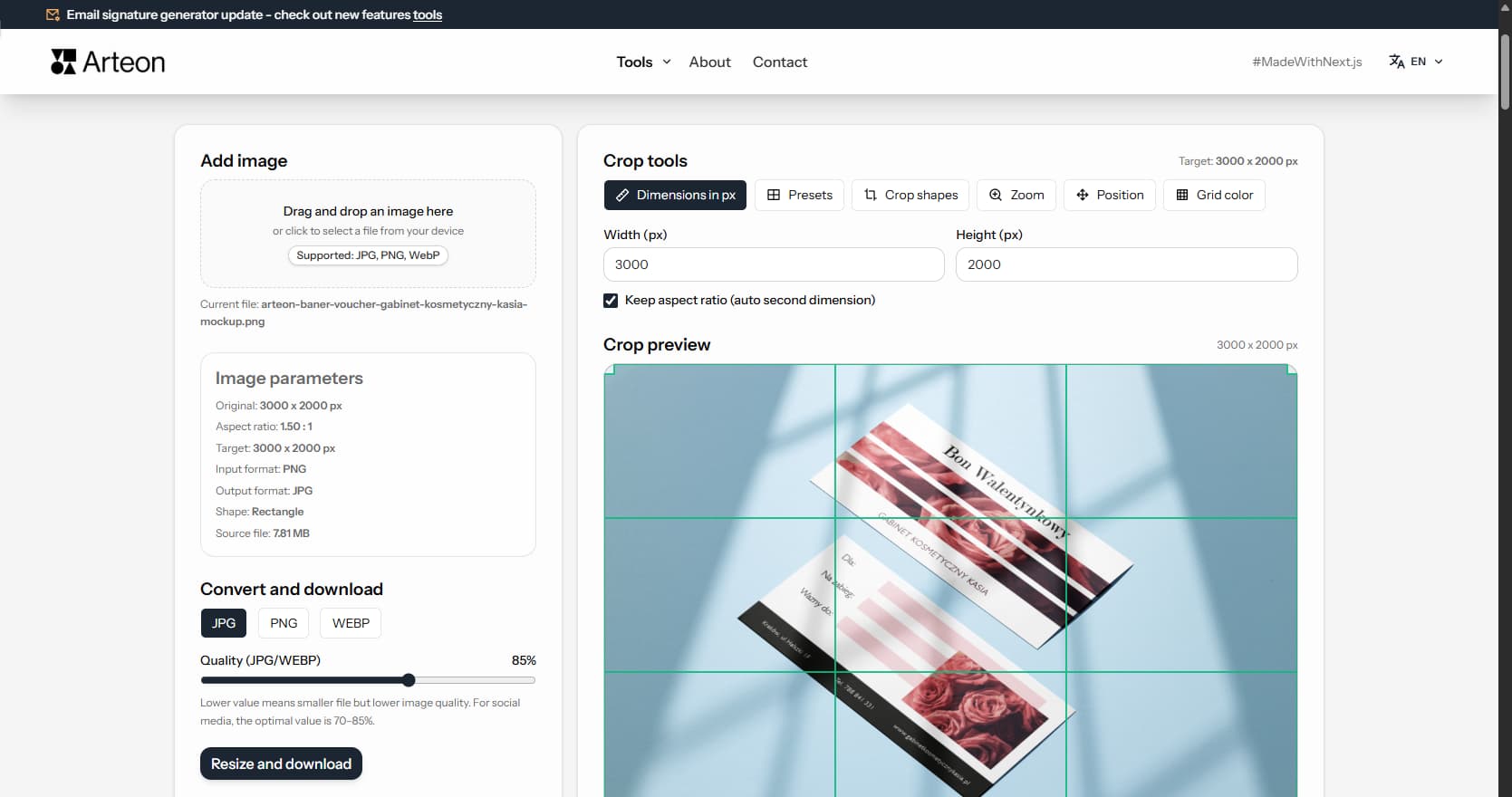
Resize, crop and convert your image. Ready-made formats for social media, circular avatars, export to JPG/PNG/WebP.

Check title and description length in pixels. Live Google preview and optimization tips.
Convert PNG files to JPG in your browser. No file limits, no signup, no server uploads.
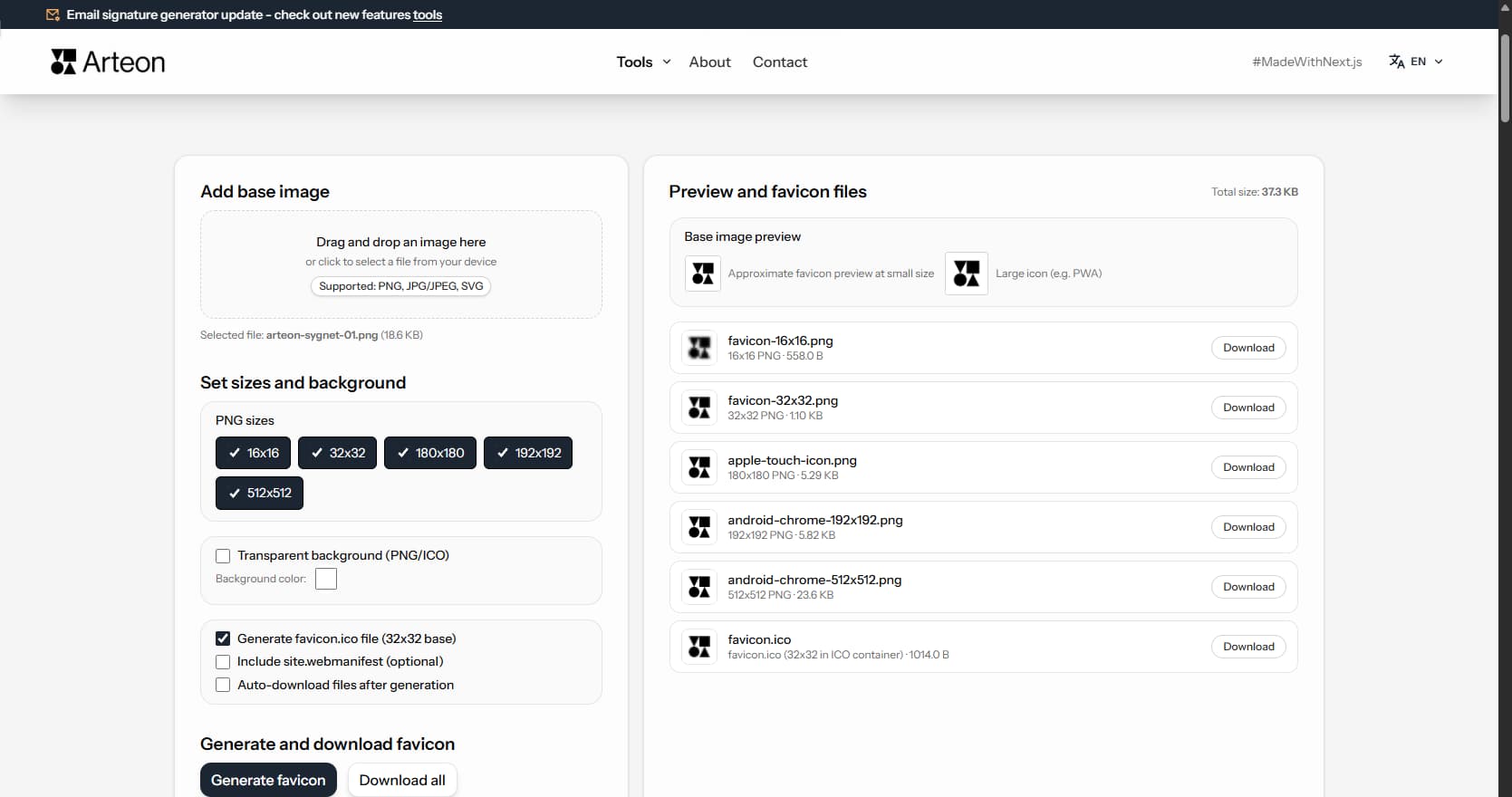
Create a complete favicon.ico set for your website from one image. All required sizes, no login.
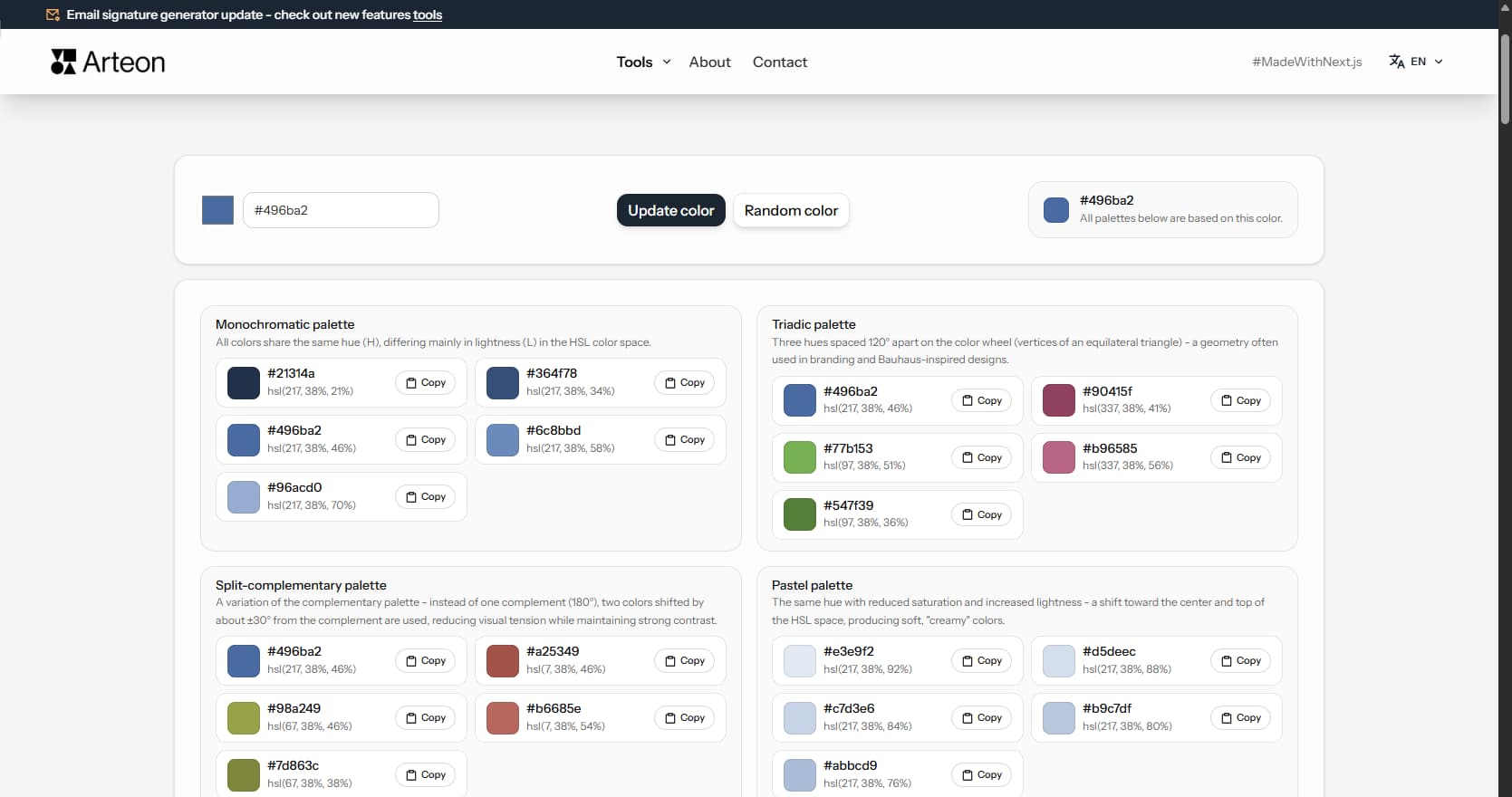
Generate 9 palettes from one color: monochromatic, complementary, triadic and more. HEX codes.
Convert WebP files to universally compatible JPG. Works in every app and platform.
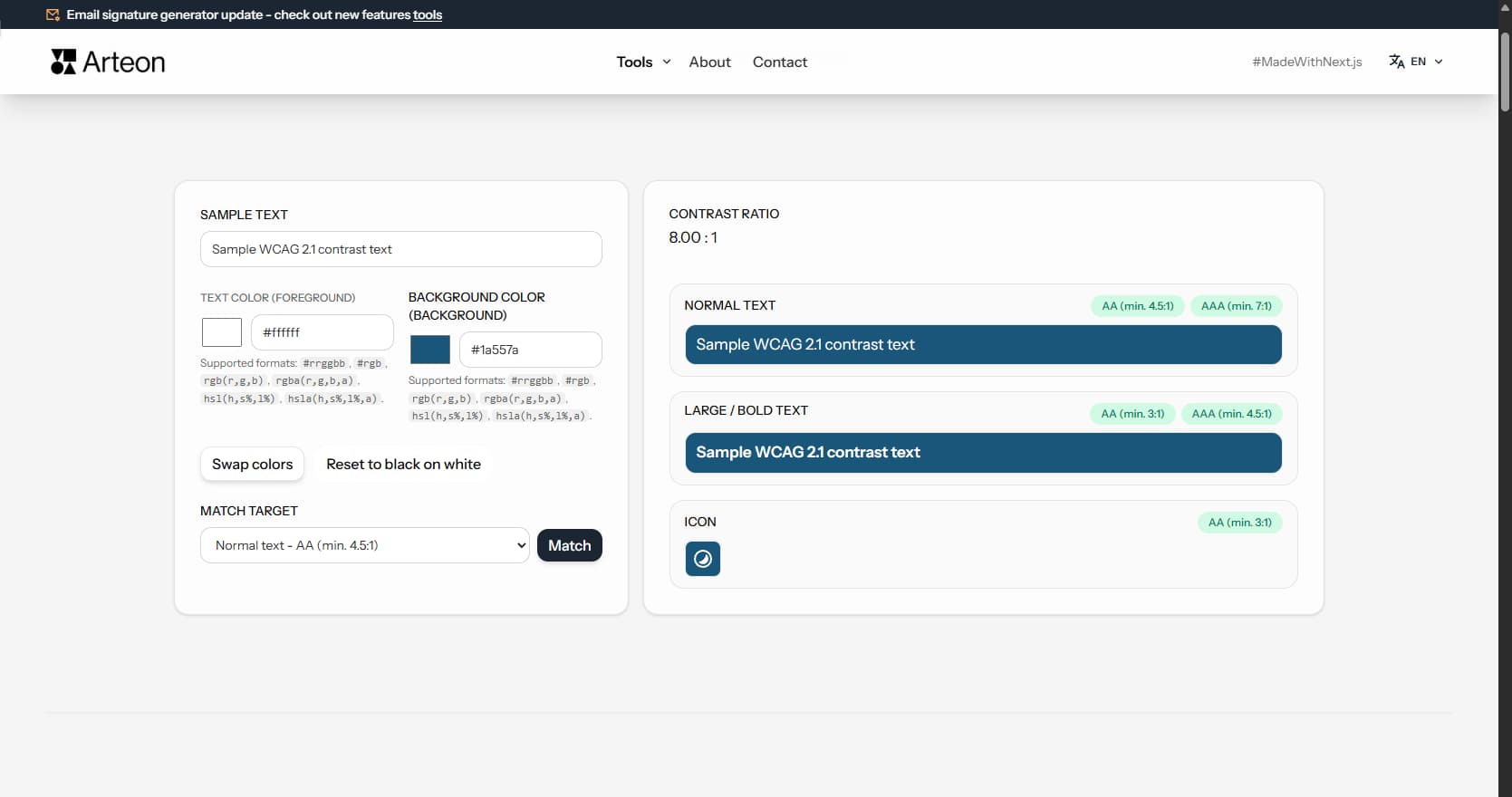
Check text and background contrast per WCAG 2.1 AA and AAA. Automatic color correction.
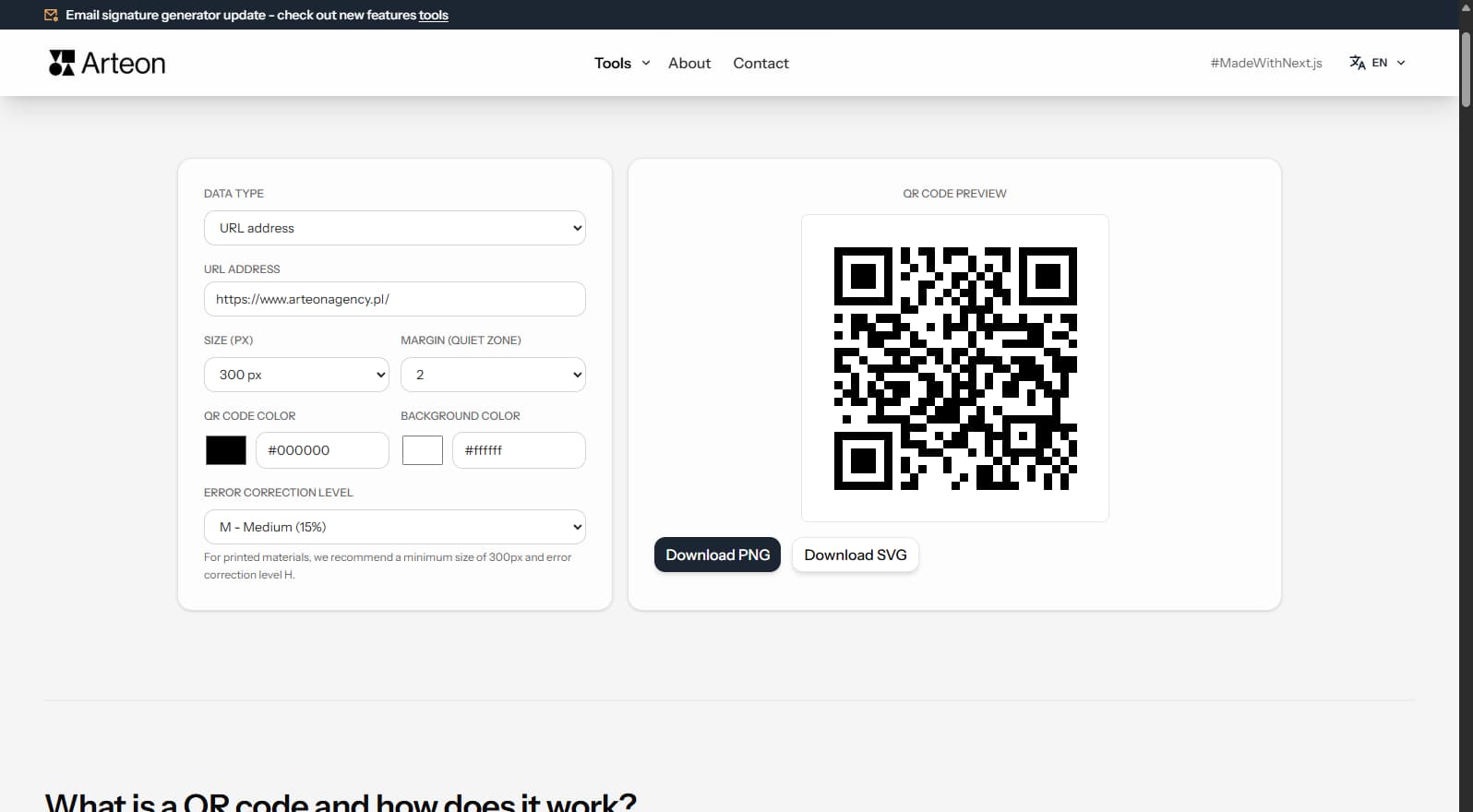
Create a QR code for a website, vCard business card or print. Export PNG and SVG, no registration.
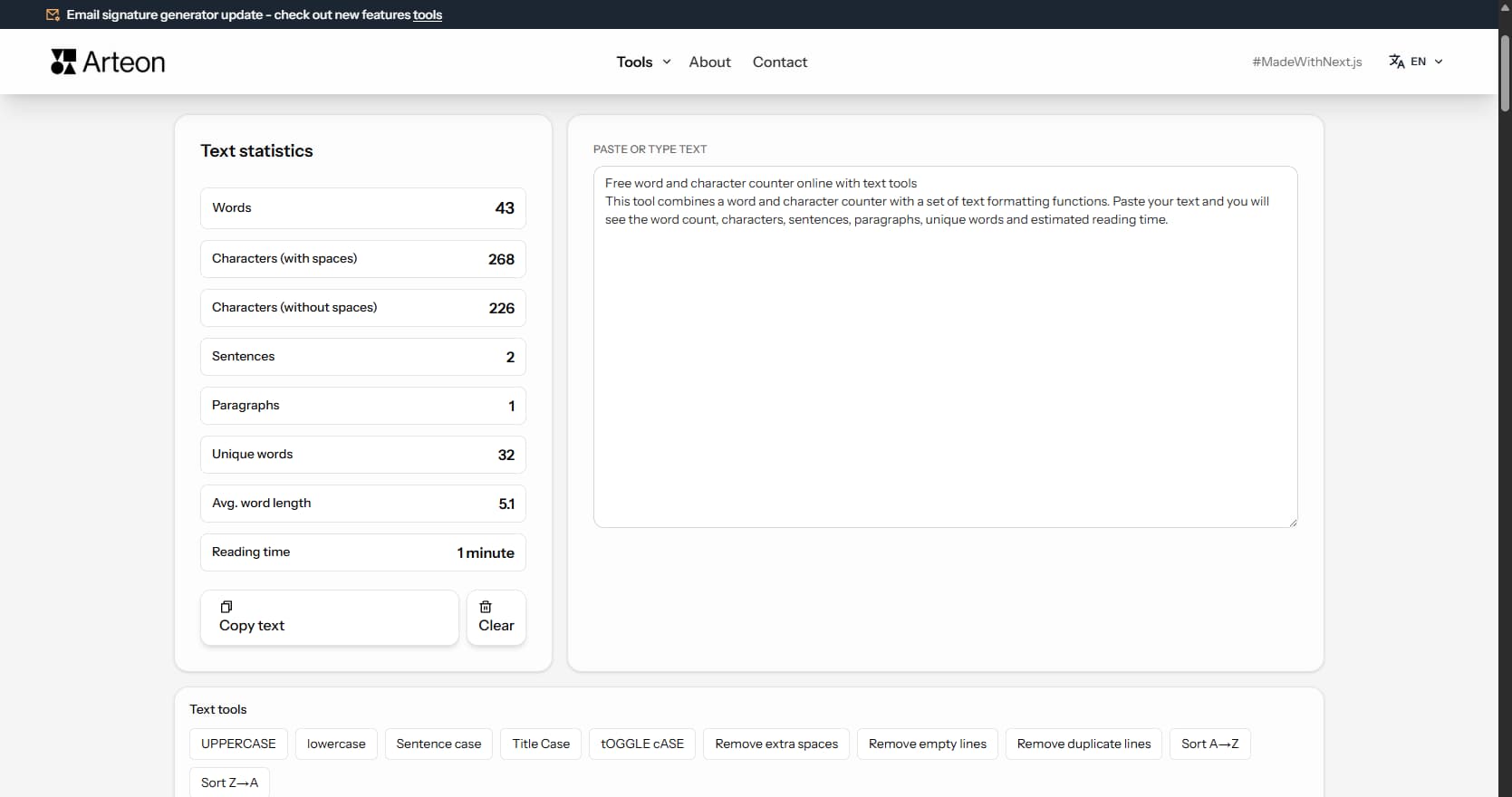
Count words, characters, sentences and reading time. Check readability with the Flesch-Kincaid score.