Paste your data
Paste your JSON — a REST API response, a Stripe or GitHub export, or any JSON array of objects. You can also upload a .json file directly from your computer.
Got a Stripe export, GitHub Issues JSON, or Postman response? Convert it to CSV and open it straight in Excel or Google Sheets — no code, no server, no wait.
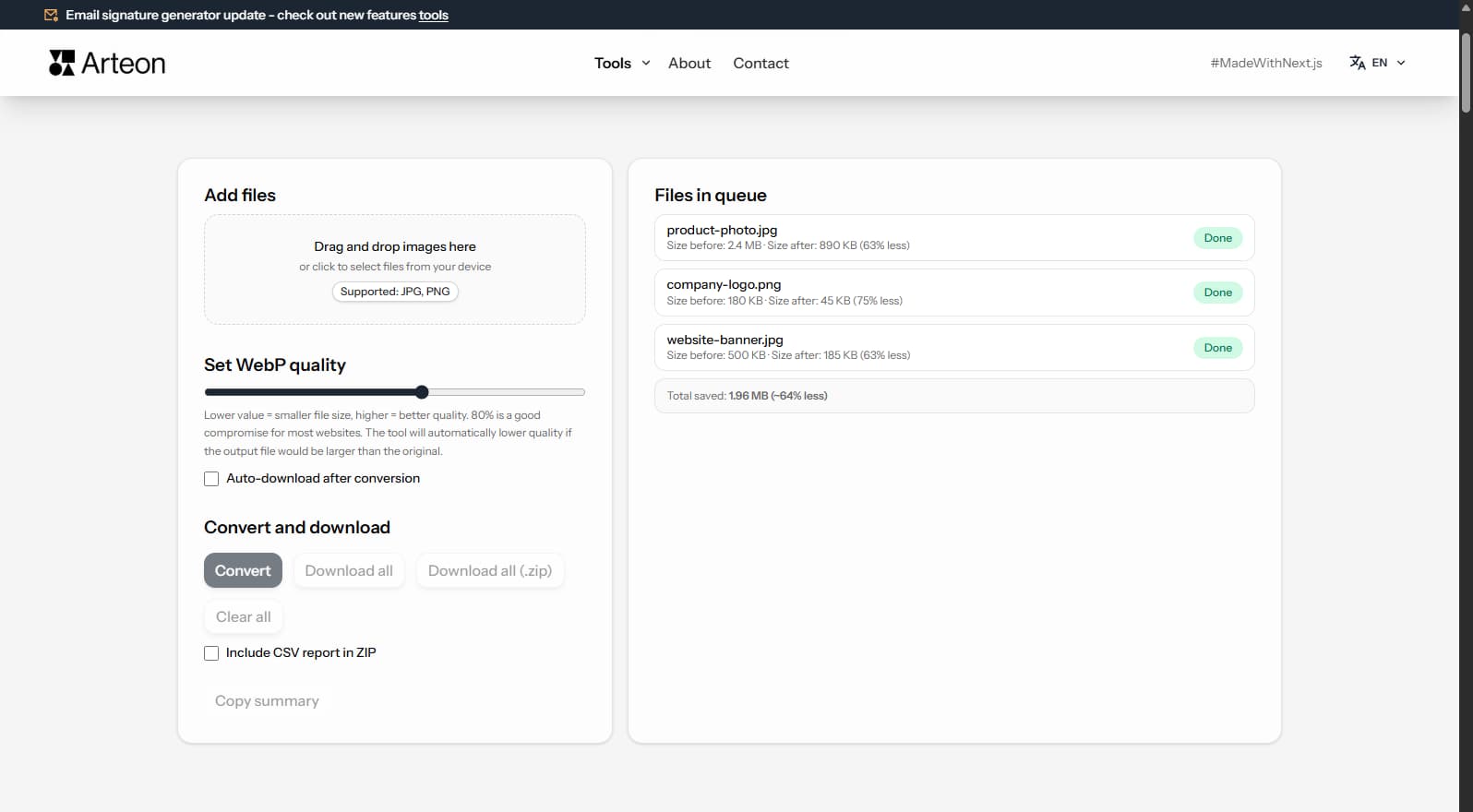
JSON is the standard data exchange format for REST APIs, web applications, and NoSQL databases. However, for data analysis, reporting, and SQL database imports, you need a tabular format. CSV opens directly in Excel, Google Sheets, LibreOffice Calc, and every other spreadsheet application — no additional software needed.
Converting JSON to CSV transforms an array of JSON objects into a flat table where object keys become column headers and values become rows. This is essential when you download data from APIs (Stripe, Shopify, Google Analytics) and need to analyze it in a spreadsheet or import it into a relational database (MySQL, PostgreSQL).
The converter handles nested JSON objects by flattening them with dot notation (e.g., address.city). Arrays within values are serialized as text.
All processing happens locally in your browser — nothing is sent to any server. No registration, no limits, no tracking.
| Feature | JSON | CSV |
|---|---|---|
| Nested/hierarchical data | ✓ | — |
| Tabular data | — | ✓ |
| Schema validation | ✓ | — |
| Human readable | ✓ | ✓ |
| API standard | ✓ | — |
| Compact syntax | ✓ | ✓ |
JSON (JavaScript Object Notation) stores data as structured objects with key-value pairs. CSV (Comma-Separated Values) organizes data in a flat table format with rows and columns. The converter flattens JSON objects into tabular rows, using property names as column headers.
For an array of JSON objects, each object becomes one row in the CSV output. The converter extracts all unique keys from the JSON data and uses them as column headers in the first row. Values are then placed in the corresponding columns for each record.
The resulting CSV uses standard formatting with comma delimiters and proper quoting for values that contain commas, quotes, or newlines. The conversion runs entirely in your browser — no data is sent to any server.
A few tips to help you avoid common issues during conversion:
CSV is a flat tabular format — it cannot natively represent nested objects or arrays. The converter handles nesting in several ways:
{"address": {"city": "Warsaw"}} becomes a column called address.city.For best results, use JSON with a flat structure (array of objects with primitive values). Deeply nested JSON may produce many columns with dot-notation headers.
Yes, this converter is completely free with no limits. No registration, no watermarks.
No. All processing happens locally in your browser. Your files never leave your device.
Yes, the converter supports batch conversion. Add multiple files and convert them all simultaneously.
Yes, the converter works on any device with a modern web browser, including smartphones and tablets.
Yes. The entire conversion runs locally in your browser. Your data is never sent to any server. When you close the page, all data is automatically cleared from memory.
Yes. CSV files can be opened directly in Microsoft Excel, Google Sheets, LibreOffice Calc, and any other spreadsheet application. The data will appear in rows and columns.
Nested objects are flattened for the CSV output. Properties are represented using dot notation (e.g., address.city). Arrays within values are serialized as strings.
Yes. Stripe and Braintree API responses return JSON arrays of payment or transaction objects. Paste the array directly and the converter will build a CSV with columns for amount, currency, status, customer ID, and any other fields present in the response — ready for your finance team in Excel.
Have an idea, found a bug, or want to suggest a feature? Drop us a message – we respond within 24 hours.
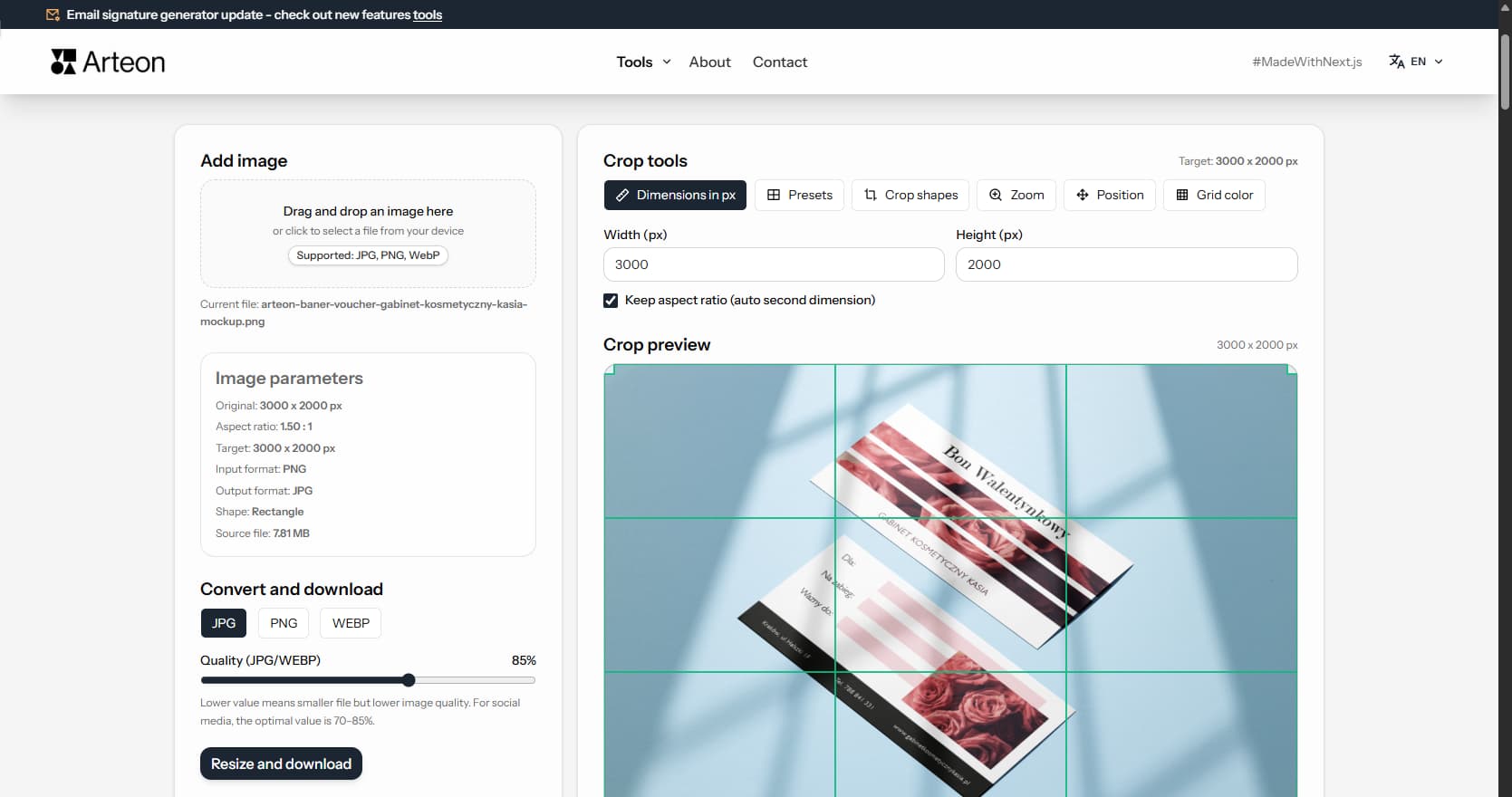
Resize, crop and convert your image. Ready-made formats for social media, circular avatars, export to JPG/PNG/WebP.

Check title and description length in pixels. Live Google preview and optimization tips.
Convert PNG files to JPG in your browser. No file limits, no signup, no server uploads.
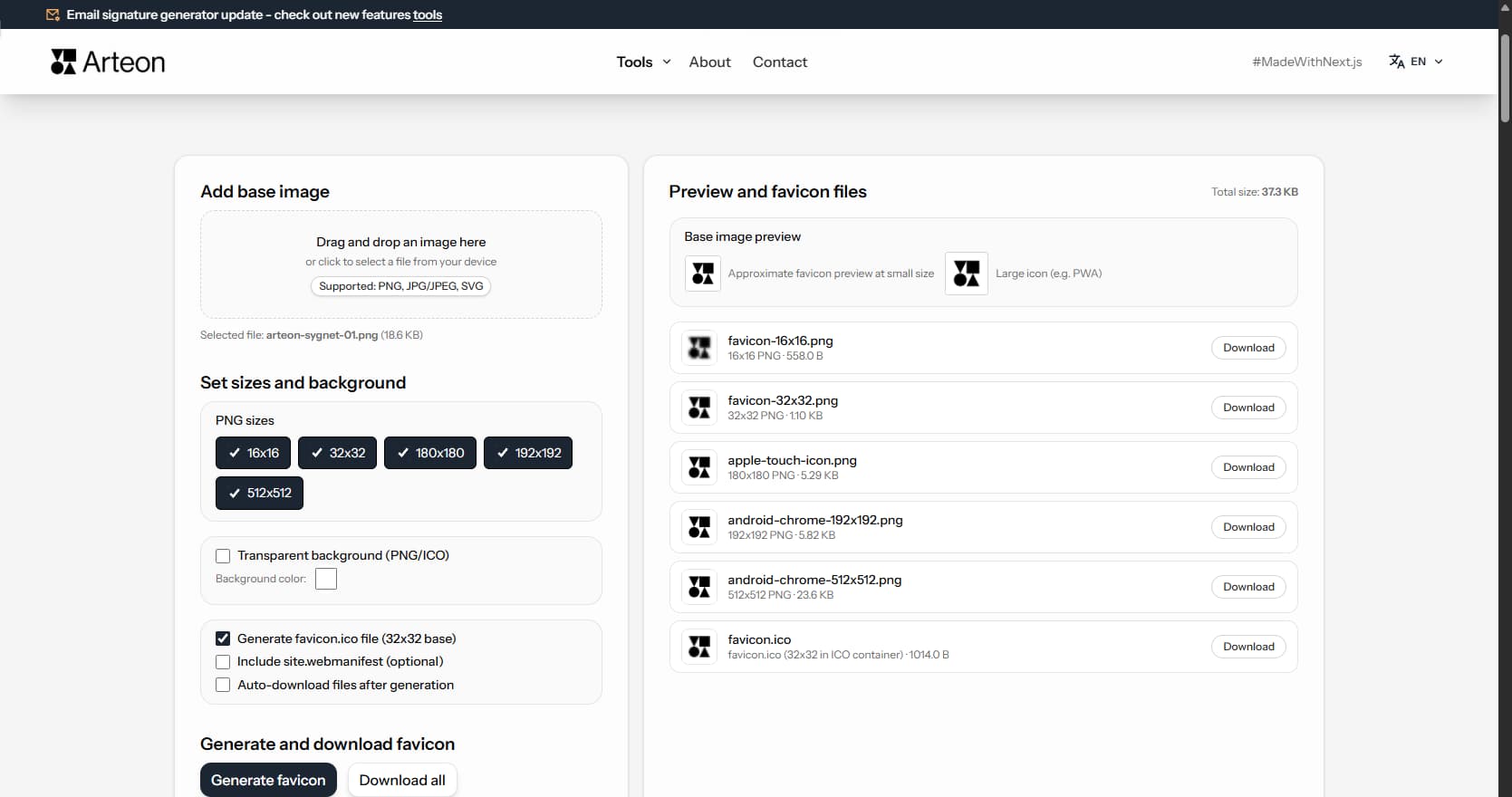
Create a complete favicon.ico set for your website from one image. All required sizes, no login.
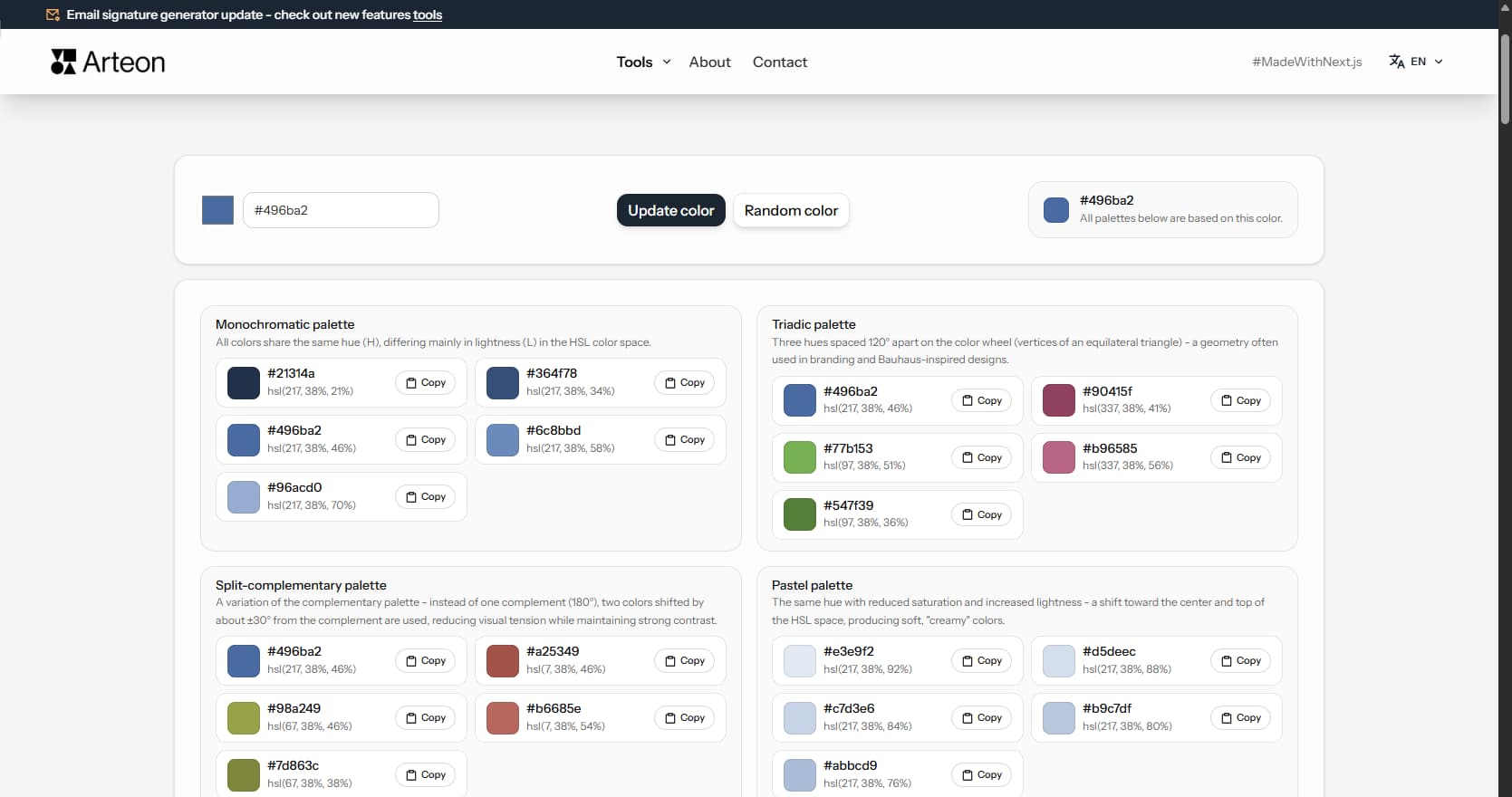
Generate 9 palettes from one color: monochromatic, complementary, triadic and more. HEX codes.
Convert WebP files to universally compatible JPG. Works in every app and platform.
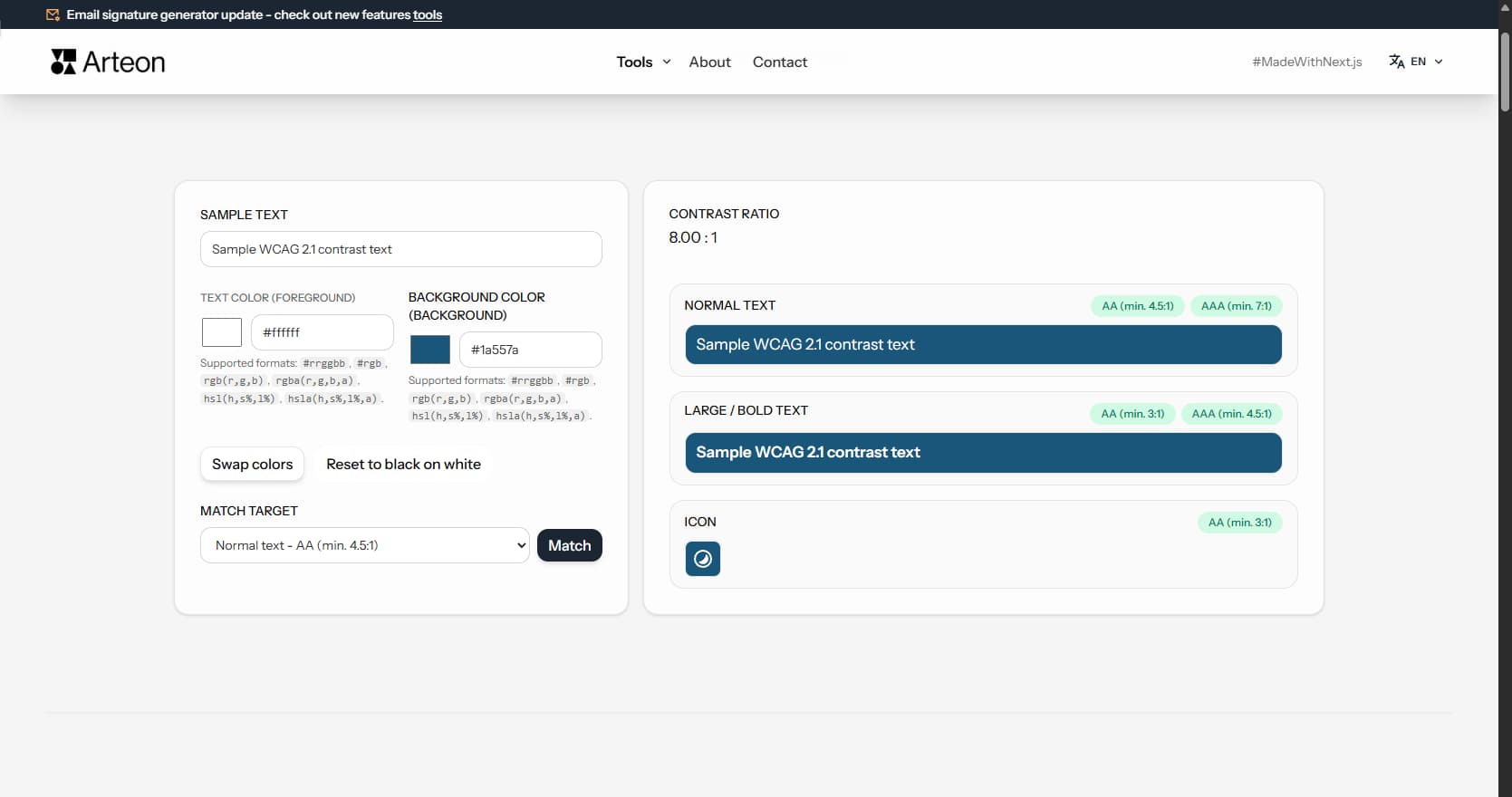
Check text and background contrast per WCAG 2.1 AA and AAA. Automatic color correction.
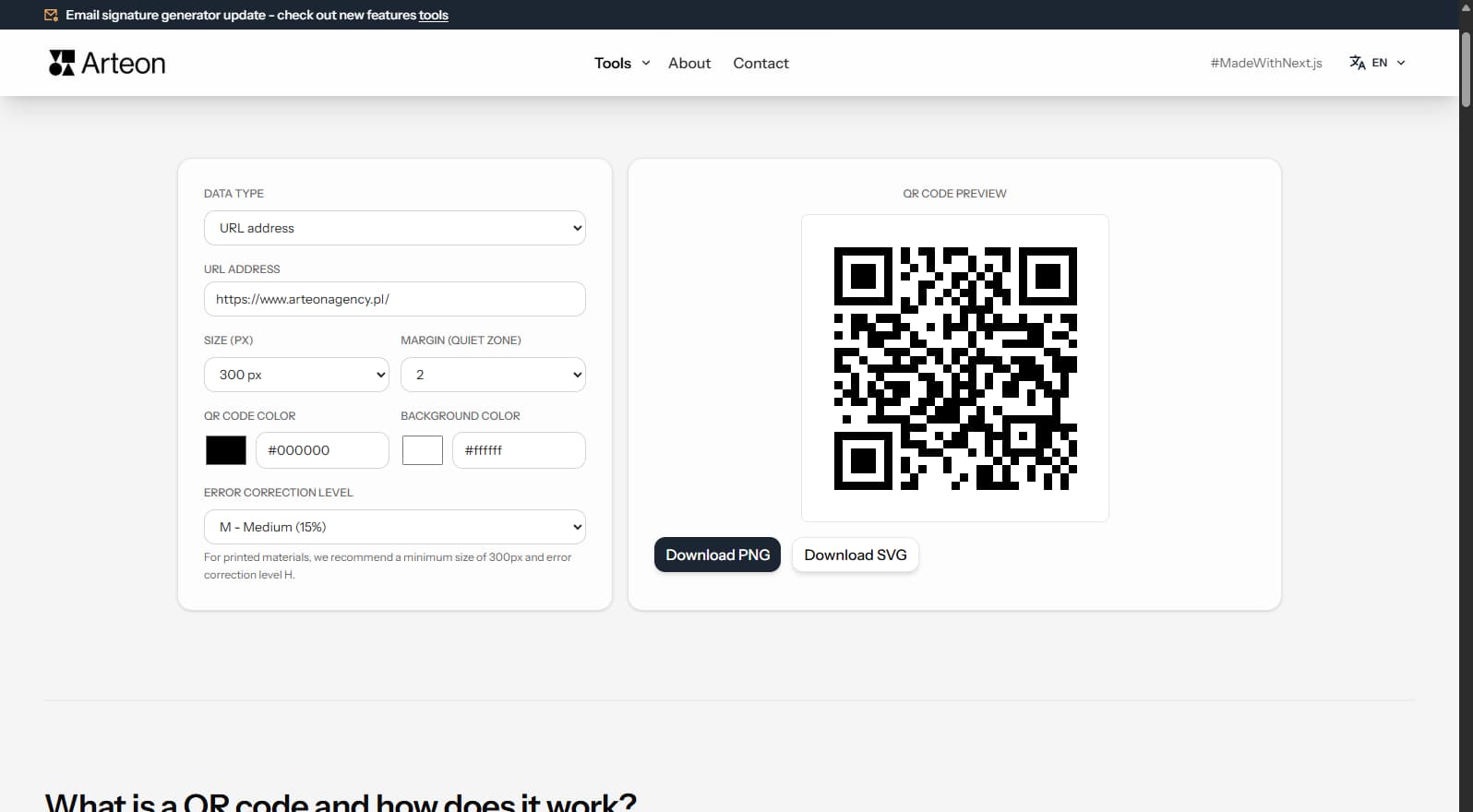
Create a QR code for a website, vCard business card or print. Export PNG and SVG, no registration.
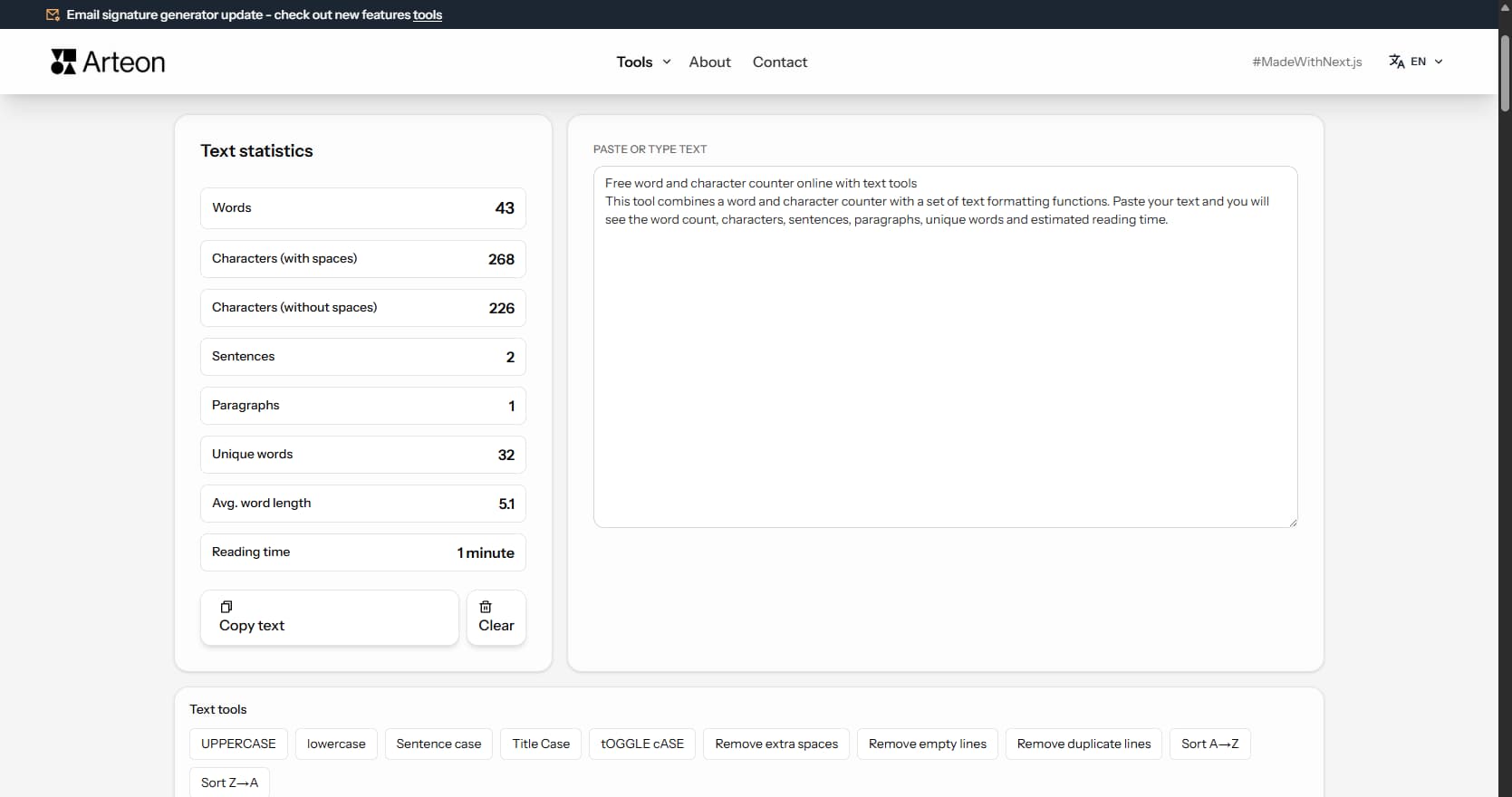
Count words, characters, sentences and reading time. Check readability with the Flesch-Kincaid score.