Upload your TIFF file
Drag and drop your TIFF image onto the converter area or click to browse your device. You can add multiple files at once for batch conversion.
Convert TIFF files to lightweight WebP. Massive size reduction with quality preserved. Runs entirely in your browser. No server uploads, no registration required.
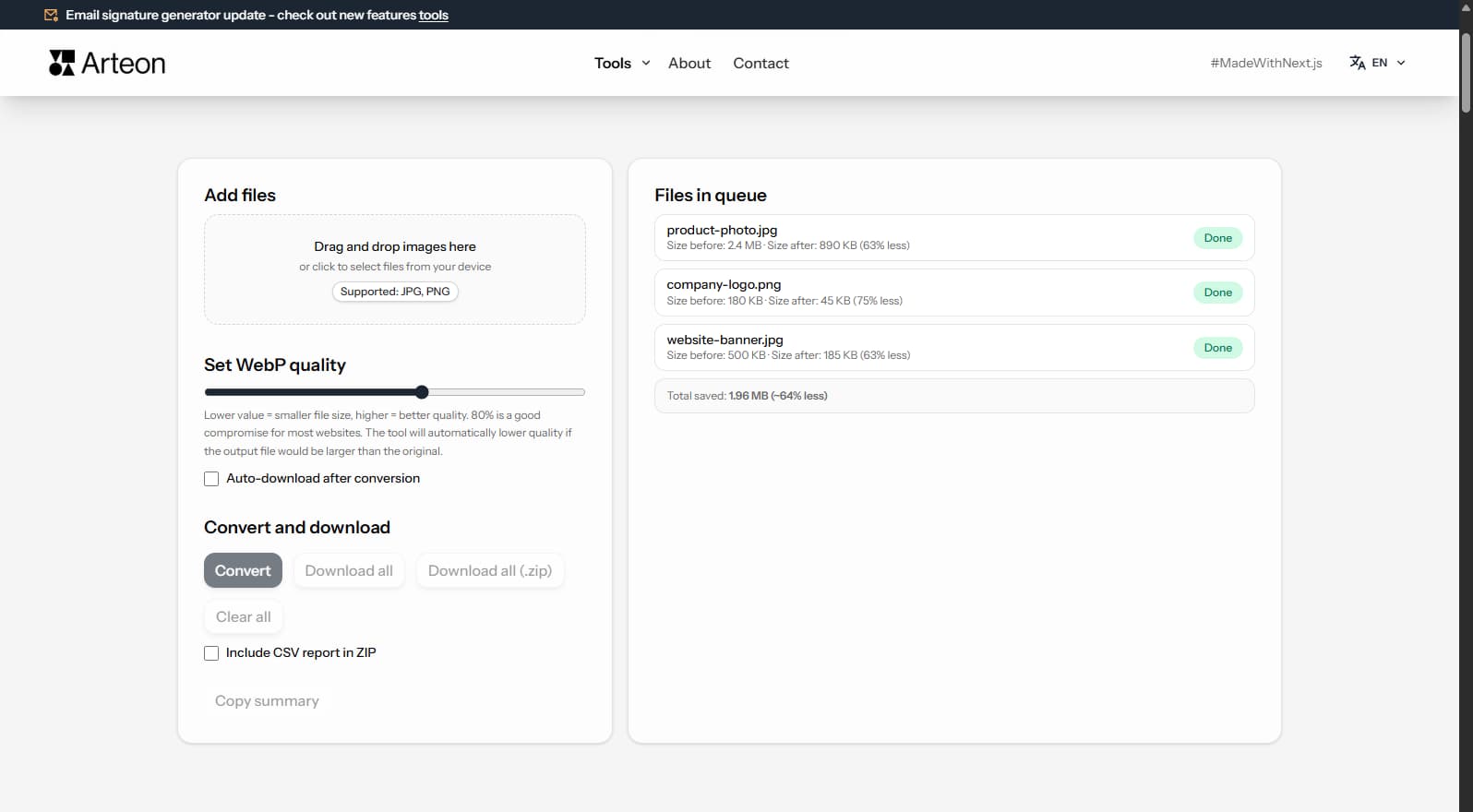
TIFF files are used in professional print and archival workflows but are impractical for the web — they are extremely large and not supported by any browser natively. WebP offers excellent compression (25–35% smaller than JPG, 50–70% smaller than PNG at equivalent quality) and is supported by all modern browsers.
Converting TIFF to WebP is essential when preparing professional images for web publishing, e-commerce product listings, or portfolios. WebP supports both lossy and lossless compression, alpha transparency, and millions of colors.
WebP uses lossy compression by default, so some pixel-level detail may differ from the original TIFF. For archival purposes, keep the original TIFF. For web display, WebP provides the optimal balance between quality and file size.
All processing happens locally in your browser — nothing is sent to any server. No registration, no limits, no watermarks.
Businesses, developers, and creators worldwide rely on image format compatibility. Whether you are preparing product images for Amazon, eBay, Etsy, Shopify, optimizing graphics for WordPress, Wix, Squarespace, or converting photos for government portals worldwide, having the right format matters.
Modern web standards increasingly favor efficient formats. Google PageSpeed Insights and Core Web Vitals metrics reward pages that use optimized images. Converting TIFF to WebP can directly improve your Largest Contentful Paint (LCP) score, which impacts both search rankings and user experience.
For email marketing campaigns and social media, WebP provides excellent compression while maintaining visual quality. Whether you are a freelancer, small business owner, or enterprise user, this converter handles your image conversion needs reliably and securely.
| Feature | TIFF | WebP |
|---|---|---|
| Lossy compression | — | ✓ |
| Lossless compression | ✓ | ✓ |
| Transparency (alpha channel) | ✓ | ✓ |
| Animation support | — | ✓ |
| Web browser support | Safari only | Chrome 32+, Firefox 65+, Edge 18+, Safari 14+ |
| Color depth | 8/16/32-bit | 8-bit (16.7M) |
| Compact file size | — | ✓ |
| Metadata (EXIF) | ✓ | ✓ |
The quality slider lets you set a value from 60% to 95%. Higher values mean better image quality but larger file sizes.
TIFF files are typically very large (20–50 MB). At 80% quality, WebP reduces them to 300–800 KB — a 95%+ reduction that makes web publishing practical.
TIFF files are extremely large. WebP provides dramatic file size reductions:
Camera photo (TIFF)
25 MB → 650 KB
Scanned document
15 MB → 280 KB
Product photo
8 MB → 350 KB
Actual savings vary depending on image content and quality settings. The converter shows the exact size before and after conversion for each file.
Yes, this TIFF to WebP converter is completely free with no limits. You can convert as many files as you need without registration or watermarks.
No. All processing happens locally in your browser using JavaScript and Canvas API. Your files never leave your device, ensuring complete privacy and security.
WebP supports lossless compression, so you can preserve the original image quality completely. If WebP also supports lossy mode, you can choose lower quality for smaller files.
Yes, the converter supports batch conversion. You can add multiple TIFF files and convert them all to WebP simultaneously. Use the batch download option to save all converted files at once.
WebP is supported by Chrome, Firefox, Safari 14+, Edge. For older browsers that don't support WebP, you can use the HTML <picture> element to provide a fallback format like JPG or PNG.
There is no hard file size limit since processing happens in your browser. However, very large files (over 50 MB) may take longer to process depending on your device's available memory and processing power.
Yes, the converter works on any device with a modern web browser, including smartphones and tablets. The interface adapts to your screen size for a comfortable experience on any device.
Have an idea, found a bug, or want to suggest a feature? Drop us a message - we respond within 24 hours.

Resize, crop and convert your image. Ready-made formats for social media, circular avatars, export to JPG/PNG/WebP.

Check title and description length in pixels. Live Google preview and optimization tips.
Convert PNG files to JPG in your browser. No file limits, no signup, no server uploads.

Create a complete favicon.ico set for your website from one image. All required sizes, no login.

Generate 9 palettes from one color: monochromatic, complementary, triadic and more. HEX codes.
Convert WebP files to universally compatible JPG. Works in every app and platform.

Check text and background contrast per WCAG 2.1 AA and AAA. Automatic color correction.

Create a QR code for a website, vCard business card or print. Export PNG and SVG, no registration.

Count words, characters, sentences and reading time. Check readability with the Flesch-Kincaid score.