Paste your data
Paste your Markdown — a README draft, a blog post written in Obsidian, a Docusaurus page, or any text with standard Markdown formatting. You can also upload a .md file directly from your computer.
Draft your blog post, email, or documentation in readable Markdown and convert it to semantic HTML for Docusaurus, GitBook, a CMS, or an HTML email campaign — instantly, in your browser.
Markdown is great for writing, but web browsers, email clients, and CMS platforms need HTML. Converting Markdown to HTML transforms readable plain text into properly structured HTML ready for publishing on websites, blogs, newsletters, and documentation portals.
Markdown to HTML conversion is essential for static site generators, web publishing workflows, email marketing (converting Markdown drafts to HTML emails), and embedding content in CMS platforms that accept HTML input.
The converter supports standard Markdown syntax: headings (#), bold/italic (**bold**, *italic*), links, images, ordered and unordered lists, code blocks (fenced and indented), blockquotes, horizontal rules, and tables. Output is clean, semantic HTML without unnecessary wrapper elements.
All processing happens locally in your browser — nothing is sent to any server. No registration, no limits, no tracking.
| Feature | Markdown | HTML |
|---|---|---|
| Nested/hierarchical data | — | ✓ |
| Tabular data | ✓ | ✓ |
| Schema validation | — | ✓ |
| Human readable | ✓ | — |
| API standard | — | — |
| Compact syntax | ✓ | — |
Markdown is a lightweight markup language that uses simple symbols for formatting: # for headings, ** for bold, * for italic, - for lists, and [text](url) for links. The converter parses these Markdown conventions and generates the corresponding HTML tags.
For example, # Heading becomes <h1>Heading</h1>, **bold** becomes <strong>bold</strong>, and bullet lists become <ul><li> structures. The converter supports the full CommonMark specification including code blocks, blockquotes, tables, and inline HTML.
Markdown to HTML conversion is essential for publishing blog posts, documentation, README files, and any content written in Markdown that needs to be displayed on a website. The conversion runs entirely in your browser — no data is sent to any server.
A few tips to help you avoid common issues during conversion:
The converter supports standard Markdown (CommonMark) syntax including:
Output is clean, semantic HTML without unnecessary wrapper divs. Ready to paste into any CMS, email template, or web page.
Yes, this converter is completely free with no limits. No registration, no watermarks.
No. All processing happens locally in your browser. Your files never leave your device.
Yes, the converter supports batch conversion. Add multiple files and convert them all simultaneously.
Yes, the converter works on any device with a modern web browser, including smartphones and tablets.
Yes. The entire conversion runs locally in your browser. Your data is never sent to any server. When you close the page, all data is automatically cleared from memory.
The converter supports the full CommonMark specification, including headings, bold, italic, links, images, lists, code blocks, blockquotes, tables, and horizontal rules. GitHub Flavored Markdown extensions like task lists and strikethrough are also supported.
Yes. The output is clean, semantic HTML that you can paste directly into any website, CMS, email template, or web application. You can style it with your own CSS.
Yes. A common workflow is to write email content in Markdown for readability, then convert to HTML before pasting into your email platform (Mailchimp, SendGrid, HubSpot). The converter produces clean HTML without React or framework-specific syntax, so it works with any email builder that accepts raw HTML.
Have an idea, found a bug, or want to suggest a feature? Drop us a message – we respond within 24 hours.
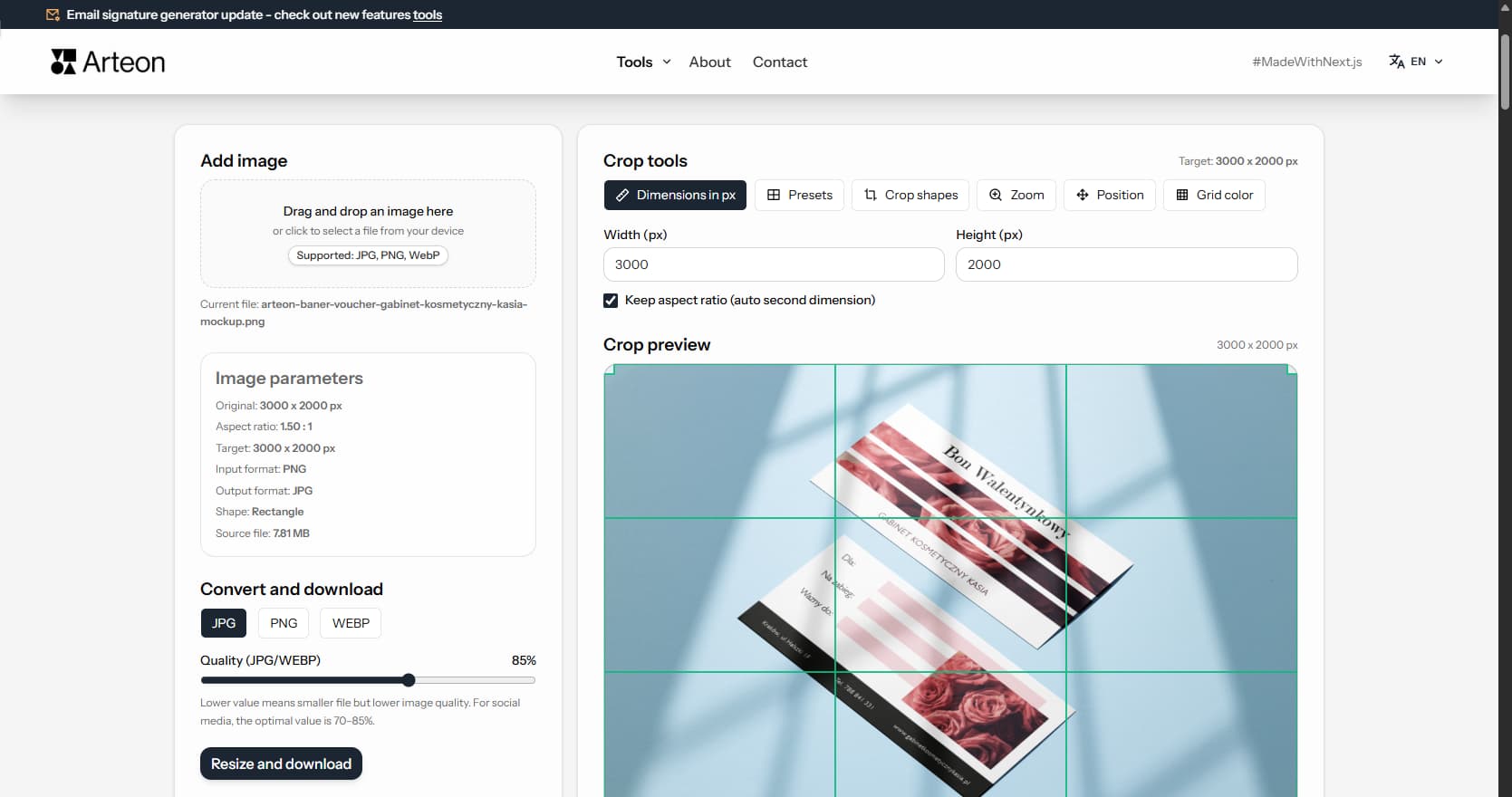
Resize, crop and convert your image. Ready-made formats for social media, circular avatars, export to JPG/PNG/WebP.

Check title and description length in pixels. Live Google preview and optimization tips.
Convert PNG files to JPG in your browser. No file limits, no signup, no server uploads.
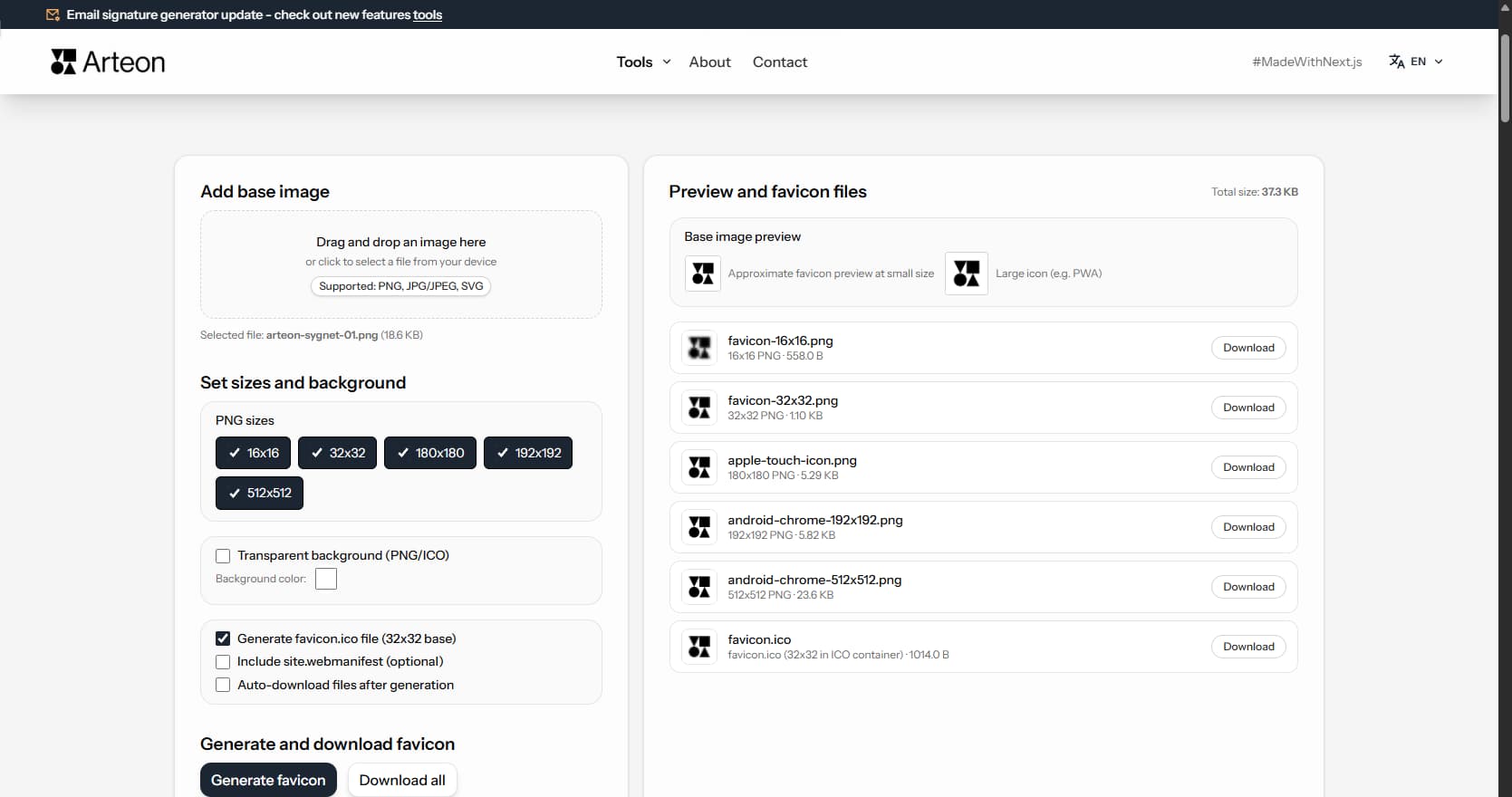
Create a complete favicon.ico set for your website from one image. All required sizes, no login.
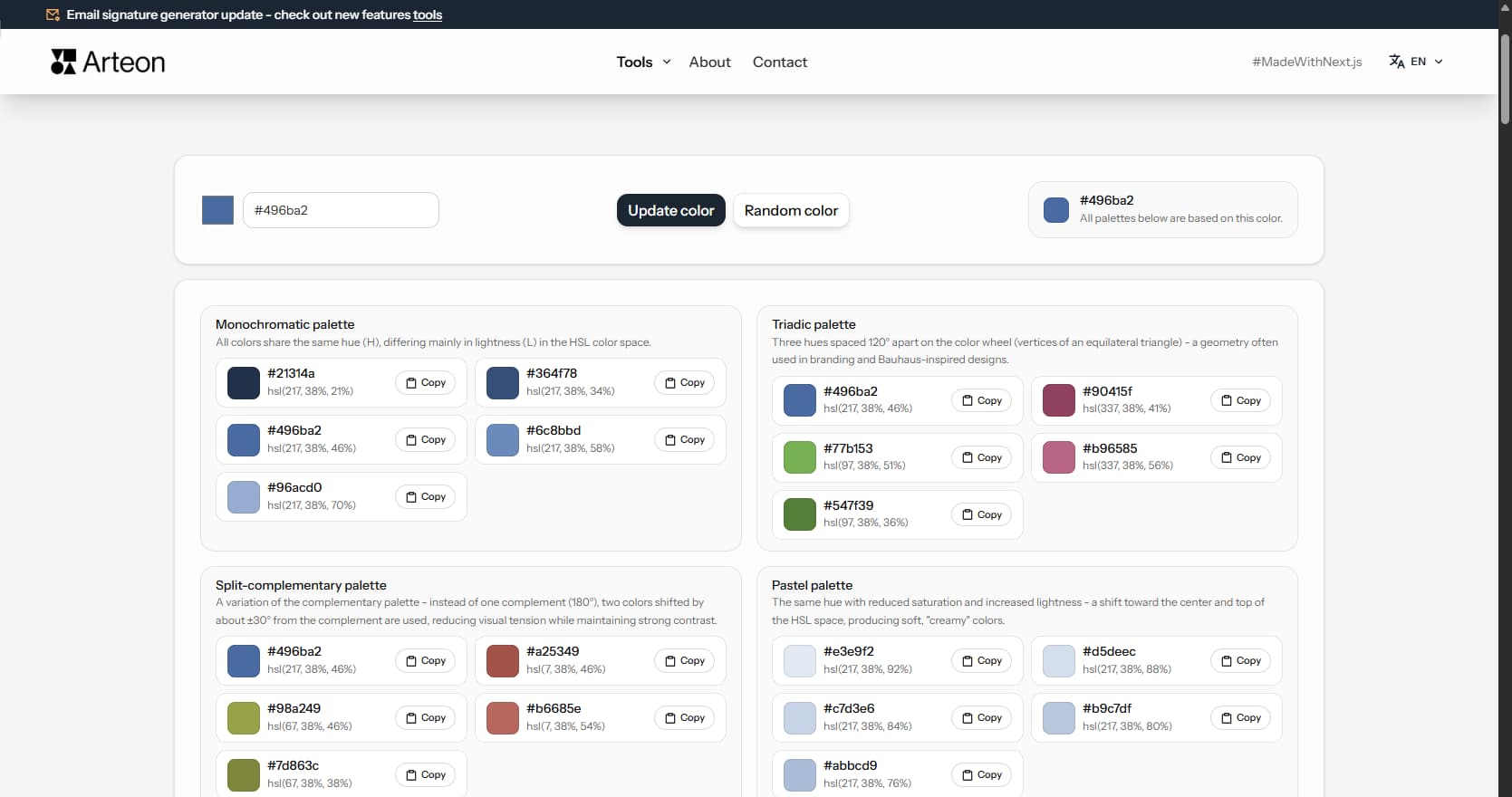
Generate 9 palettes from one color: monochromatic, complementary, triadic and more. HEX codes.
Convert WebP files to universally compatible JPG. Works in every app and platform.
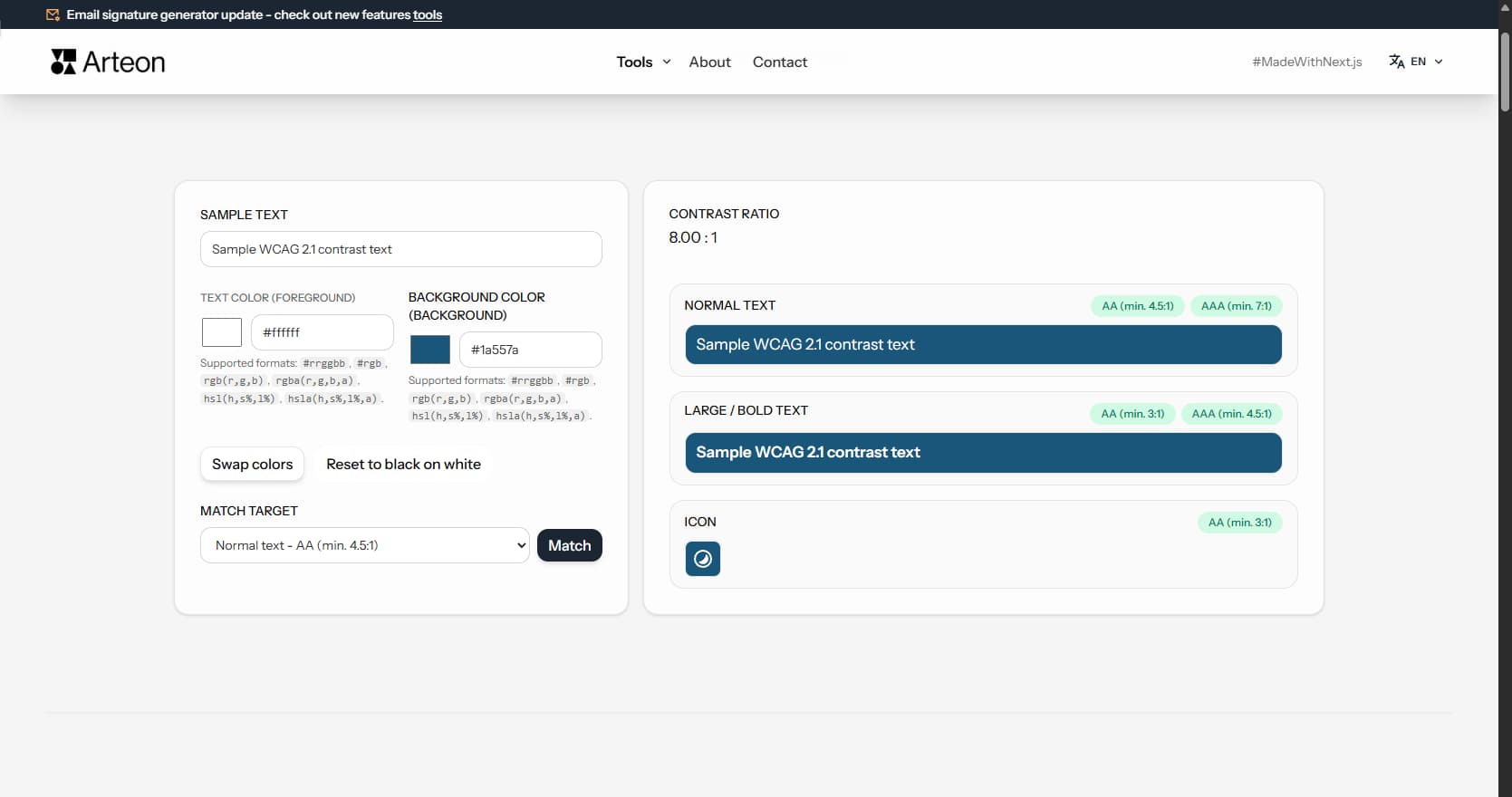
Check text and background contrast per WCAG 2.1 AA and AAA. Automatic color correction.
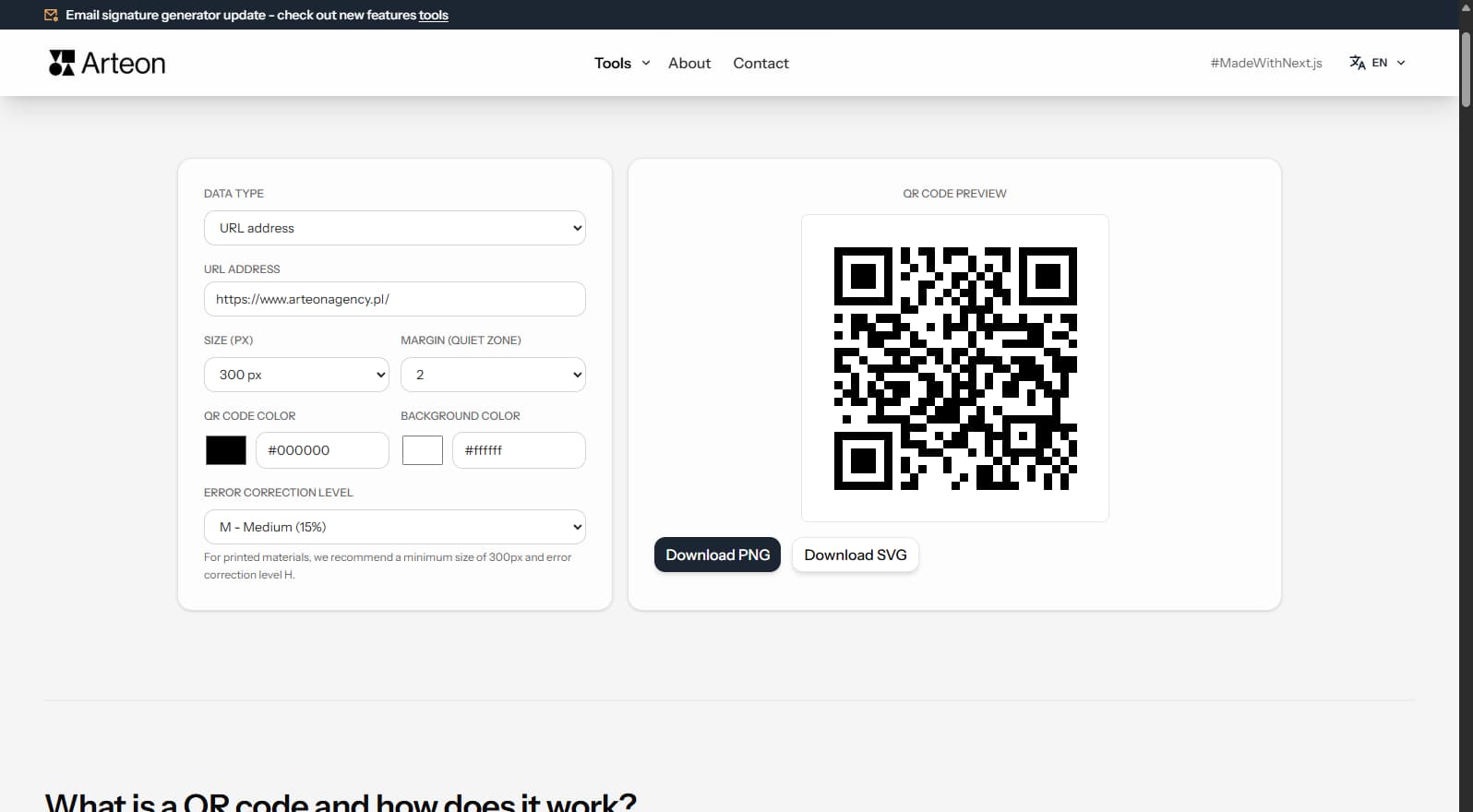
Create a QR code for a website, vCard business card or print. Export PNG and SVG, no registration.
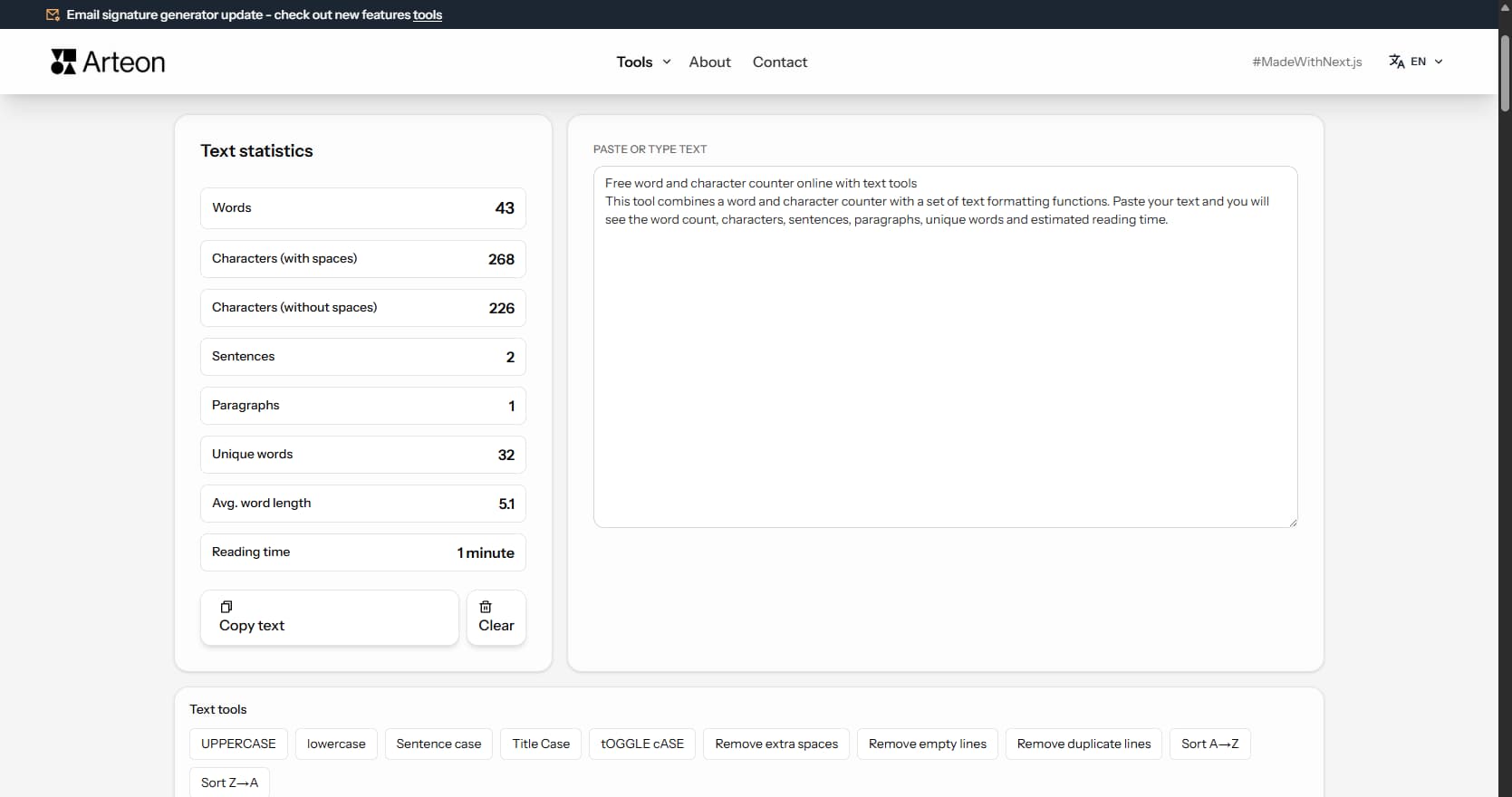
Count words, characters, sentences and reading time. Check readability with the Flesch-Kincaid score.