Upload your BMP file
Drag and drop your BMP file onto the converter or click to browse.
Convert BMP images to PDF documents. Combine multiple files into one PDF. Free, no registration.
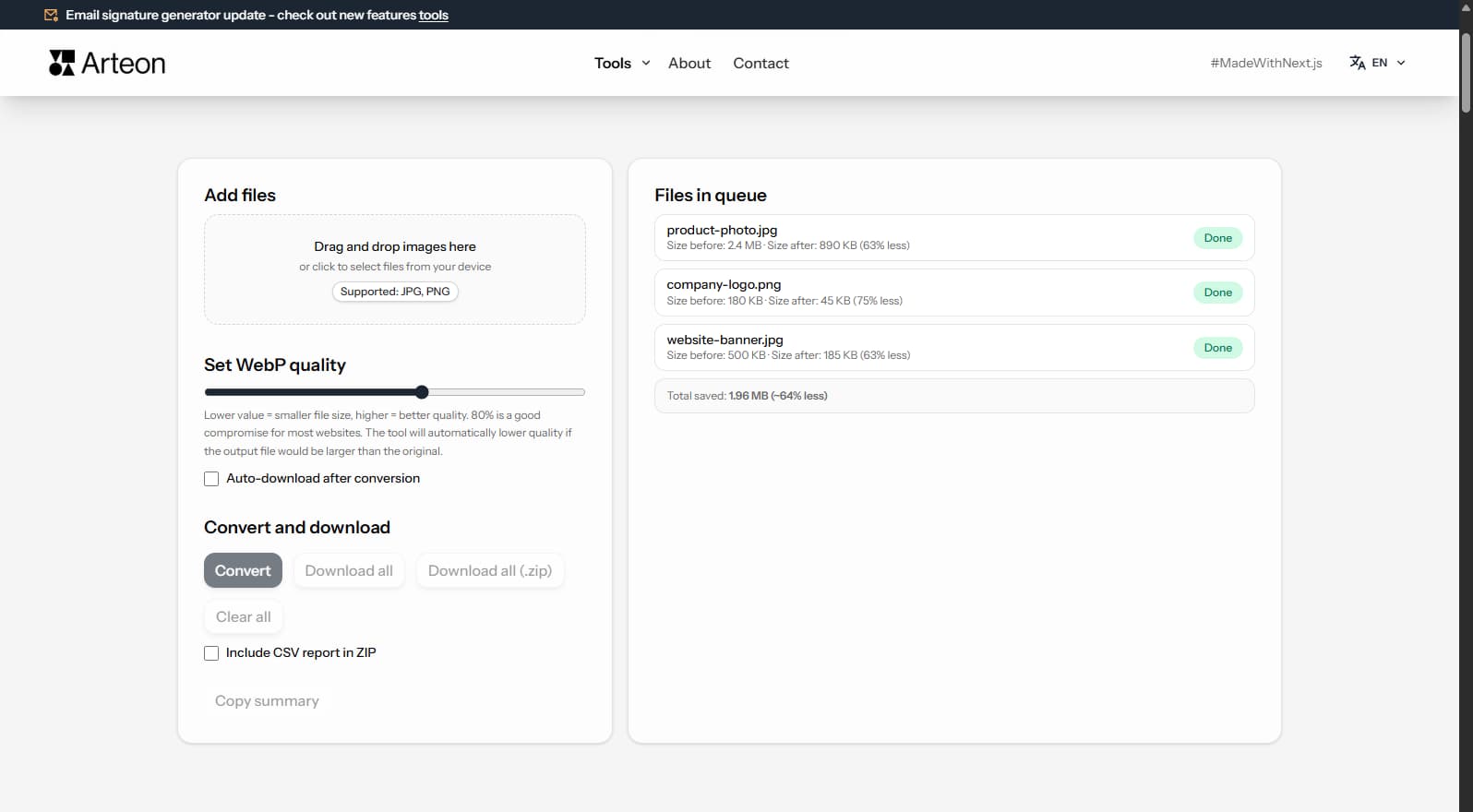
BMP (Bitmap) files are uncompressed and impractical to share — a single image can weigh 18+ MB. Converting BMP to PDF packages images into a universally readable document format. PDF files are smaller, can contain multiple pages, and are accepted everywhere — from email attachments to print shops.
Converting multiple BMP scans into a single multi-page PDF is ideal for archiving documents, creating portfolios, and preparing files for printing. PDF preserves the original resolution and can be viewed on any device without specialized software.
This converter processes files locally in your browser — nothing is sent to any server. No registration, no limits, no watermarks.
| Feature | BMP | |
|---|---|---|
| Lossy compression | — | — |
| Lossless compression | ✓ | ✓ |
| Transparency (alpha channel) | — | ✓ |
| Animation support | — | — |
| Web browser support | All browsers | Built-in PDF viewer |
| Compact file size | — | — |
| Metadata (EXIF) | — | — |
The quality slider lets you set a value from 60% to 95%. Higher values mean better image quality but larger file sizes.
At 85% quality, the visual difference between the original BMP and the resulting PDF is virtually imperceptible to the naked eye, while the file is significantly smaller.
A few tips to help you avoid common issues during conversion:
Savings depend on the source file type and its original compression. Below are example results:
Camera photo
12 MB → 890 KB
Product image
5 MB → 320 KB
Screenshot / banner
3.5 MB → 180 KB
Actual savings may vary depending on image content and quality settings. The converter shows the exact size before and after conversion for each file.
BMP to PDF conversion creates document files for sharing and archiving. When embedding or linking PDFs on websites, file size directly affects download speed and user experience.
BMP files are uncompressed, but the converter compresses images within the PDF to produce manageable file sizes. A typical 18 MB BMP becomes approximately 1–2 MB within a PDF thanks to internal JPEG compression.
For web publishing, consider converting BMP directly to WebP or AVIF instead of PDF. These modern formats produce the smallest files optimized for browser display.
Yes, this converter is completely free with no limits. No registration, no watermarks.
No. All processing happens locally in your browser. Your files never leave your device.
Yes, the converter supports batch conversion. Add multiple files and convert them all simultaneously.
Yes, the converter works on any device with a modern web browser, including smartphones and tablets.
Yes. All conversion happens locally in your browser using the Canvas API. Files are never sent to any external server. When you close the page, data is automatically cleared.
Yes. BMP files are added to the PDF in the order you upload them. You can rearrange the order before conversion by dragging files in the list.
The PDF format is widely supported by modern browsers: Chrome, Firefox, Safari, Edge, and Opera.
Have an idea, found a bug, or want to suggest a feature? Drop us a message – we respond within 24 hours.

Resize, crop and convert your image. Ready-made formats for social media, circular avatars, export to JPG/PNG/WebP.

Check title and description length in pixels. Live Google preview and optimization tips.
Convert PNG files to JPG in your browser. No file limits, no signup, no server uploads.

Create a complete favicon.ico set for your website from one image. All required sizes, no login.

Generate 9 palettes from one color: monochromatic, complementary, triadic and more. HEX codes.
Convert WebP files to universally compatible JPG. Works in every app and platform.

Check text and background contrast per WCAG 2.1 AA and AAA. Automatic color correction.

Create a QR code for a website, vCard business card or print. Export PNG and SVG, no registration.

Count words, characters, sentences and reading time. Check readability with the Flesch-Kincaid score.