AVIF-Datei hochladen
Ziehen Sie Ihre AVIF-Datei auf den Konverter oder klicken Sie zum Durchsuchen.
AVIF-Dateien in TIFF-Format umwandeln. Kostenlos, privat, unbegrenzt.
AVIF ist ein weit verbreitetes Dateiformat mit breiter Kompatibilitat. Je nach Anwendungsfall kann die Konvertierung in TIFF erhebliche Vorteile bieten - kleinere Dateien, bessere Qualitat oder breitere Plattformunterstutzung.
Dieser kostenlose Online-Konverter wandelt Ihre AVIF-Dateien direkt im Browser in das TIFF-Format um. Es werden keine Dateien auf einen Server hochgeladen - der gesamte Prozess findet lokal auf Ihrem Gerat statt.
Konvertieren Sie beliebig viele Dateien ohne tagliche Limits, ohne Registrierung und ohne Wasserzeichen. Ziehen Sie Ihre Dateien per Drag & Drop, passen Sie die Qualitat an und laden Sie die Ergebnisse herunter.
| Funktion | AVIF | TIFF |
|---|---|---|
| Verlustbehaftete Komprimierung | ✓ | — |
| Verlustfreie Komprimierung | ✓ | ✓ |
| Transparenz (Alphakanal) | ✓ | ✓ |
| Animationsunterstützung | ✓ | — |
| Webbrowser-Unterstützung | Chrome 85+, Firefox 93+, Edge 85+, Safari 16.4+ | Nur Safari |
| Farbtiefe | 8/10/12-bit, HDR | 8/16/32-bit |
| Kompakte Dateigröße | ✓ | — |
| Metadaten (EXIF) | ✓ | ✓ |
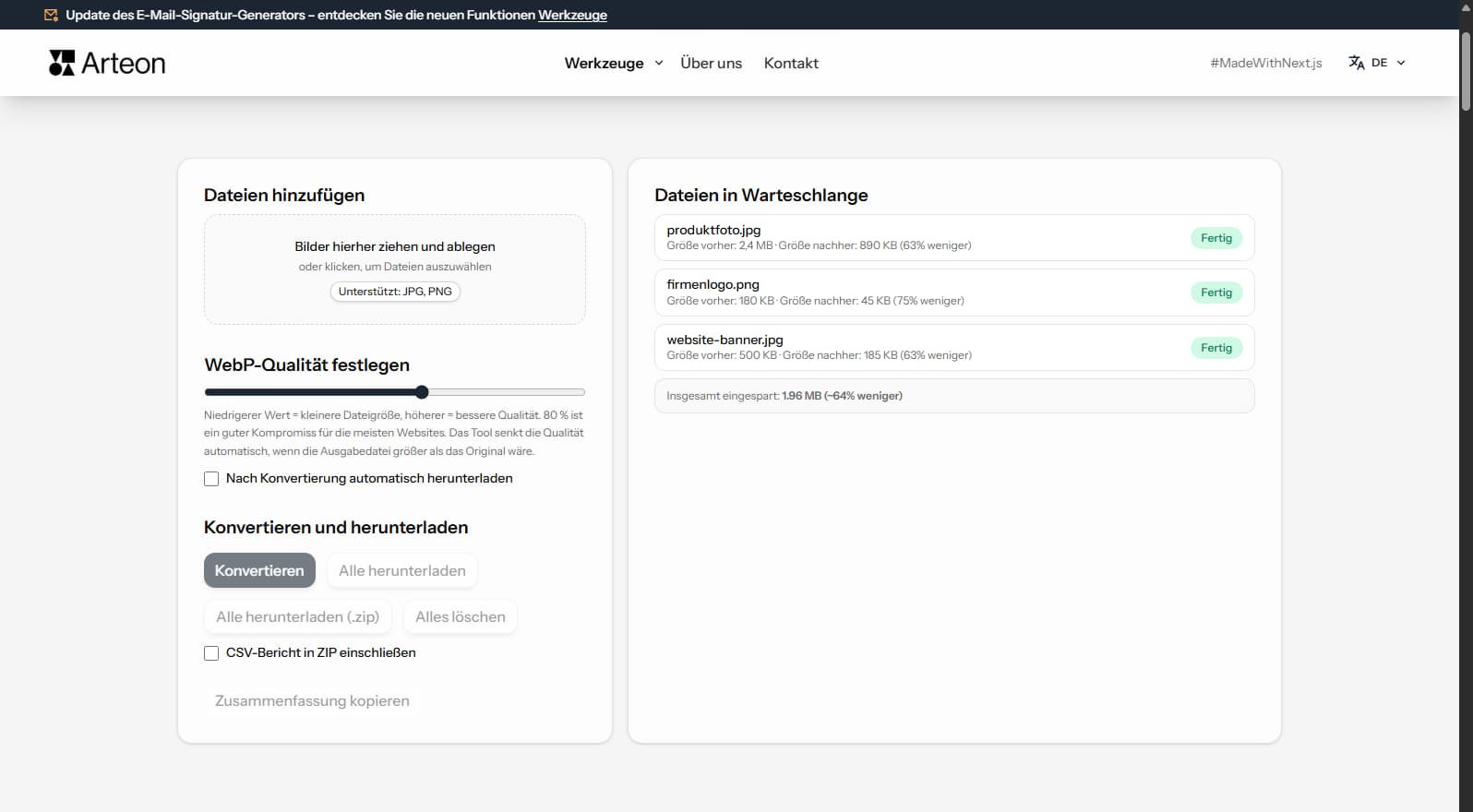
Einsparungen hängen vom Quelldateityp und Komprimierung ab:
Kamerafoto
2.4 MB → 890 KB
Produktbild
500 KB → 185 KB
Screenshot / Banner
350 KB → 230 KB
Tatsächliche Einsparungen variieren je nach Bildinhalt und Qualität.
Tipps, um häufige Probleme zu vermeiden:
AVIF uses lossy compression while TIFF is a lossless format. The conversion preserves the pixel data from the decoded AVIF exactly as-is in the TIFF output. No additional quality loss occurs during conversion.
TIFF files will be significantly larger than the AVIF originals — this is expected. A 200 KB AVIF file may become 15–25 MB in TIFF because TIFF stores every pixel without compression (or with lossless LZW compression).
For the best results, use high-quality AVIF source files. If the original AVIF was heavily compressed, the quality limitations will carry over to the TIFF output. TIFF cannot recover detail that was lost during AVIF compression.
TIFF is designed for print and archival workflows. If your images are intended for web delivery, social media, or digital-only use, AVIF is the better choice — files are dramatically smaller and load faster in browsers.
Convert to TIFF only when the target system specifically requires it: offset printing, desktop publishing (InDesign, QuarkXPress), medical imaging software, or professional photo archival systems. For general editing, PNG is a lighter lossless alternative.
If you need to share images digitally while maintaining quality, consider WebP or PNG as intermediate formats. TIFF should be reserved for professional print workflows where its CMYK support and ICC profiles are needed.
Ja, dieser Konverter ist völlig kostenlos und ohne Einschränkungen. Keine Registrierung, keine Wasserzeichen.
Nein. Die gesamte Verarbeitung erfolgt lokal in Ihrem Browser. Ihre Dateien verlassen nie Ihr Gerät.
Ja, der Konverter unterstützt die Stapelkonvertierung.
Ja, der Konverter funktioniert auf jedem Gerät mit einem modernen Webbrowser.
Ja. Alles geschieht lokal in Ihrem Browser. Dateien verlassen nie Ihr Gerät.
Ja. Der Konverter unterstützt Stapelkonvertierung ohne Limit.
TIFF wird von Chrome, Firefox, Safari, Edge und Opera unterstützt.
Haben Sie eine Idee, einen Fehler gefunden oder einen Vorschlag? Schreiben Sie uns – wir antworten innerhalb von 24 Stunden.

Bildgröße ändern, zuschneiden und Format konvertieren. Fertige Formate für Social Media, runde Avatare, Export als JPG/PNG/WebP.

Titel- und Beschreibungslänge in Pixeln prüfen. Live-Google-Vorschau und Optimierungstipps.

Erstellen Sie ein komplettes favicon.ico-Set für Ihre Website aus einem Bild. Alle erforderlichen Größen, ohne Anmeldung.

9 Paletten aus einer Farbe generieren: monochromatisch, komplementär, triadisch und mehr. HEX-Codes.

Text- und Hintergrundkontrast nach WCAG 2.1 AA und AAA prüfen. Automatische Farbkorrektur.

Erstellen Sie einen QR-Code für Website, vCard-Visitenkarte oder Druck. Export PNG und SVG, ohne Registrierung.

Wörter, Zeichen, Sätze und Lesezeit zählen. Lesbarkeit mit dem Flesch-Kincaid-Wert prüfen.