Nahrajte AVIF soubor
Přetáhněte AVIF soubor na převodník nebo klikněte pro procházení.
Převeďte soubory AVIF do formátu TIFF. Zdarma, soukromě a bez omezení.
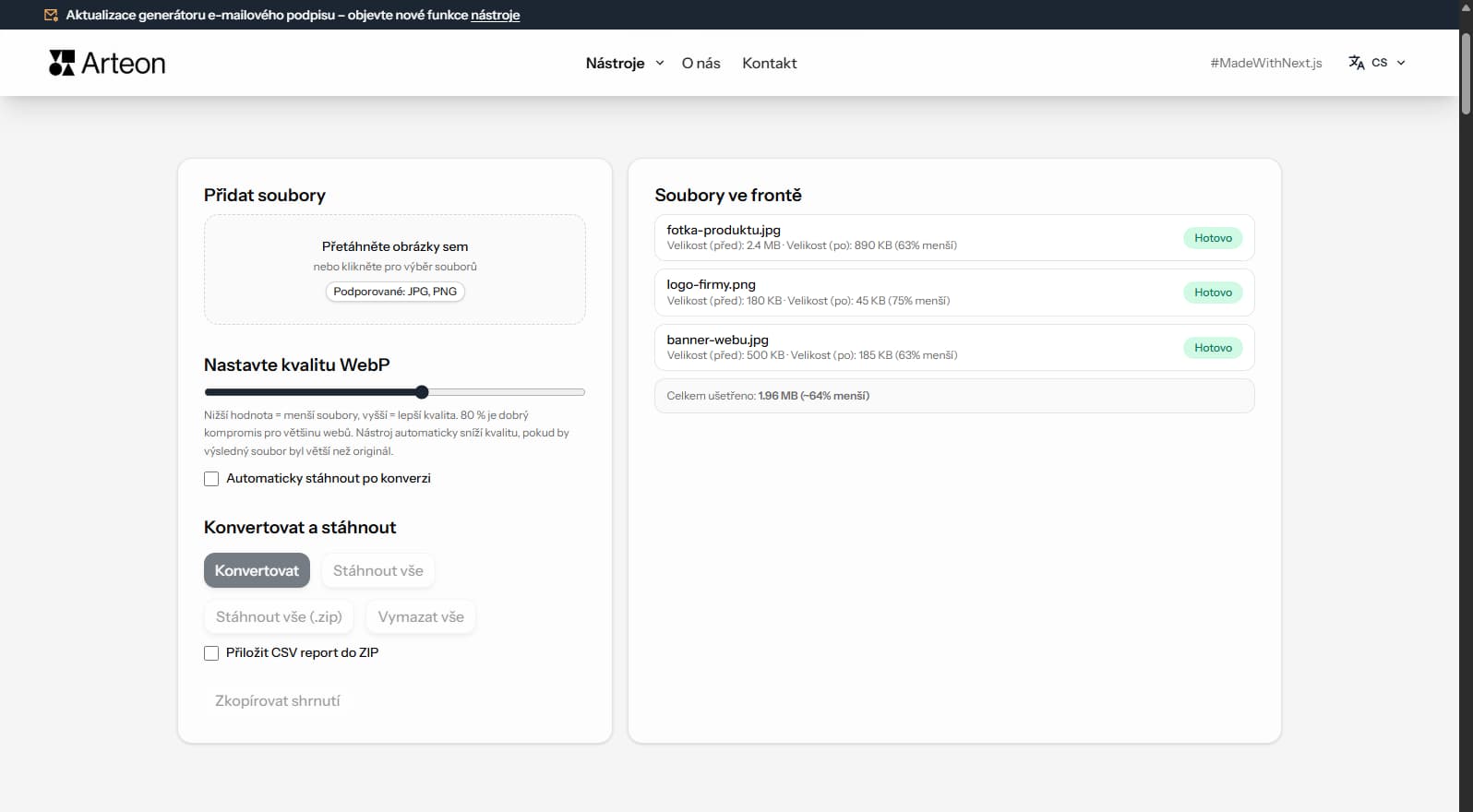
AVIF je sirce pouzivany format souboru s velkou kompatibilitou. Podle pripadu muze konverze na TIFF prinest vyznamne vyhody - mensi soubory, lepsi kvalitu nebo sirsi podporu platform.
Tento bezplatny konvertor prevadi vase AVIF soubory do formatu TIFF primo v prohlizeci. Zadne soubory se nenahravaji na server - cely proces probiha lokalne na vasem zarizeni.
Konvertujte kolik souboru potrebujete bez dennich limitu, bez registrace a bez vodoznaku. Pretahnete soubory, upravte kvalitu a stahnete vysledky.
| Funkce | AVIF | TIFF |
|---|---|---|
| Ztrátová komprese | ✓ | — |
| Bezeztrátová komprese | ✓ | ✓ |
| Průhlednost (alfa kanál) | ✓ | ✓ |
| Podpora animací | ✓ | — |
| Podpora webových prohlížečů | Chrome 85+, Firefox 93+, Edge 85+, Safari 16.4+ | Pouze Safari |
| Hloubka barev | 8/10/12-bit, HDR | 8/16/32-bit |
| Malá velikost souboru | ✓ | — |
| Metadata (EXIF) | ✓ | ✓ |
Uspory zavisi na typu souboru a jeho kompresi:
Foto z fotoaparatu
2.4 MB → 890 KB
Produktovy obrazek
500 KB → 185 KB
Screenshot / banner
350 KB → 230 KB
Skutecne uspory se lisi podle obsahu a nastaveni.
Tipy jak se vyhnout problemum:
AVIF uses lossy compression while TIFF is a lossless format. The conversion preserves the pixel data from the decoded AVIF exactly as-is in the TIFF output. No additional quality loss occurs during conversion.
TIFF files will be significantly larger than the AVIF originals — this is expected. A 200 KB AVIF file may become 15–25 MB in TIFF because TIFF stores every pixel without compression (or with lossless LZW compression).
For the best results, use high-quality AVIF source files. If the original AVIF was heavily compressed, the quality limitations will carry over to the TIFF output. TIFF cannot recover detail that was lost during AVIF compression.
TIFF is designed for print and archival workflows. If your images are intended for web delivery, social media, or digital-only use, AVIF is the better choice — files are dramatically smaller and load faster in browsers.
Convert to TIFF only when the target system specifically requires it: offset printing, desktop publishing (InDesign, QuarkXPress), medical imaging software, or professional photo archival systems. For general editing, PNG is a lighter lossless alternative.
If you need to share images digitally while maintaining quality, consider WebP or PNG as intermediate formats. TIFF should be reserved for professional print workflows where its CMYK support and ICC profiles are needed.
Ano, tento převodník je zcela zdarma a bez omezení. Žádná registrace, žádné vodoznaky.
Ne. Veškeré zpracování probíhá lokálně v prohlížeči. Soubory nikdy neopustí vaše zařízení.
Ano, převodník podporuje dávkový převod.
Ano, funguje na jakémkoli zařízení s moderním webovým prohlížečem.
Ano. Vse probiha lokalne v prohlizeci pres Canvas API. Nic se neodesila na server.
Ano. Davkova konverze bez limitu. Pretahnete soubory do konvertoru.
TIFF je podporovan v Chrome, Firefox, Safari, Edge a Opera.
Máte nápad, našli jste chybu nebo chcete něco navrhnout? Napište nám – odpovíme do 24 hodin.

Změňte velikost, ořízněte a převeďte obrázek. Hotové formáty pro sociální sítě, kulaté avatary, export JPG/PNG/WebP.

Zkontrolujte délku titulku a popisu v pixelech. Živý náhled v Google a tipy na optimalizaci.

Vytvořte kompletní sadu favicon.ico pro svůj web z jednoho obrázku. Všechny potřebné velikosti, bez přihlášení.

Vygenerujte 9 palet z jedné barvy: monochromatickou, komplementární, triádickou a další. Kódy HEX.

Zkontrolujte kontrast textu a pozadí podle WCAG 2.1 AA a AAA. Automatická korekce barev.

Vytvořte QR kód pro web, vizitku vCard nebo tisk. Export PNG a SVG, bez registrace.

Spočítejte slova, znaky, věty a čas čtení. Zkontrolujte čitelnost pomocí skóre Flesch-Kincaid.