Sube tu archivo AVIF
Arrastra tu archivo AVIF al convertidor o haz clic para buscar.
Convierte archivos AVIF a formato TIFF. Gratis, privado y sin límites.
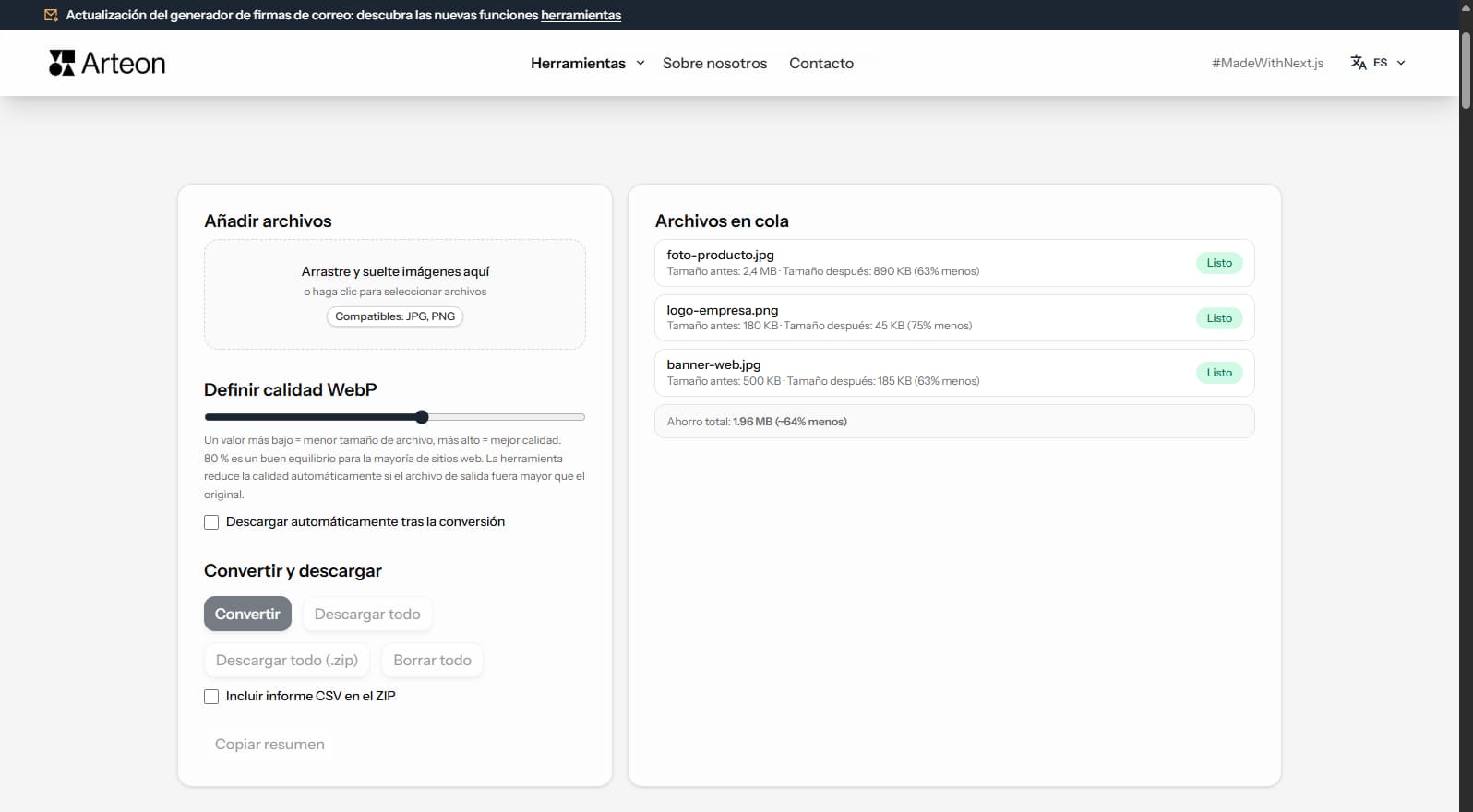
AVIF es un formato ampliamente utilizado con gran compatibilidad. Segun el caso, la conversion a TIFF puede ofrecer ventajas significativas - archivos mas pequenos, mejor calidad o mayor soporte de plataformas.
Este convertidor gratuito transforma tus archivos AVIF al formato TIFF directamente en el navegador. No se suben archivos a ningun servidor - todo el proceso ocurre localmente en tu dispositivo.
Convierte todos los archivos que necesites sin limites diarios, sin registro y sin marcas de agua. Arrastra y suelta tus archivos, ajusta la calidad y descarga los resultados.
| Característica | AVIF | TIFF |
|---|---|---|
| Compresión con pérdida | ✓ | — |
| Compresión sin pérdida | ✓ | ✓ |
| Transparencia (canal alfa) | ✓ | ✓ |
| Soporte de animación | ✓ | — |
| Compatibilidad con navegadores | Chrome 85+, Firefox 93+, Edge 85+, Safari 16.4+ | Solo Safari |
| Profundidad de color | 8/10/12-bit, HDR | 8/16/32-bit |
| Tamaño de archivo compacto | ✓ | — |
| Metadatos (EXIF) | ✓ | ✓ |
El ahorro depende del tipo de archivo y su compresion original:
Foto de camara
2.4 MB → 890 KB
Imagen de producto
500 KB → 185 KB
Captura / banner
350 KB → 230 KB
El ahorro real varia segun contenido y ajustes de calidad.
Consejos para evitar problemas:
AVIF uses lossy compression while TIFF is a lossless format. The conversion preserves the pixel data from the decoded AVIF exactly as-is in the TIFF output. No additional quality loss occurs during conversion.
TIFF files will be significantly larger than the AVIF originals — this is expected. A 200 KB AVIF file may become 15–25 MB in TIFF because TIFF stores every pixel without compression (or with lossless LZW compression).
For the best results, use high-quality AVIF source files. If the original AVIF was heavily compressed, the quality limitations will carry over to the TIFF output. TIFF cannot recover detail that was lost during AVIF compression.
TIFF is designed for print and archival workflows. If your images are intended for web delivery, social media, or digital-only use, AVIF is the better choice — files are dramatically smaller and load faster in browsers.
Convert to TIFF only when the target system specifically requires it: offset printing, desktop publishing (InDesign, QuarkXPress), medical imaging software, or professional photo archival systems. For general editing, PNG is a lighter lossless alternative.
If you need to share images digitally while maintaining quality, consider WebP or PNG as intermediate formats. TIFF should be reserved for professional print workflows where its CMYK support and ICC profiles are needed.
Sí, este convertidor es completamente gratuito y sin límites. Sin registro, sin marcas de agua.
No. Todo el procesamiento ocurre localmente en tu navegador. Tus archivos nunca salen de tu dispositivo.
Sí, el convertidor admite conversión por lotes.
Sí, funciona en cualquier dispositivo con un navegador web moderno.
Si. Todo se procesa localmente en tu navegador via Canvas API. Los archivos nunca salen de tu dispositivo.
Si. Conversion por lotes sin limite. Arrastra archivos al convertidor.
TIFF es compatible con Chrome, Firefox, Safari, Edge y Opera.
¿Tienes una idea, encontraste un error o quieres sugerir algo? Escríbenos – respondemos en 24 horas.
Convierte fotos JPG a WebP ligero. Reduce el peso de las imágenes hasta un 35%.

Cambie el tamaño, recorte y convierta su imagen. Formatos listos para redes sociales, avatares circulares, exportación a JPG/PNG/WebP.

Compruebe la longitud del título y la descripción en píxeles. Vista previa de Google en vivo y sugerencias de optimización.
Convierte archivos PNG a JPG en el navegador. Sin límite de archivos, sin registro.

Cree un conjunto completo de favicon.ico para su sitio web desde una imagen. Todos los tamaños necesarios, sin registro.

Genere 9 paletas a partir de un color: monocromática, complementaria, triádica y más. Códigos HEX.
Convierte archivos WebP a JPG compatible con cualquier programa y plataforma.

Compruebe el contraste de texto y fondo según WCAG 2.1 AA y AAA. Corrección automática de colores.

Cree un código QR para sitio web, tarjeta vCard o impresión. Exporte PNG y SVG, sin registro.

Cuente palabras, caracteres, oraciones y tiempo de lectura. Compruebe la legibilidad con la puntuación Flesch-Kincaid.