Ladda upp din AVIF-fil
Dra din AVIF-fil till konverteraren eller klicka för att bläddra.
Konvertera AVIF-filer till TIFF-format. Gratis, privat och obegränsat.
AVIF ar ett brett anvant filformat med stor kompatibilitet. Beroende pa anvandningsfallet kan konvertering till TIFF erbjuda betydande fordelar - mindre filer, battre kvalitet eller bredare plattformsstod.
Denna gratiskonverterare omvandlar dina AVIF-filer till TIFF-format direkt i webblasaren. Inga filer laddas upp - hela processen sker lokalt pa din enhet.
Konvertera sa manga filer du vill utan dagliga begransningar, utan registrering och utan vattenstamplar. Dra och slapp filer, justera kvaliteten och ladda ner resultaten.
| Funktion | AVIF | TIFF |
|---|---|---|
| Förlustrik komprimering | ✓ | — |
| Förlustfri komprimering | ✓ | ✓ |
| Transparens (alfakanal) | ✓ | ✓ |
| Animationsstöd | ✓ | — |
| Webbläsarstöd | Chrome 85+, Firefox 93+, Edge 85+, Safari 16.4+ | Endast Safari |
| Färgdjup | 8/10/12-bit, HDR | 8/16/32-bit |
| Kompakt filstorlek | ✓ | — |
| Metadata (EXIF) | ✓ | ✓ |
Tips for att undvika vanliga problem:
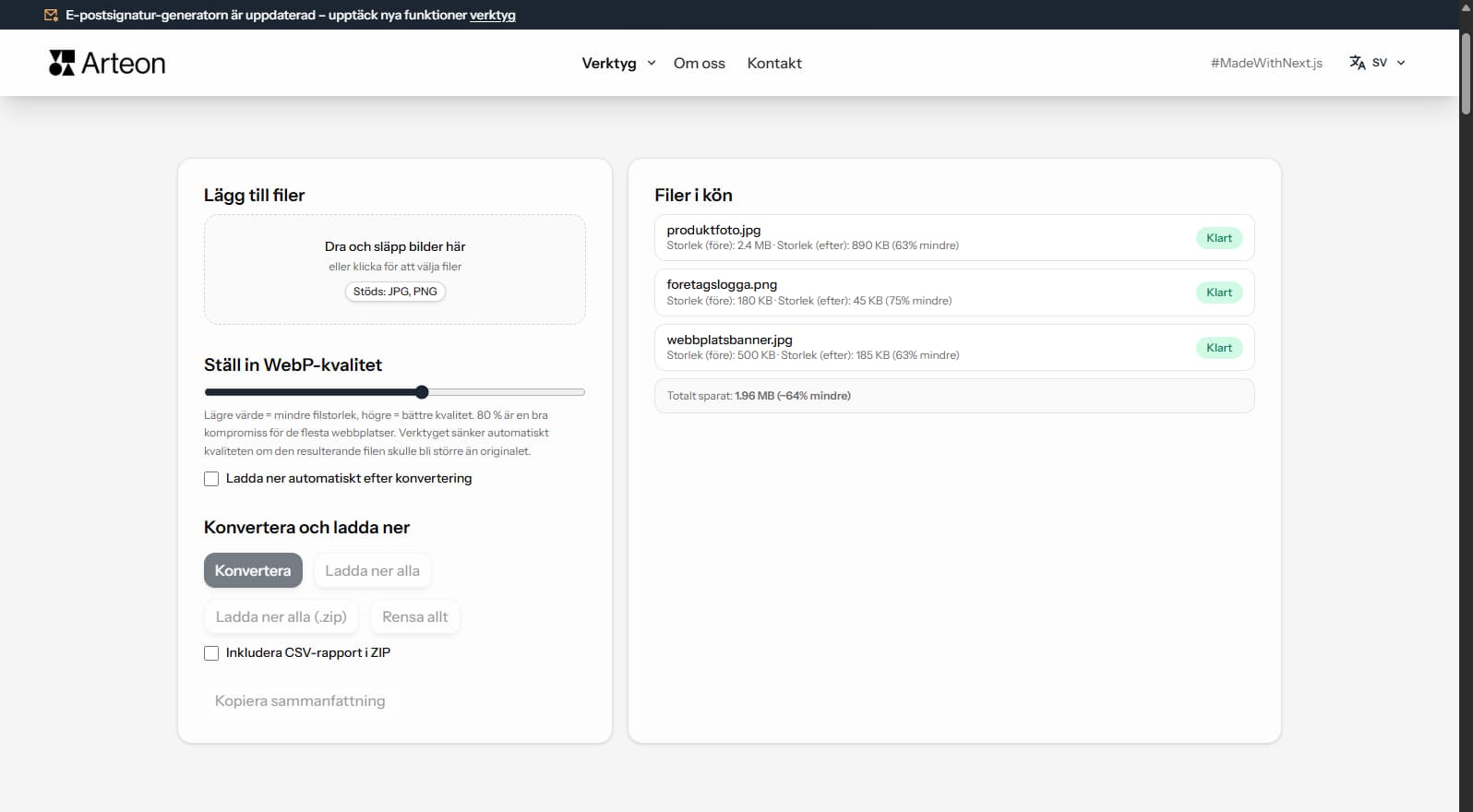
Besparingarna beror pa filtyp och komprimering:
Kamerafoto
2.4 MB → 890 KB
Produktbild
500 KB → 185 KB
Skarmavbild / banner
350 KB → 230 KB
Faktiska besparingar varierar beroende pa innehall och installningar.
AVIF uses lossy compression while TIFF is a lossless format. The conversion preserves the pixel data from the decoded AVIF exactly as-is in the TIFF output. No additional quality loss occurs during conversion.
TIFF files will be significantly larger than the AVIF originals — this is expected. A 200 KB AVIF file may become 15–25 MB in TIFF because TIFF stores every pixel without compression (or with lossless LZW compression).
For the best results, use high-quality AVIF source files. If the original AVIF was heavily compressed, the quality limitations will carry over to the TIFF output. TIFF cannot recover detail that was lost during AVIF compression.
TIFF is designed for print and archival workflows. If your images are intended for web delivery, social media, or digital-only use, AVIF is the better choice — files are dramatically smaller and load faster in browsers.
Convert to TIFF only when the target system specifically requires it: offset printing, desktop publishing (InDesign, QuarkXPress), medical imaging software, or professional photo archival systems. For general editing, PNG is a lighter lossless alternative.
If you need to share images digitally while maintaining quality, consider WebP or PNG as intermediate formats. TIFF should be reserved for professional print workflows where its CMYK support and ICC profiles are needed.
Ja, denna konverterare är helt gratis och utan begränsningar. Ingen registrering, inga vattenstämplar.
Nej. All bearbetning sker lokalt i din webbläsare. Dina filer lämnar aldrig din enhet.
Ja, konverteraren stöder batchkonvertering.
Ja, den fungerar på alla enheter med en modern webbläsare.
Ja. Allt sker lokalt i webblasaren via Canvas API. Inget skickas till servrar.
Ja. Batchkonvertering utan begransning. Dra filer till konverteringsomradet.
TIFF stods av Chrome, Firefox, Safari, Edge och Opera.
Har du en idé, hittat en bugg eller vill föreslå något? Skicka oss ett meddelande – vi svarar inom 24 timmar.

Ändra storlek, beskär och konvertera din bild. Färdiga format för sociala medier, runda avatarer, export JPG/PNG/WebP.

Kontrollera titel- och beskrivningslängd i pixlar. Live Google-förhandsgranskning och optimeringstips.
Konvertera PNG-filer till JPG i webbläsaren. Utan begränsning, utan registrering.

Skapa en komplett favicon.ico-uppsättning för din webbplats från en bild. Alla nödvändiga storlekar, utan inloggning.

Generera 9 paletter från en färg: monokromatisk, komplementär, triadisk och fler. HEX-koder.

Kontrollera text- och bakgrundskontrast enligt WCAG 2.1 AA och AAA. Automatisk färgkorrigering.

Skapa en QR-kod för webbplats, vCard-visitkort eller utskrift. Export PNG och SVG, utan registrering.

Räkna ord, tecken, meningar och lästid. Ändra versaler och formatera text med ett klick.